


Description
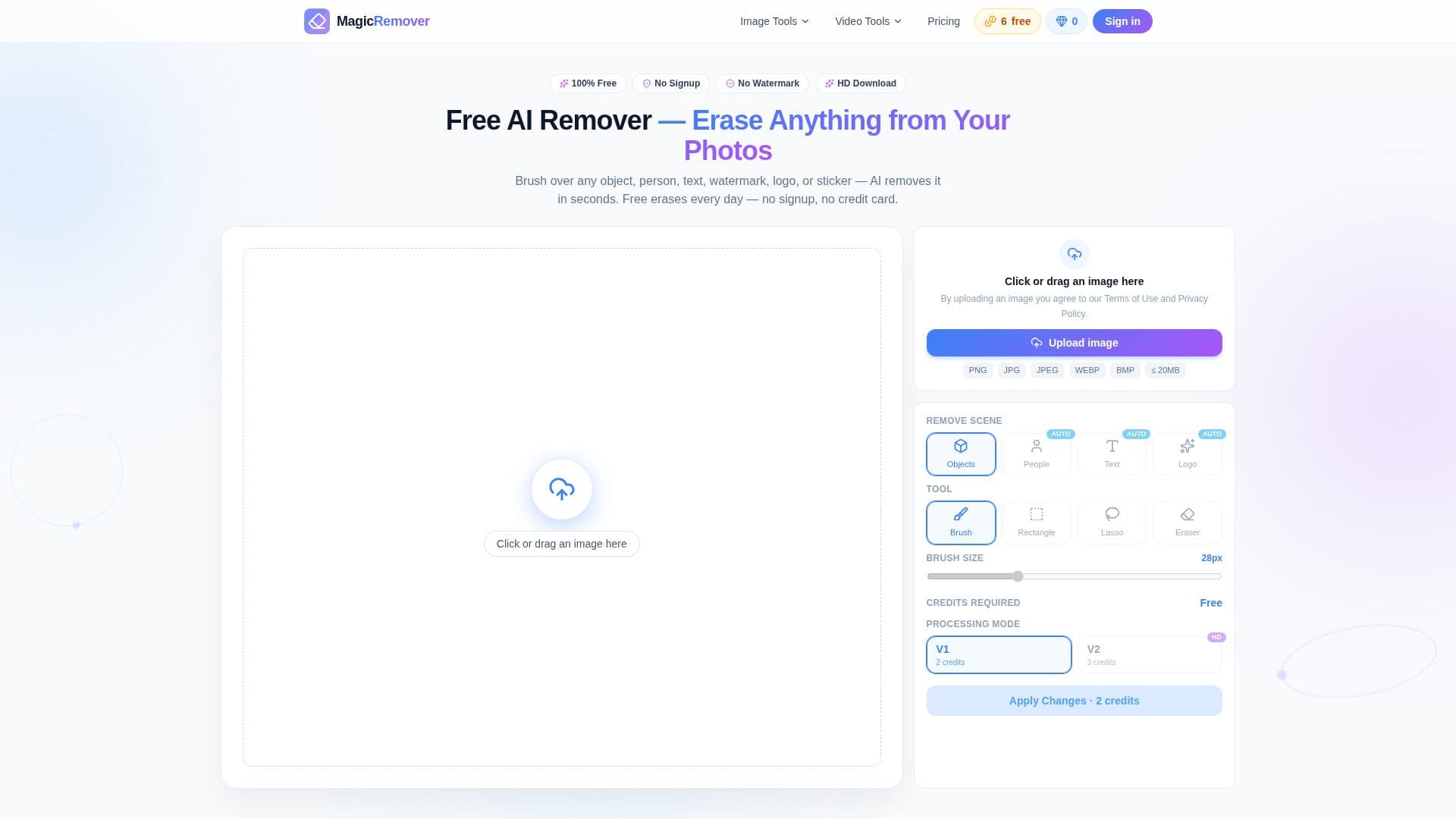
MagicRemover is an AI-driven tool designed to remove unwanted elements from photos, such as objects, people, text, and watermarks. The application operates directly in your browser, eliminating the need for any signup, installation, or credit card information. Users can enjoy six free edits per day, split between three manual and three AI auto edits. The tool ensures that downloads are in full resolution without any watermarks, even on the free plan.
The AI inpainting model used by MagicRemover analyzes surrounding pixels, including texture, light, and edges, to seamlessly fill the brushed area, making the background appear continuous and natural. This capability allows users to remove a wide range of elements, including photobombers, clutter, text, logos, and stickers, from their images.
MagicRemover supports JPG, PNG, and WebP file formats, with a maximum file size of 20 MB per image. Users are encouraged to use the largest and sharpest version of their photos for optimal results. The tool is versatile, allowing for the removal of various elements such as people, objects, text, watermarks, logos, and stickers.
Pricing for MagicRemover starts with a free tier offering six daily edits. For users requiring more, monthly plans begin at $3.90, and one-time credit packs are available from $4.99. The tool is suitable for anyone needing to edit photos, including photographers, designers, and content creators, who can use the results commercially, provided they respect the rights of the original photos.
MagicRemover's Core Features
Free daily edits
No signup required
Full-resolution downloads
AI inpainting model
Supports JPG, PNG, WebP
Commercial use allowed
Browser-based operation
No watermark on downloads
Manual and AI auto modes
Seamless background fill
How to use MagicRemover?
Open the website: access MagicRemover in your browser
Upload photo: drag or click to upload your image
Brush over elements: select areas to remove
Download result: save the edited image without watermark
MagicRemover's Use Cases
- Photo cleanup
- Commercial editing
- Social media
- E-commerce
- Design projects


