Description
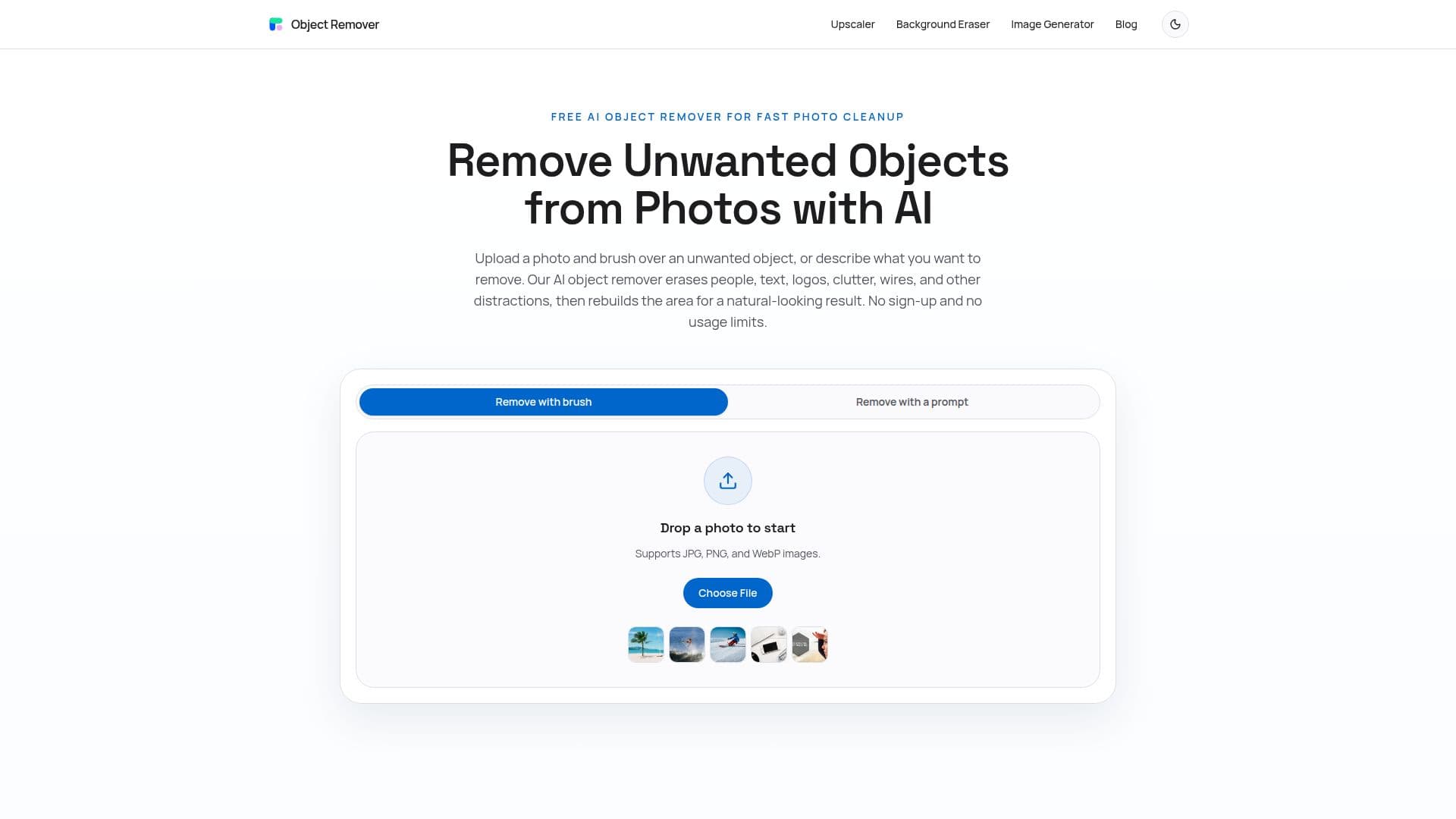
Object Remover is an online AI photo cleanup tool that removes unwanted objects from images without complicated editing software. Users upload a JPG, PNG, or WebP photo, brush over the person, text, logo, cable, or other distraction they want gone, and the AI erases it and rebuilds the underlying area.
Read More
The tool relies on AI inpainting, which analyzes nearby texture, color, lighting, and scene structure to fill the masked region for a natural-looking result. It works best on backgrounds with repeatable texture such as walls, sky, grass, or fabric, and users can refine the mask or run additional passes on complex areas.
Object Remover is completely free with no registration, credits, subscriptions, or usage limits, and it does not add watermarks. Uploaded images and generated results are automatically deleted within two hours, and because no account is required, files are not linked to a user profile.
It is distinct from a background remover: instead of separating the subject from the whole background, it keeps the photo intact and only erases the brushed area, making it suited to travel shots, product listings, real estate photos, portraits, and social media images.
- CategoryAI Photo Editors
- Pricing ModelFree
- DeploymentCloud
- PlatformsWeb
Object Remover's Core Features
AI object removal for people, text, logos, and clutter
Precise brush control to mark and fine-tune the mask
Natural AI inpainting that rebuilds the erased area
Completely free with no credits or usage limits
No login or account required
Automatic deletion of uploads and results within 2 hours
Supports JPG, PNG, and WebP images
No watermarks on downloaded images
How to use Object Remover?
Upload your photo: Choose a JPG, PNG, or WebP image and open it in the object remover workspace.
Brush over the object: Paint over the person, text, logo, shadow, cable, or distraction you want removed.
Let AI rebuild the area: The AI inpaints the selected region using the surrounding image and produces a clean result.
Download the image: Save the finished photo, and refine the mask or run another pass if needed.
Object Remover's Use Cases
- Travel photo cleanup
- Product photo cleanup
- Real estate cleanup
- Portrait retouching
- Social media prep