Description
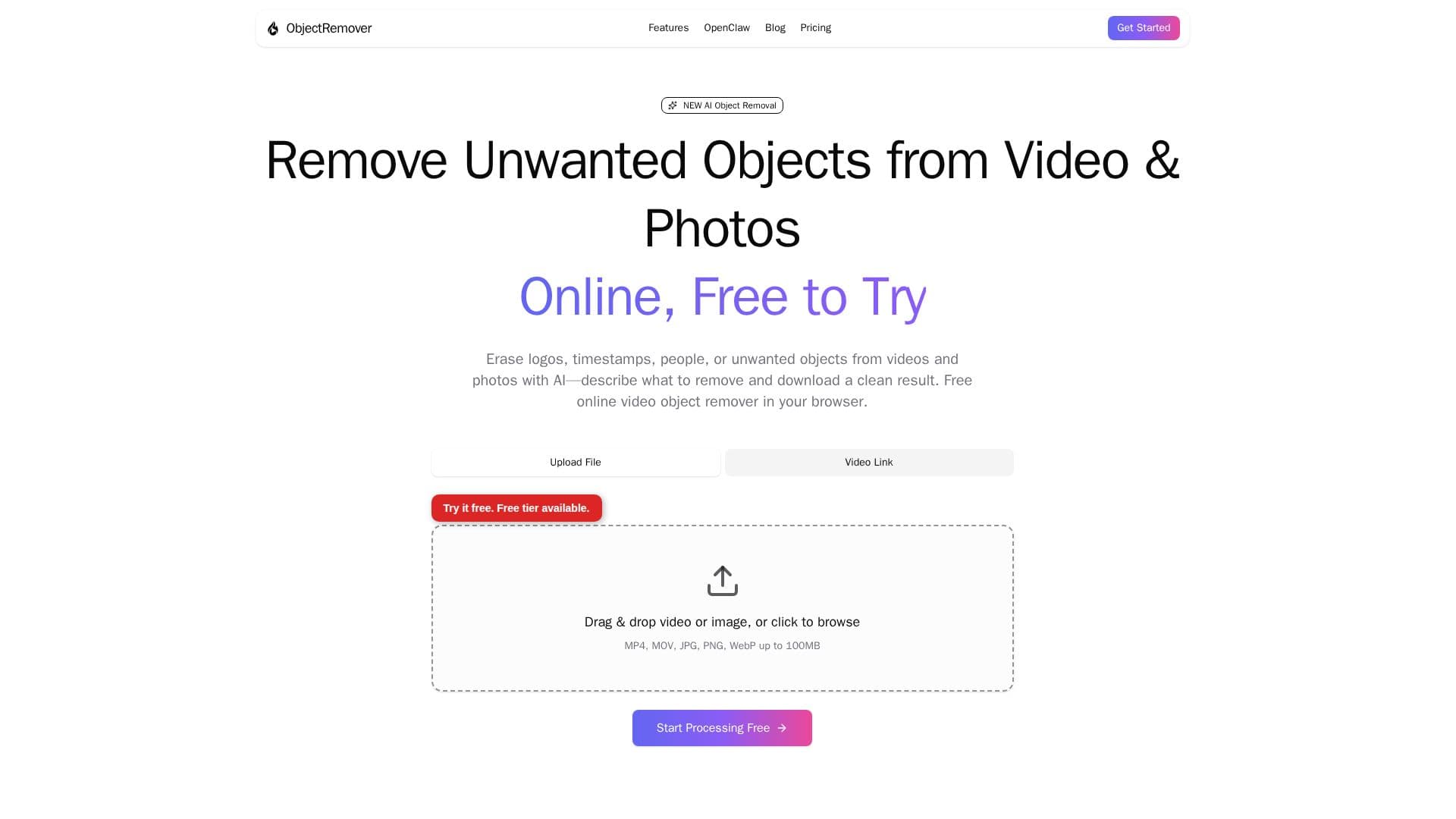
ObjectRemover is an online AI cleanup tool for footage and images you own or are allowed to edit. Users upload an MP4 or MOV video, or a JPG, PNG, or WebP photo, describe the unwanted object, person, or overlay in plain language, and the AI detects, tracks, and removes it, then rebuilds the surrounding area.
Read More
The tool uses geometry-aware temporal segmentation so objects stay locked across frames without flickering or ghosting, and inpainting reconstructs the background with temporal consistency. Its category intelligence can identify every instance of a described item rather than just the first, and subjects can also be extracted with a transparent alpha-channel background for reuse in other projects. According to the site, it draws on open-source AI technologies including Meta's Segment Anything Model and ProPainter.
Everything runs in the browser with no desktop install. A free tier lets anonymous users try short clips and photos with low-quality, watermarked previews and daily limits, while credit-based paid plans unlock HD and 4K output and longer clips. Custom top-ups start at $3.23 for 25 credits, with Basic, Premium, and Enterprise packs available; credits are valid for 12 months and there is no subscription.
Uploaded media is never used to train the AI models. Paid watermark-free outputs are kept about seven days and free watermarked previews about one day before deletion. ObjectRemover was founded by Jerry Lee and also offers an API accessible via an OpenClaw skill.
- CategoryAI Video Editors
- Pricing ModelFreemium
- DeploymentCloud
- PlatformsWeb
ObjectRemover's Core Features
AI video and photo object removal from natural-language prompts
Geometry-aware temporal segmentation that tracks objects across frames
Background restoration with temporal consistency via inpainting
Removal of people, logos, timestamps, and on-screen clutter
Subject extraction with a transparent alpha-channel background
Browser-based workflow with no desktop install
Free tier plus pay-as-you-go credits with no subscription
API access via an OpenClaw skill
How to use ObjectRemover?
Upload video or image: Add an MP4 or MOV video (up to 100MB) or a JPG, PNG, or WebP photo, or paste a video URL.
Tell the AI what to remove: Describe or click the object, person, logo, or watermark to remove, trimming longer clips first.
Let AI process: The AI tracks the target across frames and inpaints the background for a continuous result.
Preview and download: Review the output and download it; credits unlock HD, watermark-free exports.
ObjectRemover's Use Cases
- Remove people from footage
- Logo and watermark cleanup
- Screen recording cleanup
- Object extraction
- Photo distraction removal