
Description
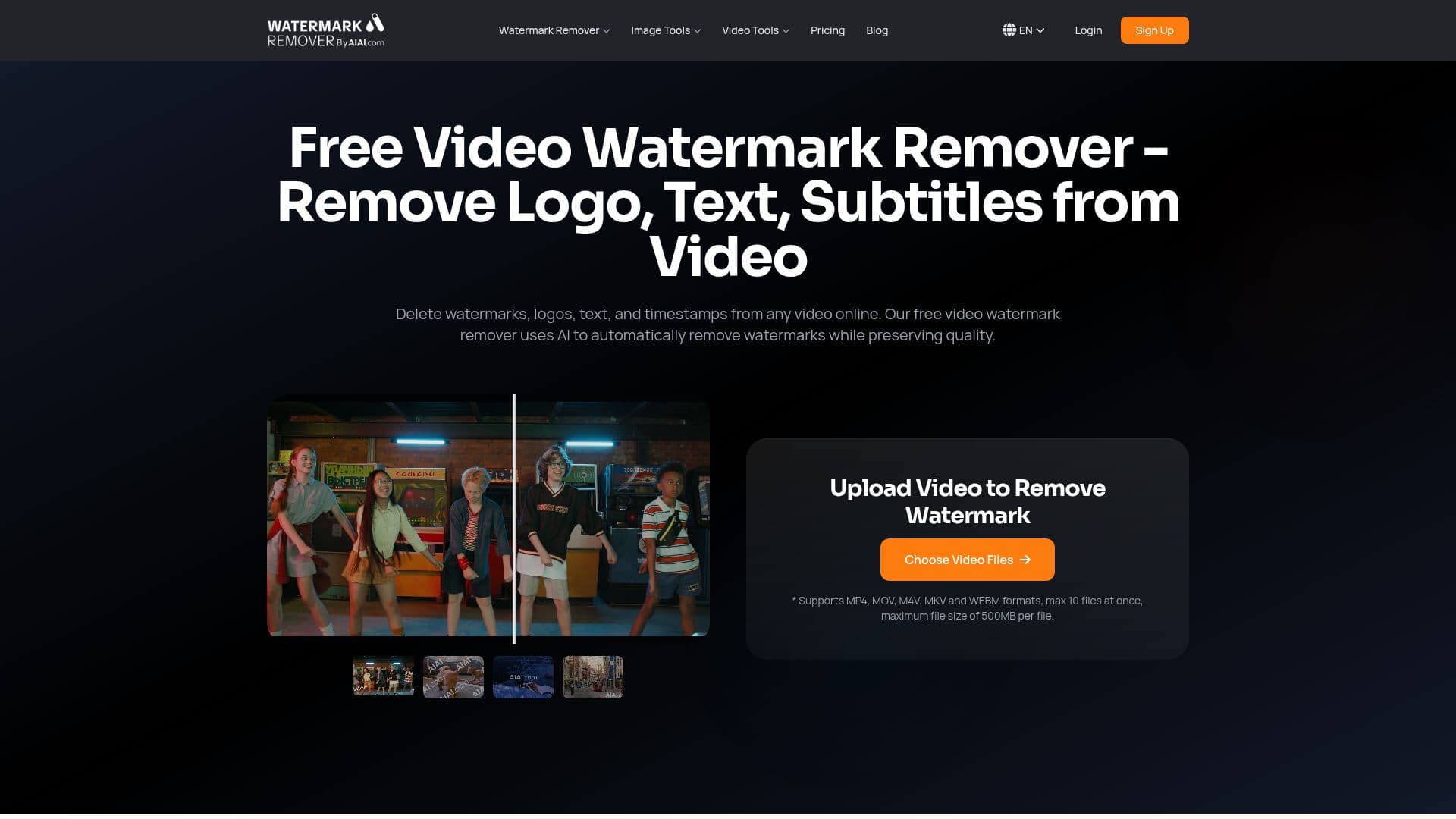
AIAI.com's Video Watermark Remover is an online AI tool for deleting watermarks, logos, text, and timestamps from videos. Instead of blurring, it uses AI inpainting to reconstruct the background pixels where a mark was, aiming for a clean, invisible removal that preserves the original resolution, whether the source is 720p, 1080p, or 4K.
Read More
The tool automatically identifies watermarks, logos, text, and timestamps, and can also remove hardcoded subtitles, brand and channel logos, promotional text overlays, stickers and emojis, date and time stamps, and unwanted objects. It is engineered for tricky cases: multi-frame fusion keeps dynamic backgrounds consistent, edge-aware inpainting protects faces and essential subtitles, and content-aware filling reconstructs complex textures such as hair and gradient skies. It is optimized to remove branding from AI-generated videos from models like Kling and Sora 2, and to clean social clips from TikTok, YouTube, and Instagram.
It supports a variety of video formats including MP4, MOV, M4V, and MKV, runs in the browser with no installation, and processes on GPU clusters for fast results. Free users can preview a short segment of the result before committing credits.
Usage is credit-based. New users receive 20 credits on first registration, enough to remove watermarks from two short videos, and flexible credit packages scale up so the more you buy the lower the per-video cost. The tool is part of the broader AIAI.com AI video and image platform, with dedicated pages for removing marks from Meta, Veo, Runway, TikTok, YouTube, and stock-image watermarks.
- CategoryAI Video Editors
- Pricing ModelFreemium
- DeploymentCloud
- PlatformsWeb
AIAI.com Video Watermark Remover's Core Features
AI inpainting that rebuilds background pixels instead of blurring
Automatic detection of watermarks, logos, text, and timestamps
Removal of subtitles, stickers, emojis, and unwanted objects
Multi-frame fusion for dynamic backgrounds and face/subtitle protection
Optimized for AI-generated videos from Kling, Sora 2, and others
Support for MP4, MOV, M4V, MKV, and more
Browser-based with GPU-accelerated processing
Free preview segment before spending credits
How to use AIAI.com Video Watermark Remover?
Upload your video: Drag and drop or browse to add a file in MP4, MOV, M4V, MKV, or another supported format.
Let AI detect: The AI automatically identifies watermarks, logos, text, and timestamps, or you can select the area manually.
Process: Run the removal and reconstruct the covered area.
Download: Get the watermark-free video in its original quality.
AIAI.com Video Watermark Remover's Use Cases
- Clean AI video output
- Repurpose social clips
- Rebranding footage
- Subtitle and caption removal
- Restore old footage