
Description
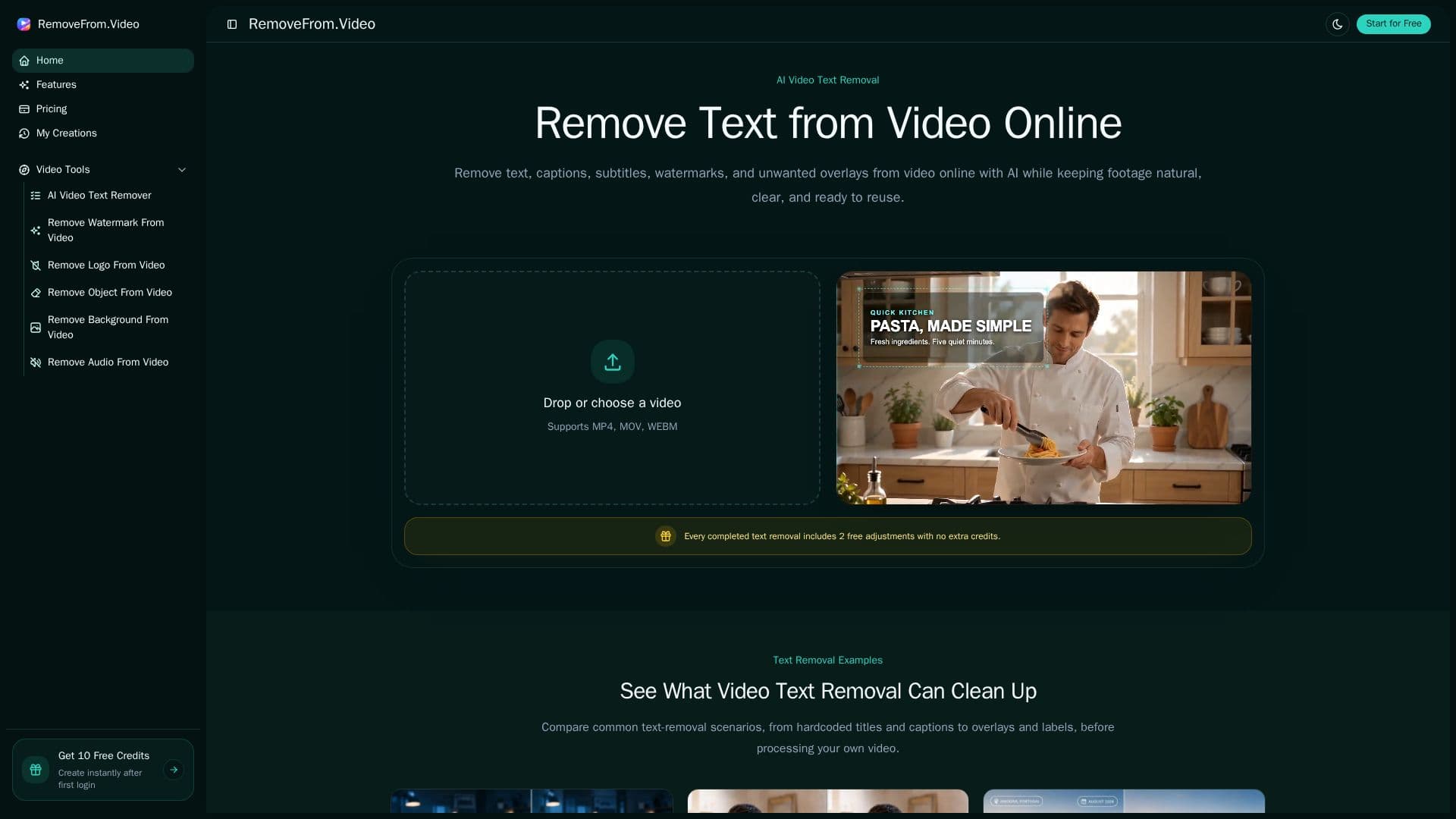
RemoveFrom.Video is an AI video cleanup tool focused on removing text and other unwanted elements from video. It erases hardcoded text baked into the frame, burned-in captions and subtitles, on-screen overlays and lower thirds, and fixed timestamps, labels, and date stamps. Rather than blurring, the AI rebuilds the background behind the removed area so the footage stays natural and keeps its original dimensions.
Read More
Alongside text removal, the tool includes a dedicated video watermark remover for visible watermarks, brand marks, and fixed overlays, plus focused workflows for removing logos, objects, people, backgrounds, and audio. Each removal type has a workflow designed for that job, so you can target a watermark area without cropping the whole frame and review the cleaned result before download. It supports common formats such as MP4, MOV, and WEBM and runs online without a complex editor.
The tool is aimed at creators, marketers, and educators who need to reuse footage, for example cleaning old titles and subtitles before updating YouTube Shorts, removing promotional overlays from campaign footage, or clearing outdated labels from tutorials and screen recordings.
Usage is credit-based, charged at one credit per second of generated video, with no subscription required. One-time credit packs (Lite, Basic, Pro) cover from a few minutes up to 40 minutes of video, with higher tiers adding up to 4K output, faster processing, priority support, and a commercial license. Credits are valid for 12 months.
- CategoryAI Video Editors
- Pricing ModelUsage-based
- DeploymentCloud
- PlatformsWeb
RemoveFrom.Video's Core Features
AI removal of hardcoded text, captions, subtitles, and overlays
Background rebuilding instead of blurring, keeping original frame size
Dedicated video watermark remover for brand marks and fixed overlays
Separate workflows for logos, objects, people, backgrounds, and audio
Targeted removal without cropping the frame
Support for MP4, MOV, and WEBM with a review-before-download step
Credit-based pricing at one credit per second, no subscription
Up to 4K output and commercial license on higher packs
How to use RemoveFrom.Video?
Upload a video: Drop or choose an MP4, MOV, or WEBM file.
Identify the area: Mark the text, caption, watermark, or overlay you want to remove.
Let AI rebuild: The AI removes the element and reconstructs the covered background.
Review and download: Check the cleaned result and download footage that is ready to reuse.
RemoveFrom.Video's Use Cases
- Update short-form video
- Localize footage
- Refresh campaign assets
- Clean tutorials and demos
- Personal video cleanup