
Description
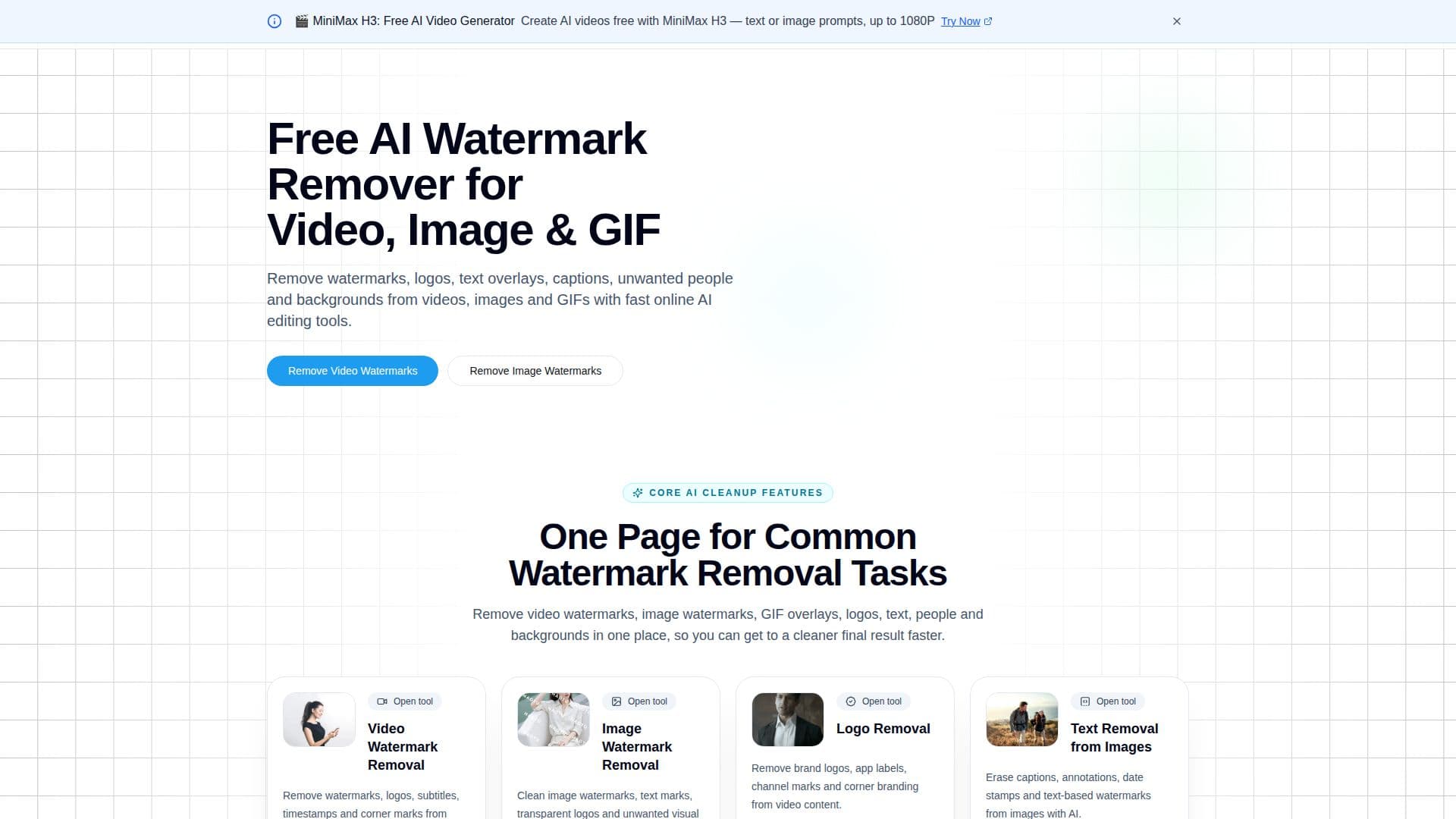
WatermarkRemover is an online cleanup suite for removing watermarks, logos, text overlays, and other unwanted elements from videos, images, and GIFs. It runs in the browser, the free tier needs no login, and it groups several related cleanup tasks on one site instead of splitting them across separate apps.
Read More
The workflow is the same across tools: pick the function that matches your file, upload it, let the AI process the marked area, then preview and export. For video, it targets logos, subtitles, timestamps, and corner marks, and it is tuned for short clips, marketing assets, user-generated content, and AI-generated video, including a dedicated tool for watermarks left by video generators such as Veo. For images, it erases text marks, transparent logos, stamps, and stickers from photos, screenshots, posters, and product images, combining automatic detection with manual refinement. GIF cleanup removes repeated watermarks and overlays while trying to keep the loop's motion smooth across frames.
Beyond watermark removal, the site also handles person removal from photos, reconstructing the background left behind, and transparent background creation for product photos, profile pictures, logos, and other design assets. Video and image tools support batch processing, so multiple files can be cleaned in one pass rather than one at a time.
Pricing runs on a credit system. A free allowance lets people try the video tool without a card. Paid plans start at Basic, $6 a month for 50 credits (about 50 videos) with HD output; Pro, $22 a month for 250 credits with HD/4K output and faster processing; and Max, $79 a month for 1,800 credits with HD/4K output, AI upscaling, and dedicated support.
The tool is aimed at content creators cleaning up social clips, ecommerce sellers preparing product photos, marketing teams repurposing video assets, designers cleaning screenshots and mockups, and people doing ordinary personal photo editing, such as removing an unwanted person or stray text from a picture.
- CategoryAI Video Editors
- Pricing ModelFreemium
- DeploymentCloud
- PlatformsWeb
WatermarkRemover (sora2watermarkremover.net)'s Core Features
Removes watermarks, logos, subtitles, and corner marks from video files
Erases text marks, stamps, and transparent logos from photos and screenshots
Cleans watermark and logo overlays from animated GIFs while preserving loop motion
Dedicated tool for removing visible watermarks from Veo-generated video clips
Removes unwanted people from photos and reconstructs the background
Creates transparent backgrounds for product photos, logos, and profile images
Batch processing for multiple video or image files at once
Combines automatic detection with manual refinement for image cleanup
No login required on the free tier
HD and 4K output on paid plans
How to use WatermarkRemover (sora2watermarkremover.net)?
Pick a tool: choose the function that matches your file, such as video watermark removal, image cleanup, logo removal, or text removal
Upload the file: add your video, image, or GIF on the matching tool page
Apply AI cleanup: the tool detects and processes the marked area and reconstructs the surrounding content
Preview the result: review the cleaned file before downloading
Export: download the finished video, image, or GIF
WatermarkRemover (sora2watermarkremover.net)'s Use Cases
- Product photo cleanup
- Social clip cleanup
- AI video cleanup
- Personal photo editing