Description
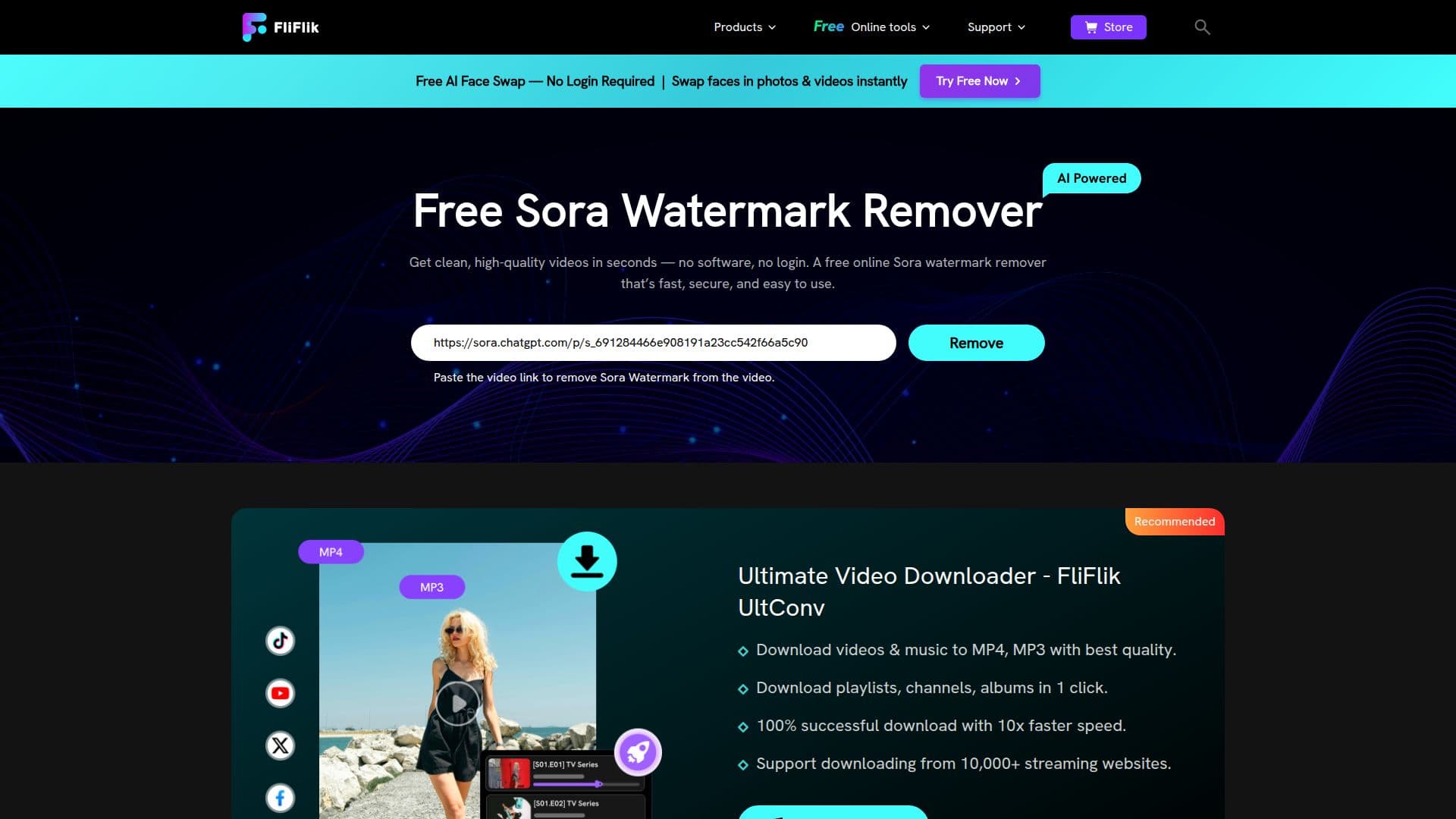
FliFlik's Free AI Sora Watermark Remover is an online tool for removing watermarks from Sora videos. You copy a Sora video link, paste it into the tool, and click to remove the watermark; once processing finishes you can preview and download the clean Sora video. It uses motion tracking and lighting analysis to reconstruct the areas hidden by the Sora watermark, adapting to Sora's dynamic watermarks that shift in brightness, opacity, and position across frames, while preserving fine edges and film grain.
Read More
The tool runs in the browser with no software to install and no signup required, and most short clips process quickly. It auto-tracks the watermark and can save presets by aspect ratio for faster future removals. FliFlik notes the remover should only be used on footage you own or have permission from the rights holder to edit.
The Sora watermark remover is one of several FliFlik online tools. FliFlik, a multimedia software company founded in 2020, offers a broader suite including a Gemini AI watermark remover, AI music downloaders for Suno, Udio, and Mureka, an AI vocal remover, a YouTube transcript generator, a browser screen recorder, and a desktop KleanOut photo tool for watermark, object, and background removal.
A free tier lets you try the Sora watermark removal, with paid subscription options for higher usage across FliFlik's tools.
- CategoryAI Video Editors
- Pricing ModelFreemium
- DeploymentCloud
- PlatformsWeb
FliFlik Sora Watermark Remover's Core Features
AI Sora watermark removal from a pasted link
Motion tracking and lighting analysis to reconstruct hidden areas
Optimized for Sora's dynamic, shifting watermarks
Browser-based with no installation or signup
Auto-tracking with saveable aspect-ratio presets
Preview before download and quality preservation
Part of FliFlik's wider AI media toolkit
Free to try with paid options for higher usage
How to use FliFlik Sora Watermark Remover?
Copy the Sora video link: Open the Sora video, tap the three-dot menu, and click Copy Link.
Paste the link: Add the video link to the FliFlik Sora watermark remover.
Remove the watermark: Click Remove Sora Watermark and let the AI process it.
Preview and download: Review the clean result and download the watermark-free Sora video.
FliFlik Sora Watermark Remover's Use Cases
- Clean Sora promo clips
- Editing prep
- Cross-platform sharing
- Broader media workflows