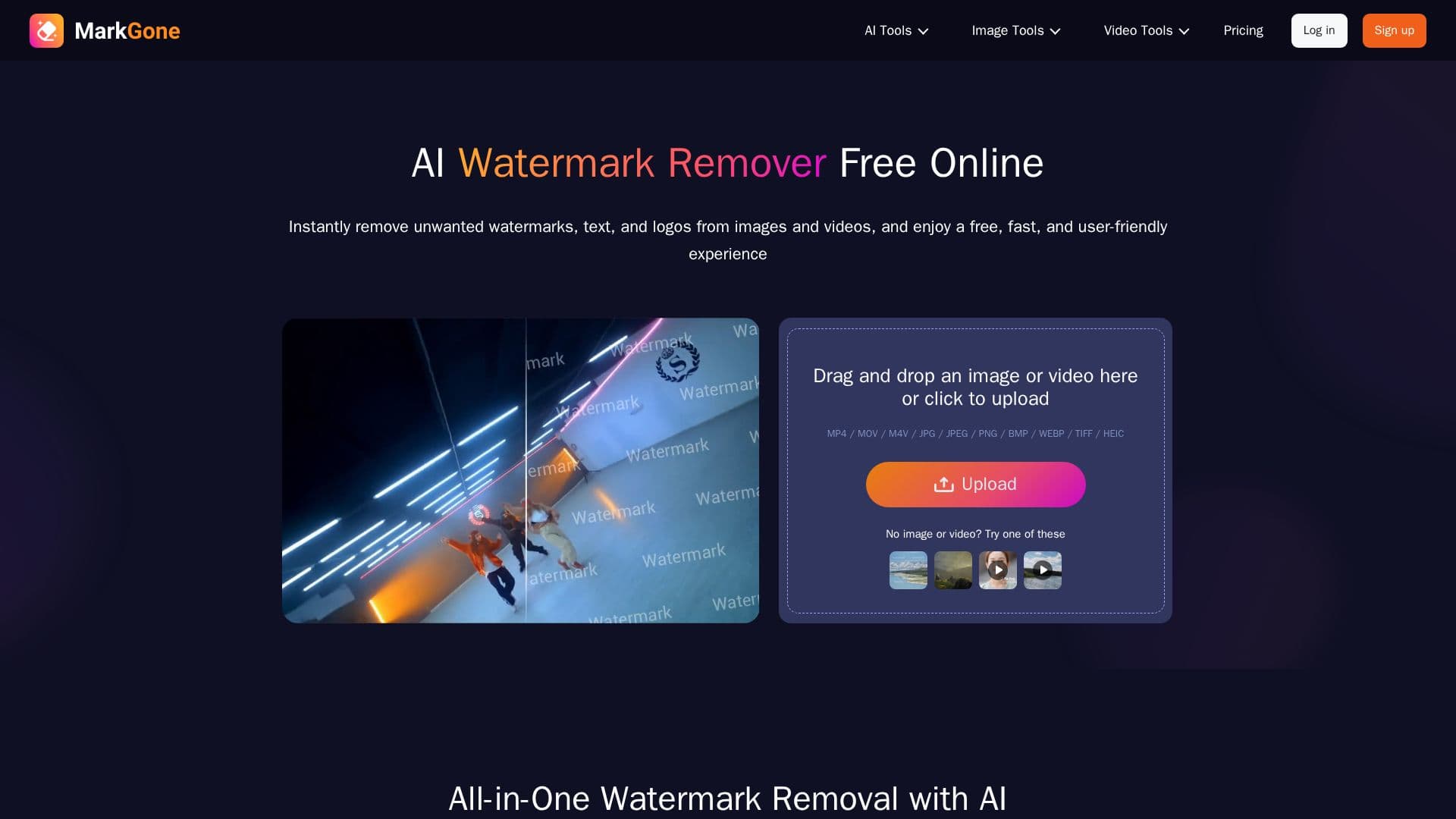
Description
MarkGone is an all-in-one AI watermark removal tool for images and videos. It removes watermarks from photos with pixel-level precision and cleans watermarks from video without degrading quality, so you can clear logos, text, and marks from your content in a browser-based workflow.
Read More
The tool also supports removing text from video and works across a range of image and video formats. Its interface is available in multiple languages, including English, Portuguese, Spanish, Japanese, Chinese, Arabic, Indonesian, German, and French, making it accessible to a broad audience.
MarkGone offers a free tier with a small number of daily generations, alongside a Pro plan and a pay-as-you-go option that use credits, where different generations consume different amounts of credits. Account settings let you manage and cancel subscriptions, and the billing policy covers refund scenarios such as unresolved technical issues and duplicate purchases.
- CategoryAI Photo Editors
- Pricing ModelFreemium
- DeploymentCloud
- PlatformsWeb
MarkGone's Core Features
One-click watermark removal from images
Video watermark removal without quality loss
Text removal from video
Support for multiple image and video formats
Multi-language interface across nine languages
Free daily allowance plus Pro and pay-as-you-go plans
Credit-based usage with self-serve subscription management
How to use MarkGone?
Open MarkGone: Go to the tool in your browser and choose image or video removal.
Upload your file: Add the photo or video you want to clean.
Remove the watermark: Let the AI detect and remove the mark.
Download: Save the cleaned result.
MarkGone's Use Cases
- Clean photos
- Clean videos
- Remove on-screen text
- Global use