Description
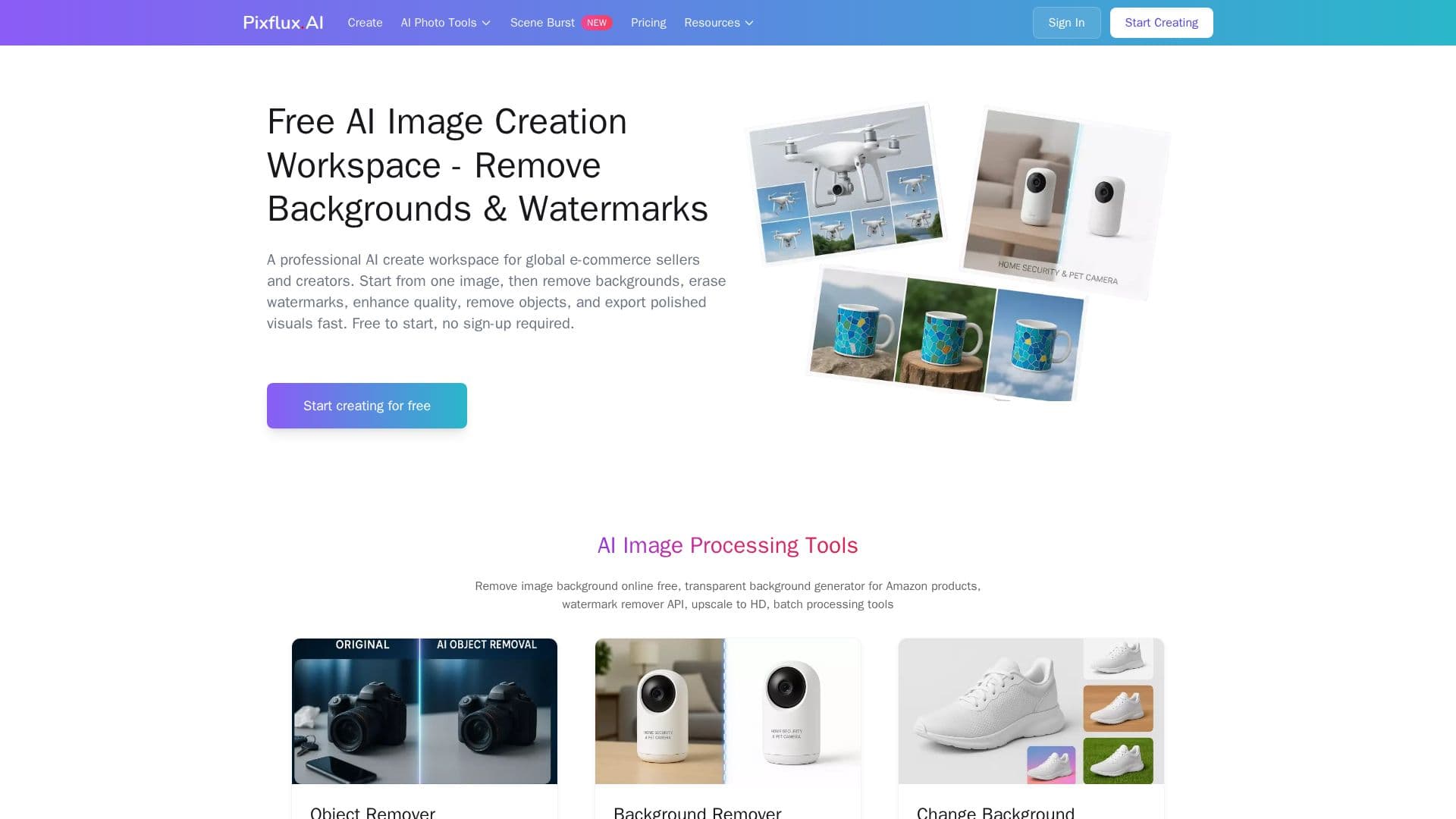
Pixflux.AI is an online AI image processing platform built for global e-commerce sellers and content creators. From a single image, users can remove backgrounds, erase watermarks, remove unwanted objects or people, enhance photo clarity, change backgrounds, and export polished product visuals quickly. It is free to start and requires no sign-up.
Read More
The workspace bundles several AI tools: a background remover for clean transparent cutouts, a watermark remover that cleans logos and text without artifacts, a text remover using AI inpainting to rebuild the background naturally, a photo enhancer for sharpening, denoising, and upscaling, a background changer for white, black, brand colors, or scenes, an object remover with AI-aware fill, and batch processing for entire catalogs. Built-in templates comply with marketplace specs for platforms such as Amazon, eBay, and Shopify.
Pixflux.AI runs on a credit system, where background and object removal use one credit, photo enhancement and watermark removal use two, and format conversion is free. A limited free tier is available, with Starter (200 credits/month), Pro (600), and Business (1,800) subscriptions offering lower cost per credit, plus one-time credit packages that never expire. The platform supports eight languages, and originals and results are retained for three months and are not used for model training.
- CategoryAI Photo Editors
- Pricing ModelFreemium
- DeploymentCloud
- PlatformsWeb
Pixflux.AI's Core Features
AI background removal to transparent PNG
Watermark remover for logos and text
AI text remover with natural background rebuild
Object and people removal with AI-aware fill
Photo enhancer for sharpening, denoising, and upscaling
Background changer to white, black, color, or scenes
Batch processing for entire catalogs
Marketplace-compliant templates for Amazon, eBay, and Shopify
How to use Pixflux.AI?
Upload an image: Add a JPG, PNG, or WebP file, no sign-up required to start.
Pick a tool: Choose background removal, watermark or object removal, enhancement, or background change.
Process: Let the AI edit the image, brushing over areas to remove where needed.
Refine: Preview and adjust the result, running a second pass on complex areas if needed.
Download or batch: Export the clean image, or process multiple images at once for a full catalog.
Pixflux.AI's Use Cases
- E-commerce product photos
- Watermark and text cleanup
- Photo enhancement
- Object and people removal
- Batch catalog processing