Description
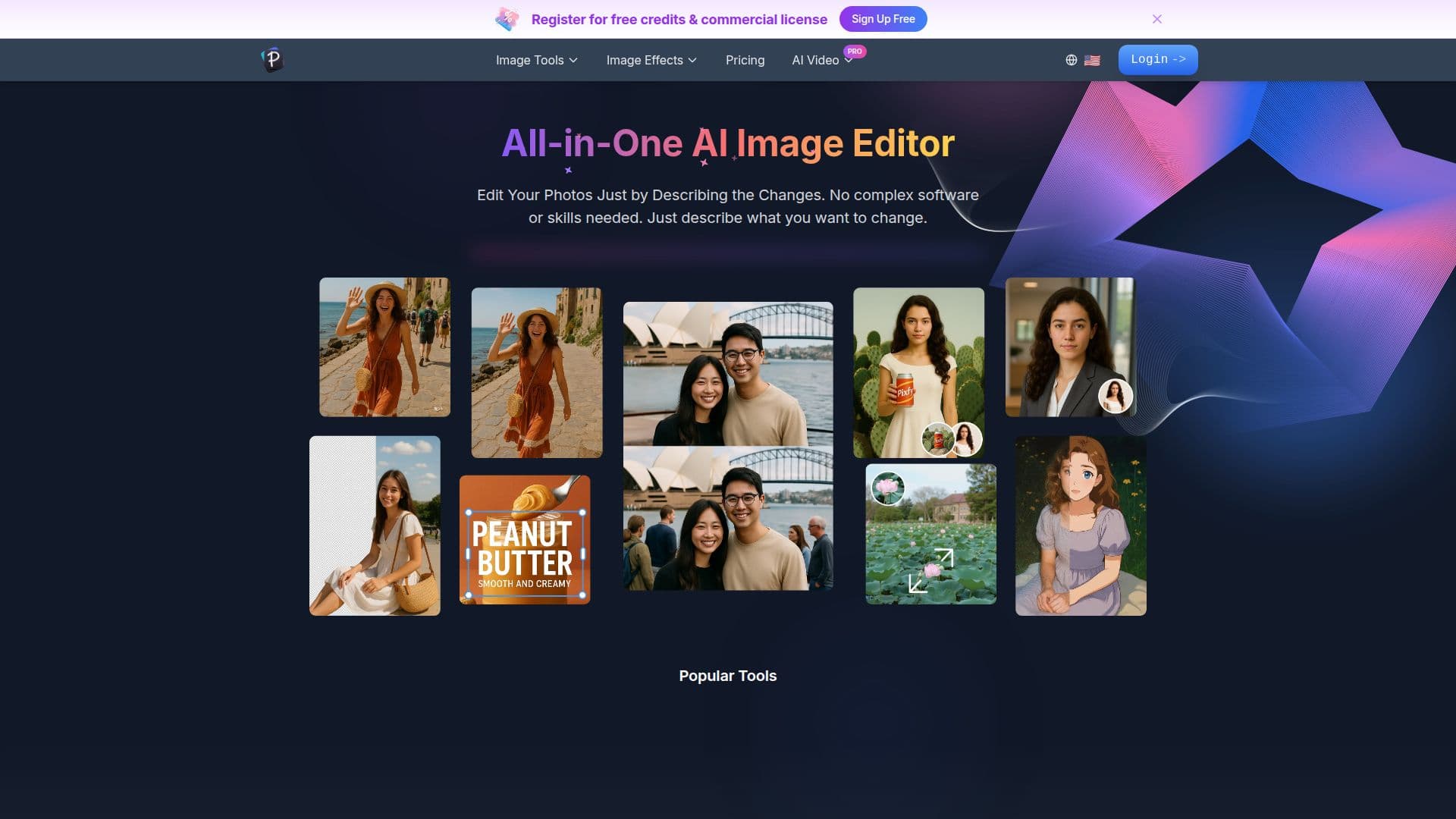
Pixfy is an AI image generator and editor built around keeping one subject, a product, a person modeling a garment, a piece of furniture, or a piece of jewelry, consistent across new looks and scenes generated from a single reference photo.
Read More
Users upload a clear reference photo, then choose a direction: either a built-in template that supplies a starting prompt and example scenes, or a written description of the setting, lighting and composition they want. Pixfy generates an image from that, which can then be selected and refined further by describing additional changes inside its Studio editor. A companion Character Studio lets users build one reusable character or product identity and carry it across multiple images, scenes and short videos.
The site organizes its main use cases around product photography for clean listing and detail shots, on-model shots for showing how a garment looks worn, home decor placement of furniture and decor into interior scenes, and jewelry close-ups and on-body imagery. Pixfy itself notes that results are creative directions rather than a guarantee that fine details, lettering or proportions will stay exact, and recommends checking generated output against the real product before publishing it in a shop.
Beyond the core character workflow, Pixfy bundles a wider library of one-click tools: a general AI image generator, background and object removal, text removal from images, an AI clothes changer, an image enhancer and HD upscaler, and a range of stylistic effects, along with short AI video generation from a still image.
Pixfy AI is operated by Cendro Labs Pty Ltd and states it isn't affiliated with OpenAI, Google or Replicate, though it offers access to image models from multiple providers. Paid plans are Creator, at $12.50 a month billed annually with 300 monthly credits covering roughly 100 images, and Pro, at $22.50 a month billed annually with 600 monthly credits and a lower cost per credit. Both plans include high-quality, watermark-free images with a commercial license and access to one-time credit packs.
- CategoryAI Image Generators
- Pricing ModelPaid
- DeploymentCloud
- PlatformsWeb
Pixfy AI's Core Features
Generates new looks and scenes for a subject from a single reference photo
Character Studio keeps one reusable character or product identity connected across images, scenes and video
Template-guided generation for product photos, on-model shots, home decor and jewelry
Text-based editing: describe changes to refine a generated image step by step
AI background remover and object remover
AI clothes changer for garment try-ons
Image enhancer and HD upscaler
Text removal from images
Short AI video generation from a still image
Commercial license and watermark-free exports on paid plans
How to use Pixfy AI?
Upload a reference: Add a clear photo of your product, model, room or jewelry piece.
Pick a direction: Choose a template for a starting prompt and example scenes, or describe the setting yourself.
Generate an image: Pixfy creates a new scene while keeping the subject consistent.
Refine with text: Select the result and describe further changes to keep editing it.
Build a character: Save a reusable identity in Character Studio to reuse across future images and video.
Check before publishing: Compare generated details, lettering and proportions against the real product.
Pixfy AI's Use Cases
- E-commerce product photos
- On-model fashion shots
- Home decor staging
- Jewelry photography