Description
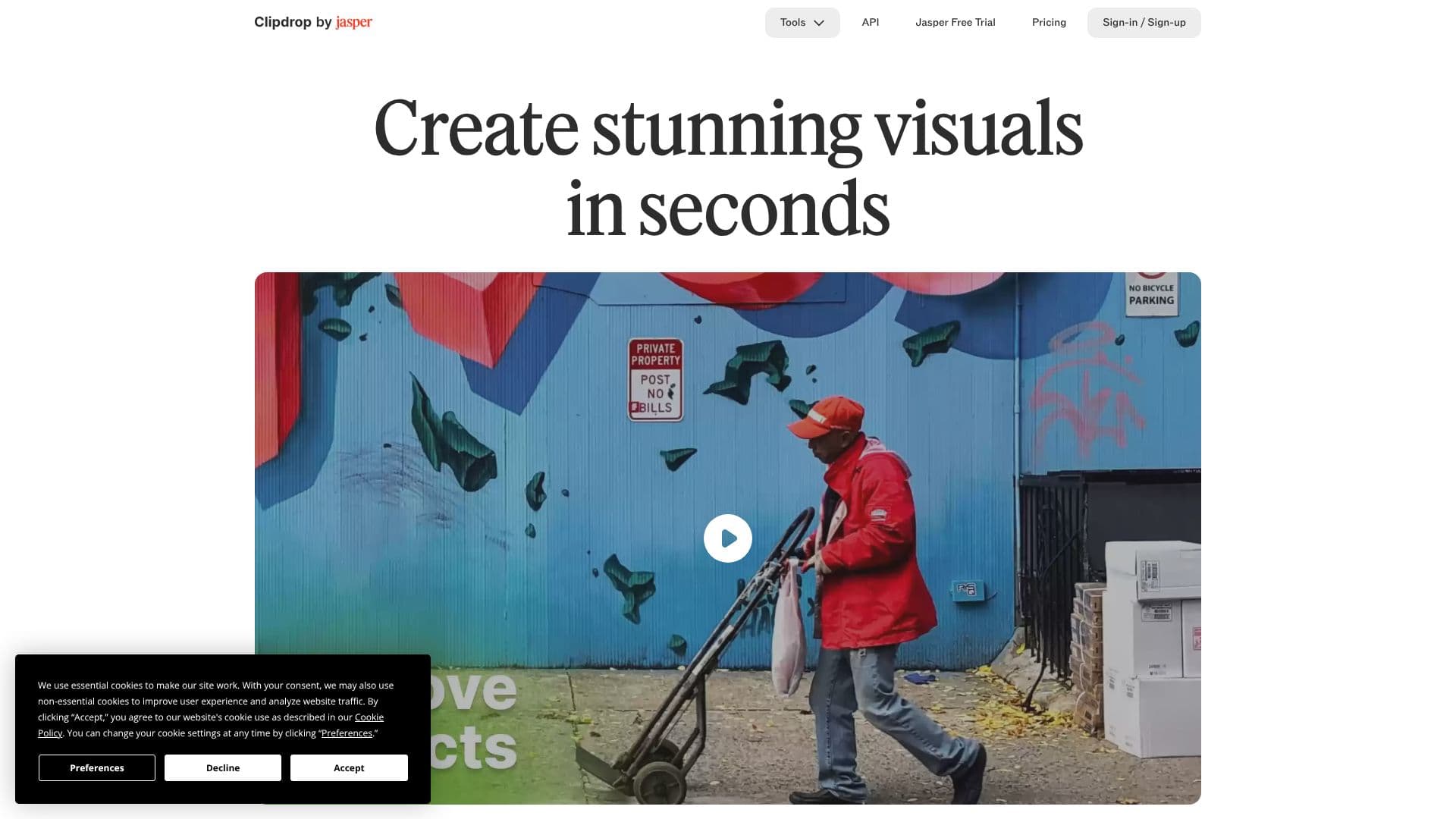
Clipdrop is a powerful AI platform designed to help users create and enhance visuals in seconds. Leveraging advanced artificial intelligence, it provides a comprehensive toolkit for image manipulation and generation, catering to both creative professionals and casual users.
Read More
The platform's core functionality revolves around several key tools. The Universal Resizer allows users to adapt images for any social media platform, ensuring optimal dimensions and presentation. The Text to Image tool generates high-resolution, realistic images from textual prompts, opening up new avenues for creative expression. For existing images, Clipdrop offers robust editing capabilities.
Background removal is a standout feature, extracting subjects from images with remarkable accuracy, akin to magic. The Cleanup tool automatically removes unwanted objects, people, text, or defects from pictures. Uncrop allows users to expand the canvas of their photos to any image format. Furthermore, the Image Upscaler enhances image resolution by 2x or 4x, simultaneously removing noise and recovering fine details. The Relight tool enables users to add beautiful lighting effects to their images, and the Text Remover efficiently removes text from any picture.
Clipdrop also provides an API, allowing developers to integrate its best-in-class AI image models directly into their own products. This enables businesses to bring advanced AI image capabilities to their applications with ease. The company behind Clipdrop, InitML, was co-founded by AI and web technology experts and has since been acquired, with its products now part of Jasper.ai.
Clipdrop is committed to user experience and transparency regarding data usage, employing essential cookies for site functionality and non-essential cookies for improvement, with user consent. The platform aims to democratize AI-powered visual creation, making sophisticated editing and generation tools accessible and user-friendly.
- CategoryAI Photo Editors
- Pricing ModelFreemium
- DeploymentCloud
- PlatformsWeb
Clipdrop AI Visuals's Core Features
AI-powered image generation from text prompts
Automatic background removal from images
Object, person, and text removal from photos
Image upscaling by 2x or 4x with noise reduction
Image relighting with customizable lighting effects
Image resizing for social media platforms
Uncropping photos to any image format
API for integrating AI image models into products
Free HD image downloads for background removal
Commercial usage rights for generated images
How to use Clipdrop AI Visuals?
Access Tool: Navigate to the desired tool on Clipdrop.co.
Upload Image: Upload your image or provide a text prompt.
Configure Settings: Adjust parameters as needed for your task.
Process Image: Click the generate or process button.
Download Result: Save your enhanced or newly created visual.
Clipdrop AI Visuals's Use Cases
- Social Media Content
- Product Photography
- Graphic Design
- Content Creation
- Photo Restoration
- Marketing Materials
- API Integration