
Description
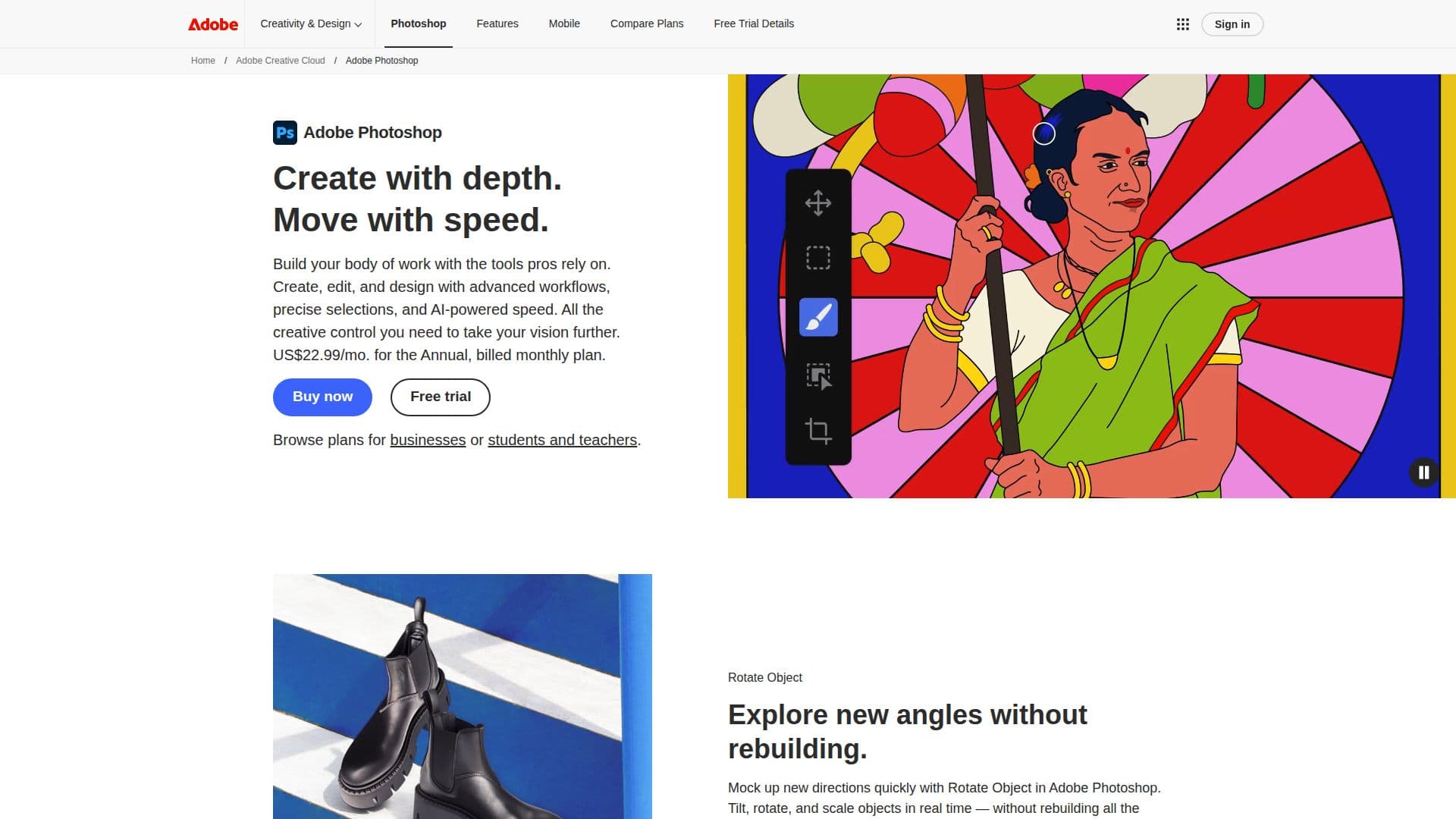
Adobe Photoshop is the official photo and design app that empowers users to create stunning visuals with depth and speed. It offers a comprehensive suite of tools that professionals rely on for their creative projects. Users can explore new ways to create custom scenes, make complex edits, and combine images seamlessly, whether online or through the free mobile app.
Read More
With a subscription priced at USD 22.99 per month for the annual plan, Photoshop provides access to advanced workflows and precise selections. Users can rotate objects in real-time without the need to rebuild details, making it easier to mock up new directions quickly. The app allows for the combination of multiple images and graphics, enabling users to craft unique compositions that stand out.
Photoshop's capabilities extend to instant image transformations, allowing for quick edits and customizations of text, color, and images. New features include adjustment layers for clarity, dehaze, and grain, which enable users to adjust texture and atmosphere nondestructively. The latest Firefly models enhance the quality of generative fill, expand, and remove tools, providing higher resolution and cleaner edges for more realistic results.
Additionally, Photoshop integrates with Topaz Labs' AI models to upscale images, enhancing quality and clarity. The generative composition feature, Harmonize, allows users to blend people and objects into any background seamlessly, matching lighting and colors for a cohesive look. The improved Remove Tool facilitates the removal of unwanted elements from images with greater precision and speed.
Photoshop is available as a standalone app or as part of the Adobe Creative Cloud Pro plan, which includes access to over 20 other apps. With various membership options, including discounts for students and teachers, Photoshop is accessible to a wide range of users looking to elevate their creative projects.
- CategoryAI Photo Editors
- Pricing ModelSubscription
- DeploymentCloud
- PlatformsDesktop, Web, Mobile
Adobe Photoshop's Core Features
AI-powered editing tools
Real-time object rotation
Generative fill capabilities
Advanced image blending
Instant image transformations
Improved Remove Tool
Cloud storage included
Access to Adobe Express
How to use Adobe Photoshop?
Create: Start a new project or open an existing image.
Edit: Use tools to adjust colors, add effects, and enhance images.
Combine: Blend multiple images and graphics into a single composition.
Transform: Apply instant edits to customize text and visuals.
Export: Save your work in various formats for sharing or printing.
Adobe Photoshop's Use Cases
- Graphic Design
- Photo Editing
- Social Media Content
- Digital Art
- Marketing Materials