
Description
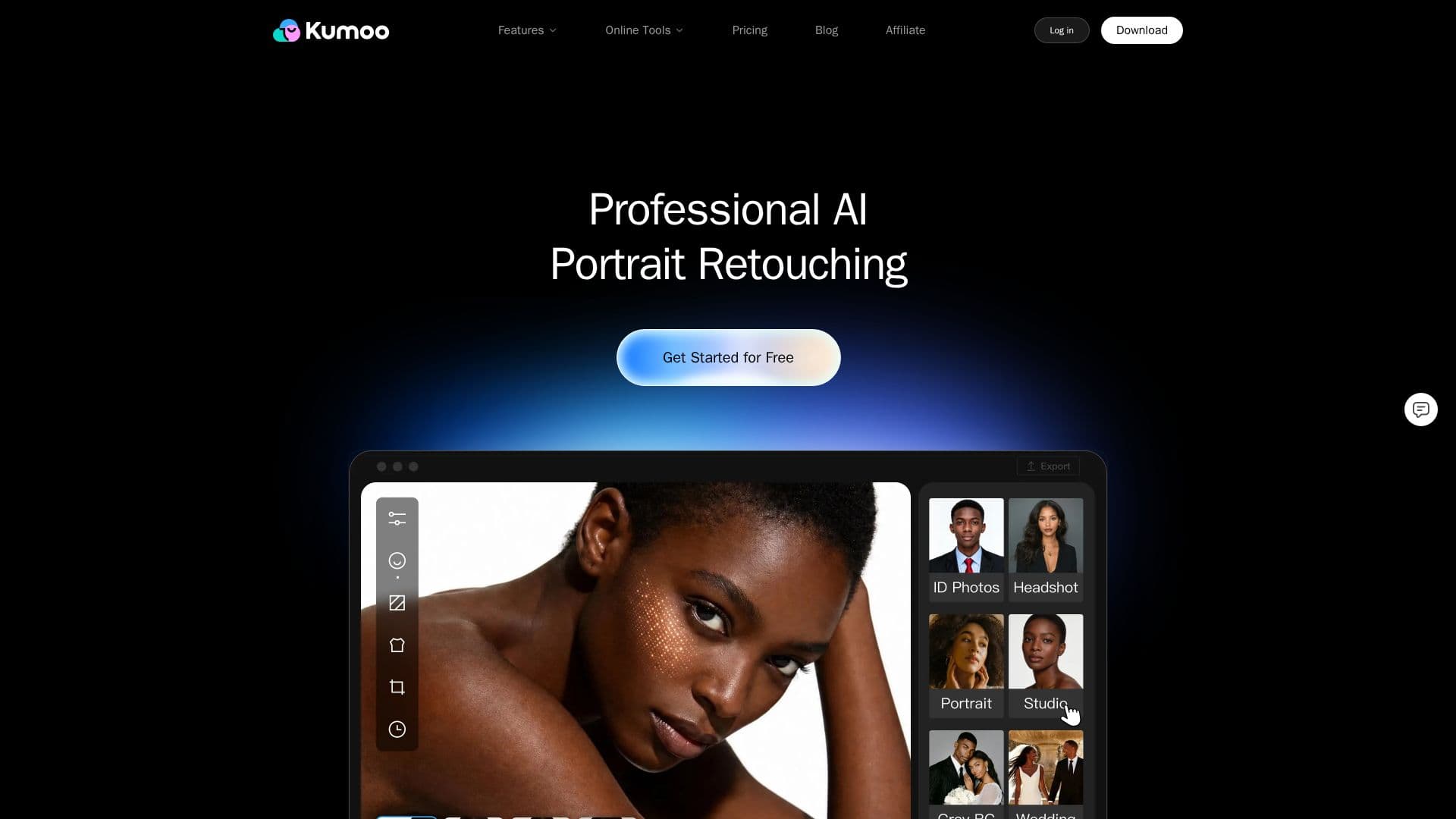
Kumoo is a professional AI portrait retouching desktop application, developed by Meitu, built for high-volume photo workflows. It uses AI to automatically edit photos in batches, letting photographers and studios import, edit, sync, and export hundreds of images at once, and reportedly retouch up to 1,000 photos in an hour.
Read More
Core capabilities include natural skin blemish removal, makeup retouching, and body reshaping, along with background cleanup, cutout, and replacement, clothing wrinkle removal and color editing, and AI tools for image enhancement, photo restoration, AI effects, and AI flash. Kumoo supports RAW processing with JPEG, PNG, and RAW files from over 1,000 camera models and a 16-bit wide-gamut RAW workflow, plus advanced color tools such as Color Transfer, HSL adjustment, RGB curves, and stylized filter presets.
Kumoo serves portrait, wedding, e-commerce, ID photo, headshot, and commercial workflows, using one-click presets for speed while allowing precise manual control. Edits can be synced across a full photo set to keep a consistent look. It is a desktop tool for Windows with an iPad version planned, offers selected online tools to try in the browser, provides a free trial, and is suitable for commercial use.
- CategoryAI Photo Editors
- Pricing ModelFreemium
- DeploymentDesktop app
- PlatformsWindows
Kumoo's Core Features
AI batch portrait retouching for hundreds of images
Skin blemish removal, makeup retouching, and body reshaping
Background cleanup, cutout, and replacement
RAW processing with 16-bit wide-gamut workflow
Advanced color tools (Color Transfer, HSL, RGB curves)
Clothing wrinkle removal and color editing
One-click presets with edit syncing across sets
Photo restoration, AI effects, and AI flash tools
How to use Kumoo?
Import your photos: Batch import a full set of images into Kumoo.
Apply presets or AI tools: Use one-click presets or specific tools like skin retouching and cutout.
Fine-tune and sync: Adjust individual details, then sync settings across the set for consistency.
Batch export: Export all edited images at once.
Kumoo's Use Cases
- Wedding photography
- E-commerce imagery
- Portrait studios
- Headshots and ID photos