
ToolPotion

Wink AI Video Enhancer

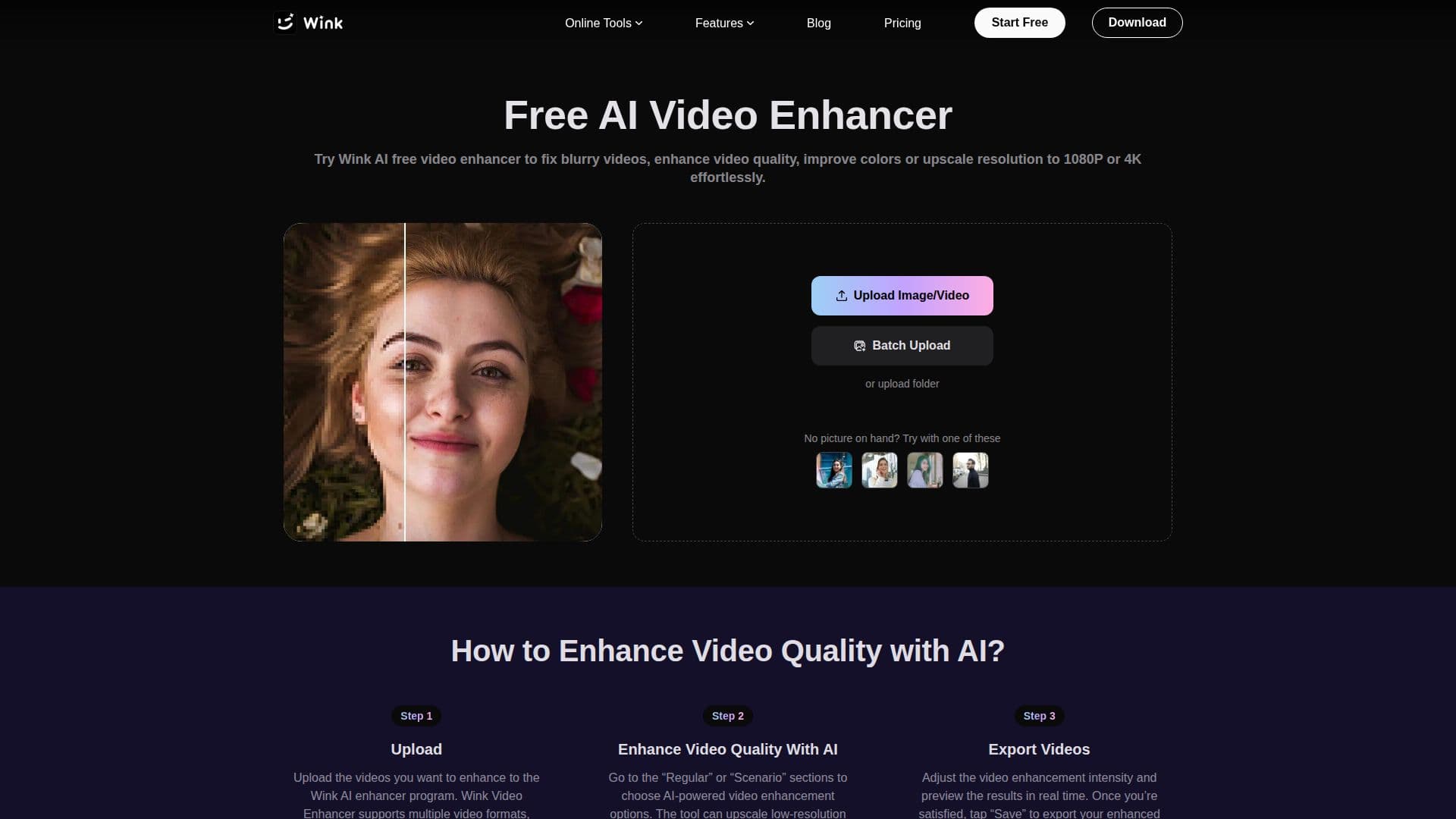
Wink is an AI-powered video enhancer that improves video quality instantly. It fixes blurry videos, enhances low-resolution content to 4K, and preserves natural details. Free to use, it offers multiple enhancement modes tailored to various scenarios.

Visit Website
Share
Wink AI Video Enhancer screenshot

Description

Wink AI Video Enhancer is a powerful tool designed to improve video quality with ease. It addresses common video issues such as noise reduction, clarity improvement, and detail restoration. Users can enhance videos to 4K resolution without downloads or installations. Wink offers different enhancement modes tailored for specific scenarios, including portraits, concerts, and gaming footage. Users can adjust enhancement strength to maintain a natural look, avoiding an over-processed appearance.

The tool supports multiple video formats like MP4 and MOV, making it versatile for various content types. It also enhances text in documents, improving the quality of logos, watermarks, and captions. Wink's AI analyzes each scene frame by frame, applying intelligent corrections for professional-quality results. The batch enhancement feature allows users to process multiple videos simultaneously, ideal for e-commerce sellers and vloggers.

Wink offers a freemium pricing model with additional subscription plans. The Standard plan provides 1,000 credits per month, while the Pro plan offers 4,000 credits, catering to different usage levels. Credits are used to access AI features, and users can manage their subscriptions through Wink Web.

Targeted at creators, brands, and everyday users, Wink empowers them to deliver high-definition, share-ready visuals across platforms. It is trusted by creators worldwide for its ability to transform raw clips into professional content quickly and efficiently.

Wink AI Video Enhancer's Core Features

  • AI-powered video enhancement

  • 4K upscaling

  • Noise reduction

  • Detail restoration

  • Multiple enhancement modes

  • Batch video processing

  • Text enhancement in documents

  • Freemium pricing model

How to use Wink AI Video Enhancer?

  1. Upload: Select videos to enhance

  2. Choose Mode: Select enhancement mode

  3. Adjust: Set enhancement strength

  4. Export: Save enhanced video

Wink AI Video Enhancer's Use Cases

  • Concert Videos
  • E-commerce
  • Vlogging
  • Documentaries
  • Gaming Footage

FAQ from Wink AI Video Enhancer

From Meitu

Wink AI Video Enhancer Reviews

Loading...

Popular AI Tools Like Wink AI Video Enhancer

Aimages offers an online AI video enhancer and upscaler, transforming low-quality videos and images into professional-grade content. Users can easily upload media, select AI…

AI Video Editors

HitPaw VikPea is an AI video enhancer that upscales videos to 4K and 8K, repairs blurry footage, and colorizes old clips. It supports PC, Mac, web, and mobile, offering tailored…

AI Video Editors

AI Apps

AI-driven suite for enhancing and editing video and photo quality, with desktop software and online tools for upscaling, restoration, blurring, and object removal. Built for…

AI Video EditorsMedia & Entertainment

AnyEnhancer uses AI to transform low-quality videos into high-definition 4K content. It offers resolution enhancement, face restoration, colorization, denoising, and frame…

AI Video Editors

An AI video enhancer inside Any Video Converter Ultimate for Windows and Mac that upscales video to 1080p, 2K, and 4K while reducing noise and improving color, with a one-click…

AI Video EditorsMedia & Entertainment

UniConverter AI Video Enhancer improves video quality by upscaling to 4K/8K, denoising, and restoring old videos. Available online and on desktop, it offers a free trial for quick…

AI Video EditorsMedia & Entertainment

AI Apps

An all-in-one AI video enhancement desktop app for Windows and Mac that upscales, restores, colorizes, denoises, and brightens footage, turning blurry or old videos into sharper,…

AI Video EditorsMedia & Entertainment

HitPaw offers AI-powered tools to enhance videos, photos, and audio. Transform blurry visuals into brilliant quality, upscale videos to 8K, and achieve crystal-clear audio.…

AI Video Editors