Description
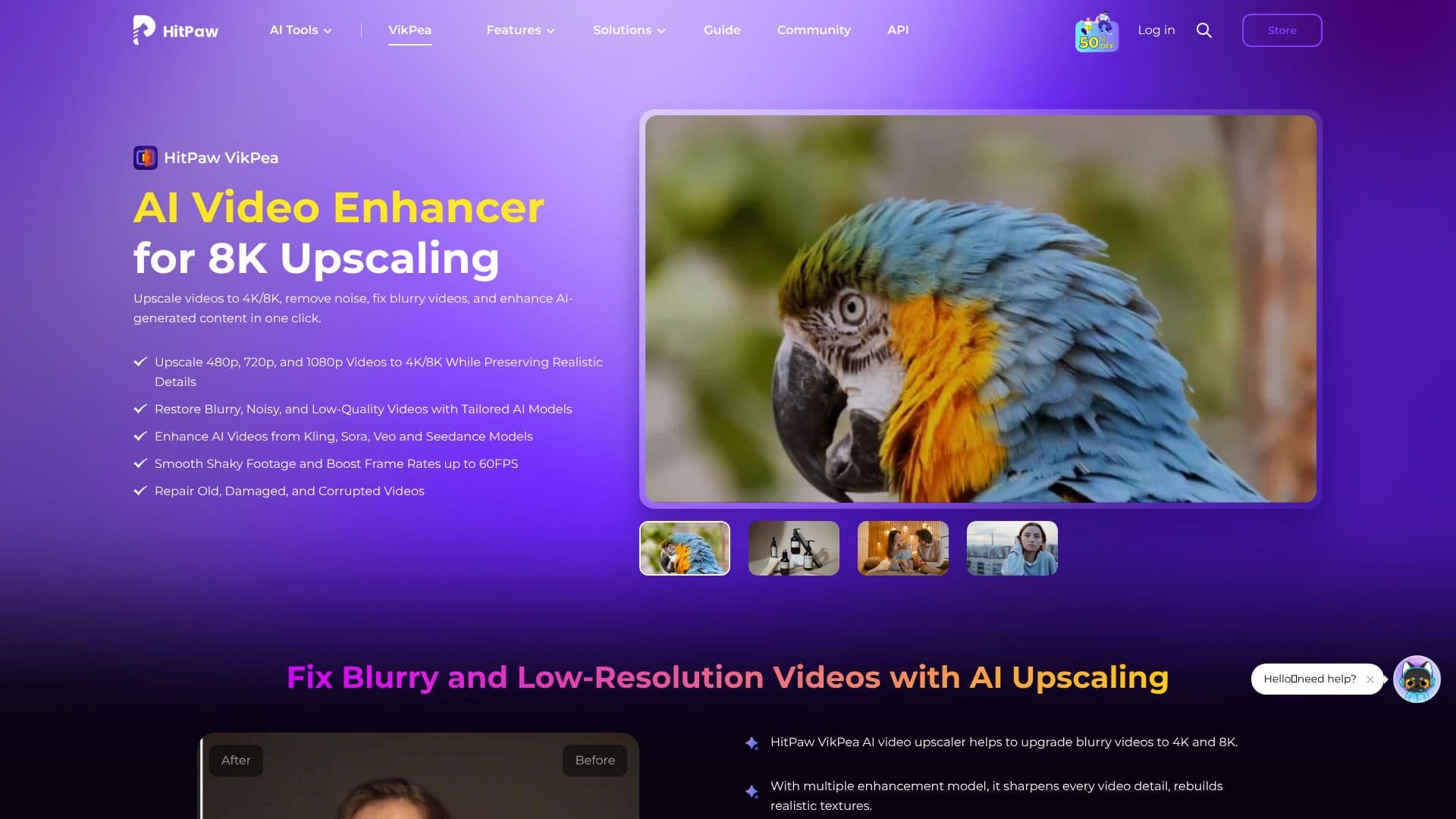
HitPaw VikPea, formerly known as HitPaw Video Enhancer, is a powerful AI-driven software designed to significantly improve video quality. It specializes in upscaling low-resolution videos to stunning 4K and 8K resolutions while meticulously preserving realistic details. The tool is adept at restoring blurry, noisy, and low-quality footage by employing tailored AI models.
Read More
Beyond upscaling, HitPaw VikPea offers a suite of enhancement capabilities. It can repair old, damaged, or corrupted videos, making them viewable again. For creative professionals and enthusiasts, it enhances AI-generated content from models like Kling, Sora, Veo, and Seedance, sharpening details and smoothing motion. The software also includes an AI Video Stabilizer that minimizes screen jitter and frame rate instability, transforming shaky footage into smooth, steady visuals, and can boost frame rates up to 60FPS.
HitPaw VikPea also excels in restoring color to faded or black-and-white videos. Its AI Colorist feature brings old footage to life with realistic colorization, while the color enhancer adjusts brightness, contrast, saturation, and hue for more vivid results. The platform supports universal format compatibility, accepting MP4, MOV, MKV, AVI, FLV, WMV, and more, eliminating the need for pre-conversion.
With scene-specific AI models, HitPaw VikPea automatically detects and adjusts settings for different types of footage, whether it's underwater, animation, or landscape. It also offers smart editing tools such as an AI Background Remover and an AI Video Generator. The software is accessible across multiple platforms, including Windows, macOS, and web, with mobile versions for iPhone/iPad and Android, making professional-grade video enhancement available to a wide range of users.
The value proposition of HitPaw VikPea lies in its ability to deliver professional-grade results with intuitive simplicity. It empowers users to enhance video quality, repair damaged files, and achieve higher resolutions without extensive technical knowledge. The availability of an API allows for seamless integration into existing workflows, and cloud-accelerated rendering reduces the burden on local hardware, speeding up processing times significantly.
- CategoryAI Video Editors
- Pricing ModelFreemium (Free Trial available)
- DeploymentCloud, Desktop
- PlatformsWindows, macOS, Web, iOS, Android
HitPaw VikPea's Core Features
Upscales videos to 4K and 8K resolution.
Restores blurry, noisy, and low-quality videos.
Enhances AI-generated content from models like Kling, Sora, and Veo.
Repairs old, damaged, and corrupted video files.
Stabilizes shaky footage and boosts frame rates up to 60FPS.
Colorizes black-and-white videos and enhances color in faded footage.
Supports universal video format compatibility (MP4, MOV, MKV, AVI, etc.).
Offers scene-specific AI models for automatic adjustments.
Includes AI Background Remover and AI Video Generator tools.
Provides API for workflow integration.
Features cloud-accelerated rendering for faster processing.
Available on Windows, macOS, Web, iOS, and Android.
How to use HitPaw VikPea?
Upload Video: Launch HitPaw VikPea and import your video file(s).
Select AI Model: Choose the appropriate AI model based on your video's type and desired enhancement.
Preview Enhancement: Review the AI-generated preview to assess the quality improvement.
Export Video: Export the enhanced video in your desired resolution and format.
HitPaw VikPea's Use Cases
- Video Upscaling
- Video Restoration
- AI Content Enhancement
- Video Stabilization
- Color Correction
- Frame Rate Boosting
- Background Removal
- Video Generation