
Description
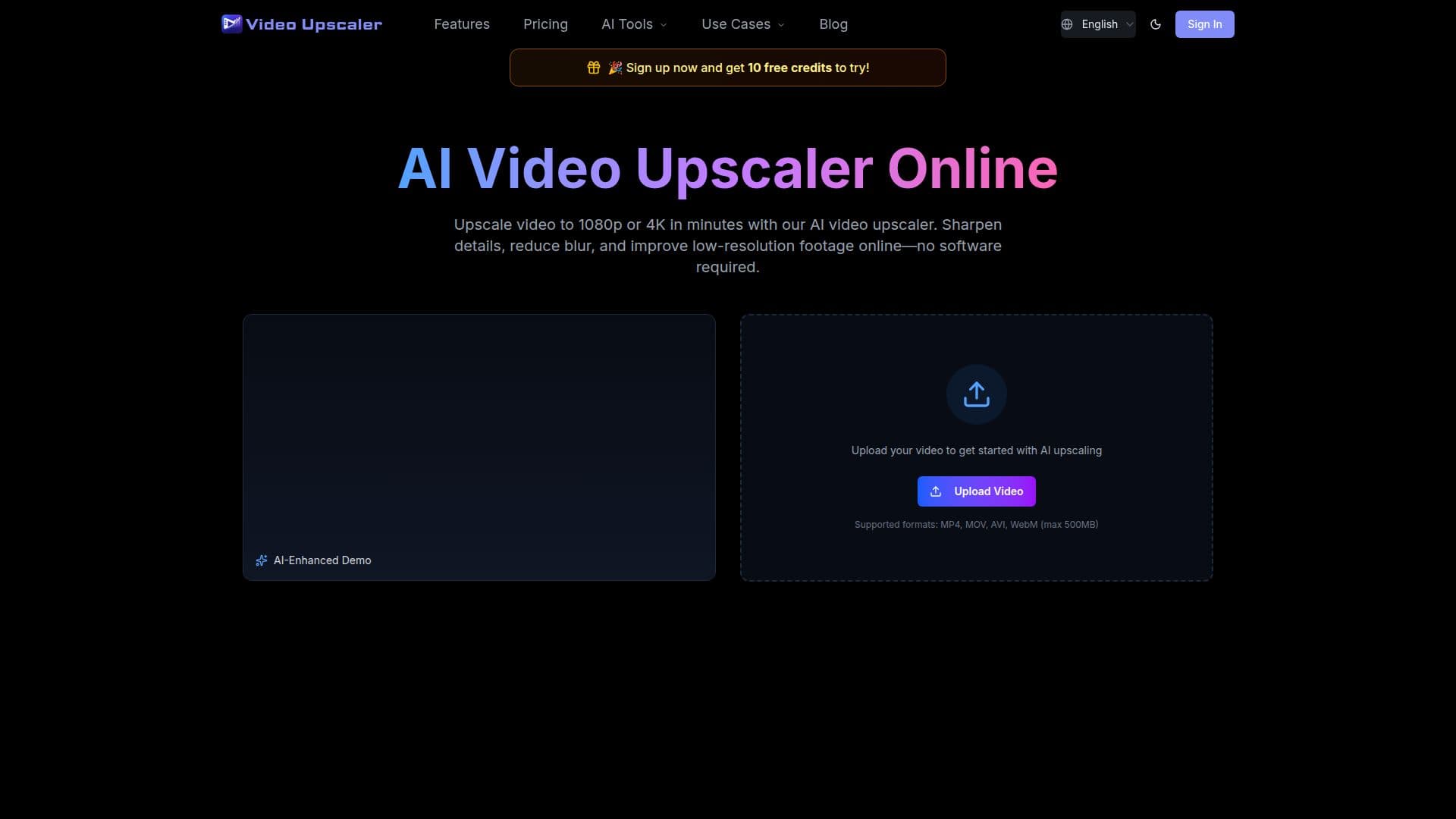
VideoUpscale (videoupscale.net) is an online AI video upscaler that increases video resolution and improves visible detail frame by frame. Users upload a video, choose a target resolution such as 1080p, 2K, or 4K, preview the enhanced result, and export the upscaled video directly in the browser without installing desktop software. It can help low-resolution, blurry, noisy, or compressed videos look clearer on HD and 4K screens.
Read More
Rather than simply stretching frames, the AI analyzes edges, textures, and visible structures to create a clearer result with less pixelation, while preserving natural motion so movement does not look jittery or over-processed. It also cleans up blur, low-bitrate noise, social-media compression, and old camera noise, with restoration-focused models available for footage that needs denoising and detail recovery. The visual track is enhanced while the original audio is kept unchanged whenever possible.
Supported formats include MP4, MOV, AVI, and WebM with a 500 MB upload limit. VideoUpscale uses a credit-based pricing model where credits are consumed per processed video second, and usage depends on output resolution, selected AI model, FPS, upscale factor, and clip duration. Plans (Basic, Pro, and Ultimate) provide credit bundles, commercial-use licensing, and priority support, and it works best on old footage, social clips, gaming recordings, product demos, tutorials, and ads with moderate blur or compression.
- CategoryAI Video Editors
- Pricing ModelUsage-based
- DeploymentCloud
- PlatformsWeb
VideoUpscale's Core Features
AI video upscaling to 1080p, 2K, and 4K
Frame-by-frame detail enhancement, not just resizing
Natural motion preservation
Blur, noise, and compression-artifact cleanup
Restoration-focused models for denoising and detail recovery
Keeps the original audio unchanged
Supports MP4, MOV, AVI, and WebM up to 500 MB
Credit-based pricing with commercial-use licensing on paid plans
How to use VideoUpscale?
Upload your video: add a supported file (MP4, MOV, AVI, or WebM) up to 500 MB.
Select output quality: choose a target resolution such as 1080p, 2K, or 4K.
Preview: review the enhanced result before exporting.
Download: export the upscaled video online, with your original audio preserved.
VideoUpscale's Use Cases
- Old video restoration
- Social media clip enhancement
- Gaming footage upscaling
- Product demos and ads