


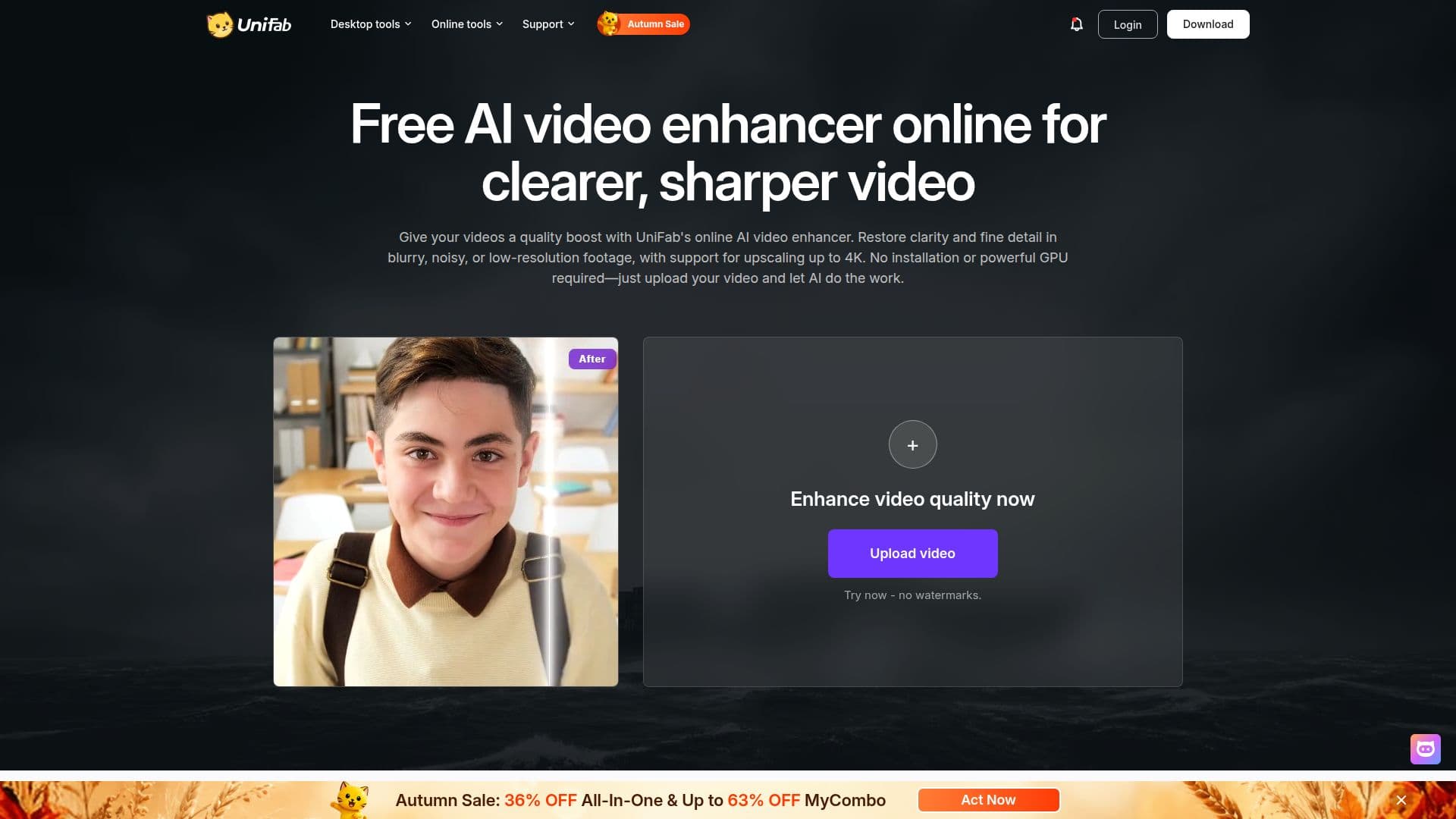
Description
DVDFab Video Enhancer AI is an advanced online tool designed to enhance video quality using artificial intelligence. Unlike traditional upscaling methods that merely stretch pixels, this tool analyzes each video frame to reconstruct missing details, refine edges, and reduce noise, resulting in clearer and sharper videos. It supports upscaling videos to 4K resolution, making it ideal for improving low-resolution content.
The tool operates entirely in the cloud, leveraging FabCloud's enterprise-grade GPUs, which means users do not need a powerful computer or GPU. It works seamlessly on various devices, including Windows, Mac, Chromebooks, iPads, and smartphones, as long as they have a modern browser. This makes it accessible for users to enhance video quality from anywhere.
DVDFab Video Enhancer AI supports all major video formats, such as MP4, AVI, and MOV, and outputs enhanced videos in MP4 format for universal playback. The processing time varies depending on the video's length and resolution, but cloud GPU acceleration ensures fast processing. Users can upload multiple videos and process them in the background, allowing them to close the browser and return later to download the enhanced videos.
Security is a priority, with all uploads protected by HTTPS/TLS encryption and processed on isolated cloud instances. Videos are automatically deleted from servers within three days, ensuring privacy. The tool is free to use with FabCloud credits provided upon account creation, and users can purchase additional credits if needed.
DVDFab Video Enhancer AI is particularly effective for fixing common video quality issues, such as blurriness, low resolution, compression artifacts, noise, and poor lighting. It is suitable for enhancing old family videos, social media clips, and other low-quality footage, providing a natural-looking enhancement without the artificial appearance common with other tools.
DVDFab Video Enhancer AI's Core Features
AI-powered video enhancement
4K video upscaling
Noise reduction
Detail recovery
Cloud-based processing
Supports major video formats
Secure data handling
Free credits for new users
No powerful hardware required
Background processing
How to use DVDFab Video Enhancer AI?
Upload: Add your video to the workspace
Enhance: Choose an AI model and upscaling option
Preview: View the enhanced video in real-time
Download: Save the high-quality video without watermark
DVDFab Video Enhancer AI's Use Cases
- Old family videos
- Social media clips
- Webinar recordings
- Content creators
- Classic films