
Description
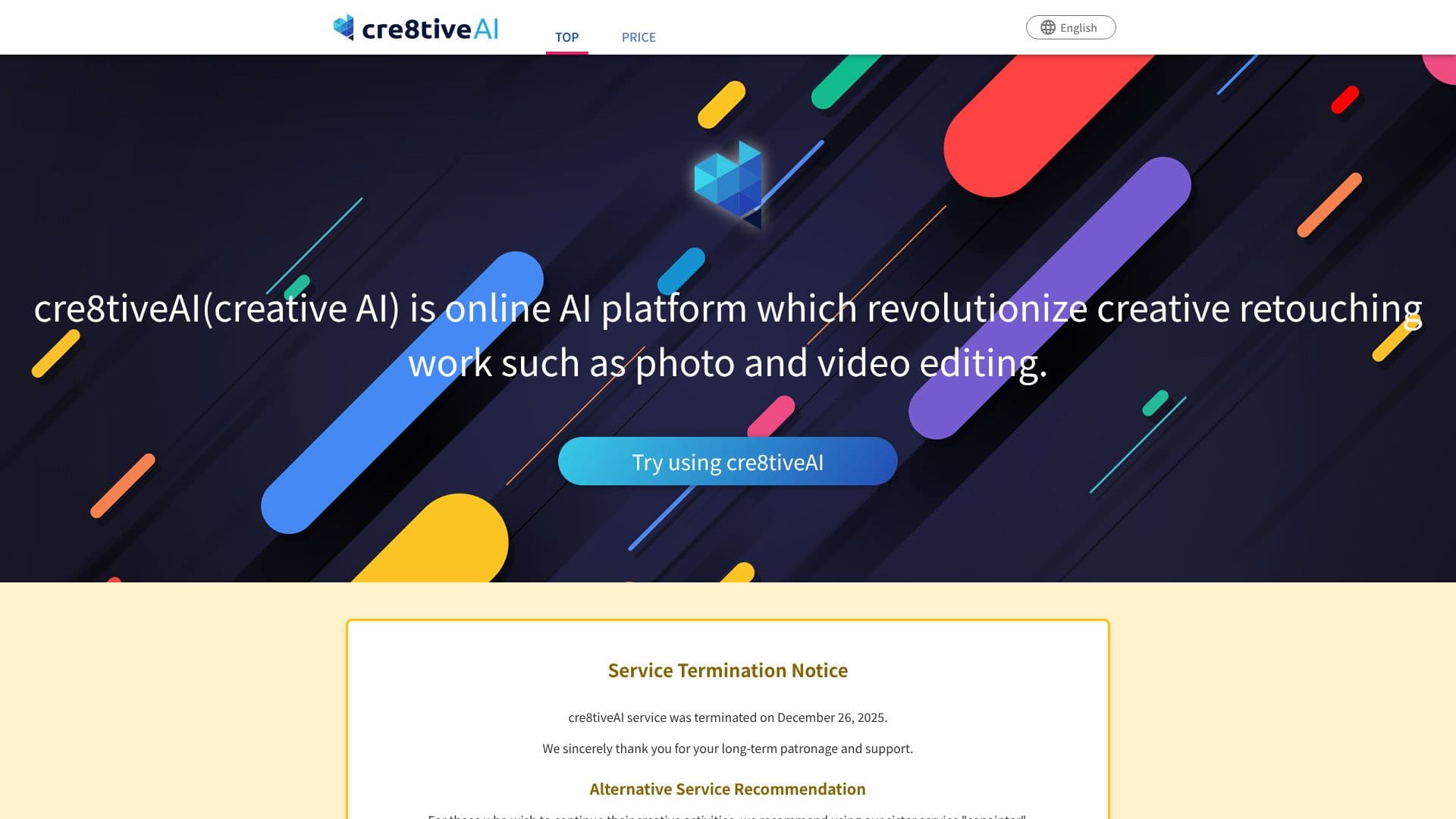
cre8tiveAI was an AI platform that aimed to revolutionize creative retouching work, particularly in photo and video editing. It offered a suite of AI tools designed to simplify complex tasks, making them accessible to a broad audience beyond professional designers and photographers. The platform's core mission was to democratize creative work by providing tools that could perform time-consuming tasks in seconds, freeing up users to focus on creative ideation.
Read More
Key capabilities included enhancing image resolution with tools like Photo Refiner, which could upscale images and illustrations by up to 16 times. Face Refiner specialized in improving the quality of faces within photos by reducing noise and out-of-focus elements. For character illustration, SAI could generate over a million unique face icons by learning character characteristics. Portrait Drawer automatically generated eight types of portraits from photos, including monochrome, color, and cartoon styles.
Video editing was also addressed with Moving Photo Maker, which converted static photos into 3D and then generated videos with various camera movements. For artistic transformations, Enpainter allowed users to render photographs in the styles of renowned artists like Van Gogh and Monet. Anime Art Painter created anime-style backgrounds from single images, while Line Drawer generated nine types of line drawings suitable for manga and anime backgrounds.
cre8tiveAI also offered free tools such as AnimeSR, a Chrome extension for real-time high-resolution animation enhancement on web pages, and PNG Smallify, which reduced PNG file sizes without compromising visual quality. Mono Painter could convert monochrome photos into color images. The platform emphasized speedy and reasonable AI processing, simple operations requiring no design expertise, and a safe, secure cloud environment for data management.
The service was targeted at anyone interested in creative work, including hobbyists, content creators, and professionals looking to streamline their workflow. The value proposition centered on saving time, reducing costs, and enabling high-quality creative output with ease.
- CategoryAI Photo Editors
- Pricing ModelFreemium
- DeploymentCloud
- PlatformsWeb
cre8tiveAI Photo, Illustration, Video Editor's Core Features
AI-powered photo resolution enhancement (up to 16x)
AI face quality improvement and noise reduction
AI character face illustration generation
AI portrait generation in multiple styles
AI photo to 3D video conversion with camera work
AI artistic style transfer for photographs
AI anime-style background generation
AI line drawing generation for manga/anime
Free Chrome extension for real-time animation upscaling
AI PNG file size reduction
AI monochrome to color photo conversion
How to use cre8tiveAI Photo, Illustration, Video Editor?
Upload Image/Video: Select the photo, illustration, or video you wish to edit.
Choose AI Tool: Select the specific AI tool that matches your editing need (e.g., Photo Refiner, Enpainter).
Configure Settings: Adjust parameters if available for the chosen tool.
Process: Initiate the AI processing, which typically takes seconds.
Download Result: Save your enhanced or transformed image or video.
cre8tiveAI Photo, Illustration, Video Editor's Use Cases
- Image Upscaling
- Face Enhancement
- Character Art
- Video Creation
- Artistic Transformation
- Background Design
- File Optimization
- Colorization