
Description
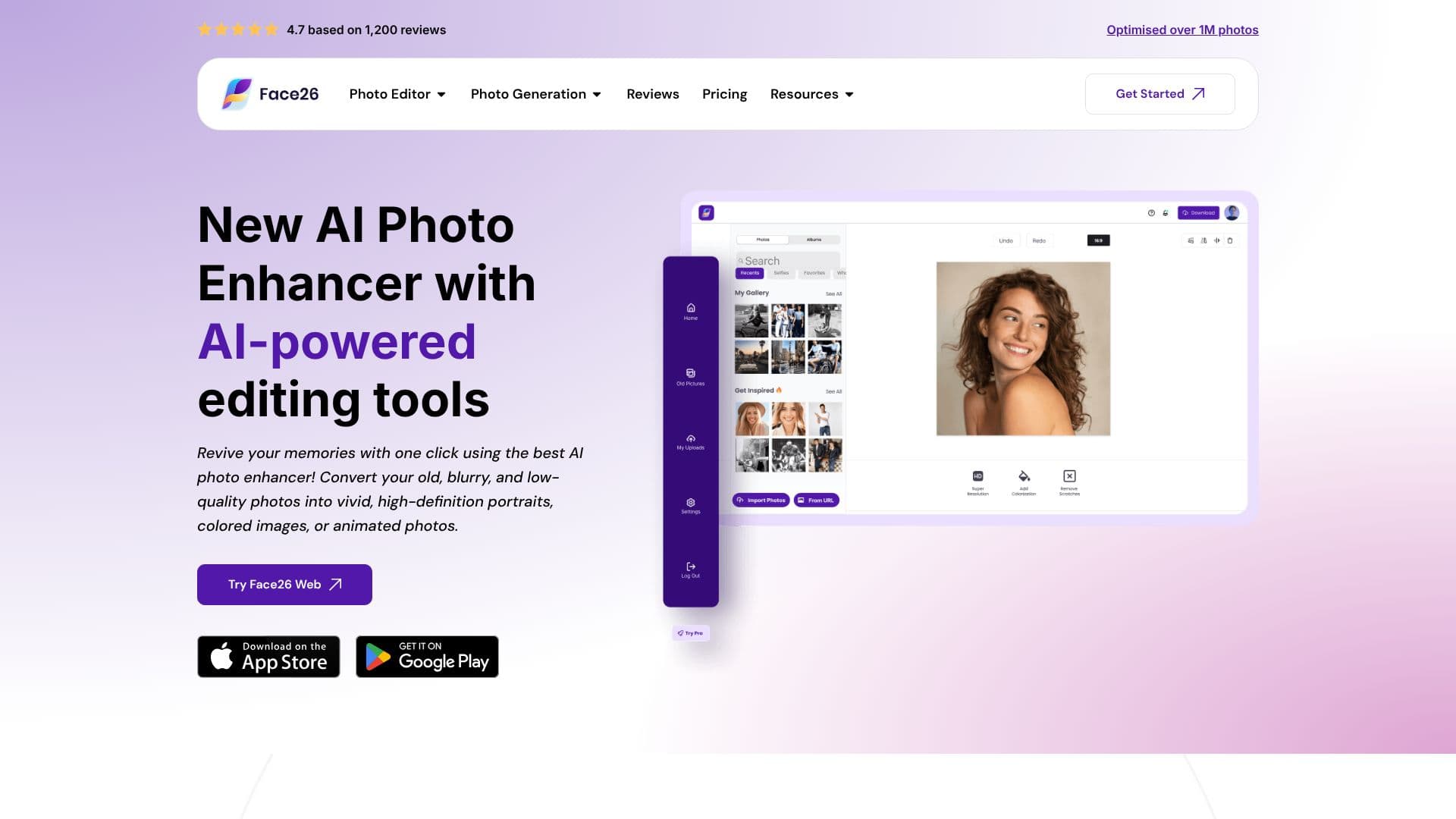
Face26 provides a powerful AI photo enhancer designed to revive and elevate your images with remarkable ease. This online tool leverages advanced AI algorithms to transform your old, blurry, and low-quality photos into vivid, high-definition portraits, vibrant colored images, or even animated visuals. With a simple one-click process, users can enhance everyday photos, making them more impactful and visually appealing.
Read More
The platform offers a suite of AI-powered editing tools, including features to improve colors, reduce blurriness, and upscale small images. For men, a specialized 'Model Mode' offers authentic beautification and unlimited variations to enhance their look. The 'Unblur Faces' feature specifically targets and sharpens facial details in images. Users can also bring historical photos to life by colorizing black and white images with realistic, bright colors.
Face26 addresses common image quality issues such as noise with its 'Denoise Photos' feature, allowing users to clean up grainy images. The 'Upscale Photos to HD' function enlarges pictures up to 4K resolution without any loss of quality, applicable to text, objects, logos, or photos. Furthermore, the 'Recolor Photos' tool enables creative variations by changing colors of various elements within an image, including skin tones. AI-powered color correction automatically fixes colors and enhances underexposed photos while preserving details.
Restoring old photographs is made easy with the AI image restoration tool. The 'Photo Realistic Art' feature transforms drawings into photorealistic images, and 'AI Face Retouch' smooths skin, removes wrinkles, and spots. A 'Background Remover' is also available for isolating subjects. For professional needs, 'Professional Headshots' generate realistic headshots without a photographer, and 'AI Dating Photo Generation' offers similar beautification options. E-commerce businesses can benefit from 'Ecommerce Photos' to showcase products in diverse settings, and 'Animate Photos' brings static images to life.
Face26 emphasizes user privacy, encrypting all uploaded images and offering easy deletion of photos and accounts. The service is accessible via a web browser on both desktop and smartphone, simplifying the process of sharpening and rescuing images. The enhancement process is streamlined into three simple steps: upload, enhance with one click, and save. This user-friendly approach ensures that anyone can achieve professional-quality results without requiring extensive editing skills.
- CategoryAI Photo Editors
- Pricing ModelFreemium
- DeploymentCloud
- PlatformsWeb Browser
Face26 AI Photo Enhancer's Core Features
AI-powered photo enhancement
One-click image improvement
Restoration of old and blurry photos
Colorization of black and white images
Photo upscaling to 4K HD
AI face retouching and beautification
Background removal from images
Generation of professional headshots
Animation of photos
Privacy-focused with data encryption
Web-based application accessible on desktop and mobile
How to use Face26 AI Photo Enhancer?
Upload Photo: Select and upload your image to Face26's Photo Enhancer Editor.
Enhance Automatically: Apply one-click enhancement for immediate quality improvement.
Review and Adjust: Preview the enhanced image and make minor adjustments if needed.
Save and Download: Download your high-quality, enhanced image to your device.
Face26 AI Photo Enhancer's Use Cases
- Photo Restoration
- Image Quality Improvement
- Colorizing B&W Photos
- Professional Headshots
- Face Retouching
- Background Removal
- Upscaling Images
- Photo Animation