
Description
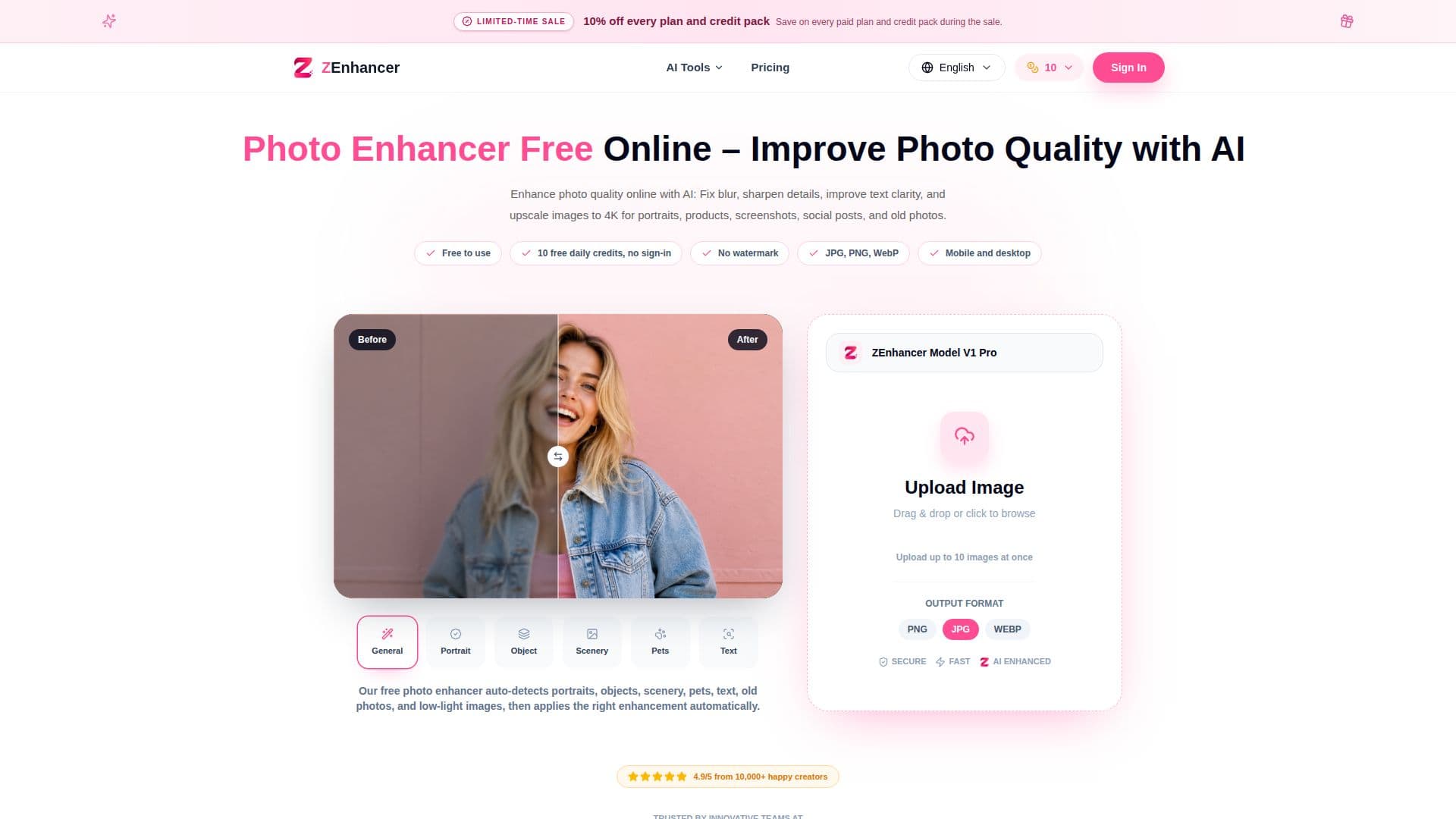
Photo Enhancer Free is an AI-powered online tool designed to enhance photo quality by sharpening details, reducing blur, and restoring clarity. It is particularly useful for portraits, product photos, old images, dark photos, screenshots, and social media pictures. The tool automatically detects various elements in the photo such as portraits, objects, scenery, pets, text, and low-light conditions, and applies the appropriate enhancement techniques. Users can upload up to 10 images at once and choose from different output formats including JPG, PNG, and WEBP.
Read More
The tool offers a simple workflow: users upload their photos, select the enhancement mode, and let the AI process the image to improve clarity, sharpness, and visible detail. The enhanced photo can be previewed side by side with the original, allowing users to compare and choose the best result before downloading.
Photo Enhancer Free provides 10 free credits per day, which are reset at 00:00 UTC, allowing users to enhance single images without signing in. For those needing more, subscription credits are available, which include batch processing capabilities. The tool is designed to be beginner-friendly, requiring no prior experience with complex photo editing software like Photoshop.
ZEnhancer, the company behind Photo Enhancer Free, offers additional tools such as the Image Upscaler, which can enhance 1080P photos to 4K, 8K, or 16K clarity. This makes it suitable for various use cases including printing, ecommerce, and creative projects. The tool is trusted by a diverse range of users, from boutique owners and teachers to designers and social media leads, who appreciate its ability to quickly and effectively improve photo quality.
- CategoryAI Photo Editors
- Pricing ModelFreemium
- DeploymentCloud
- PlatformsWeb
Photo Enhancer Free's Core Features
AI-powered photo enhancement
Automatic detection of photo elements
Supports JPG, PNG, WEBP formats
10 free credits per day
Batch processing available with subscription
Beginner-friendly interface
Side-by-side preview and download
Enhances portraits, products, and old photos
Noise reduction for low-light images
Photo upscaling to 4K, 8K, 16K
How to use Photo Enhancer Free?
Upload Your Photo: Choose a photo from your device.
AI Smart Processing: Let AI analyze and enhance the image.
Preview and Download: Compare and download the enhanced photo.
Explore More Tools: Use additional ZEnhancer tools for specific needs.
Photo Enhancer Free's Use Cases
- Portrait Enhancement
- Product Photos
- Old Photo Restoration
- Social Media
- Low-Light Photos