
Description
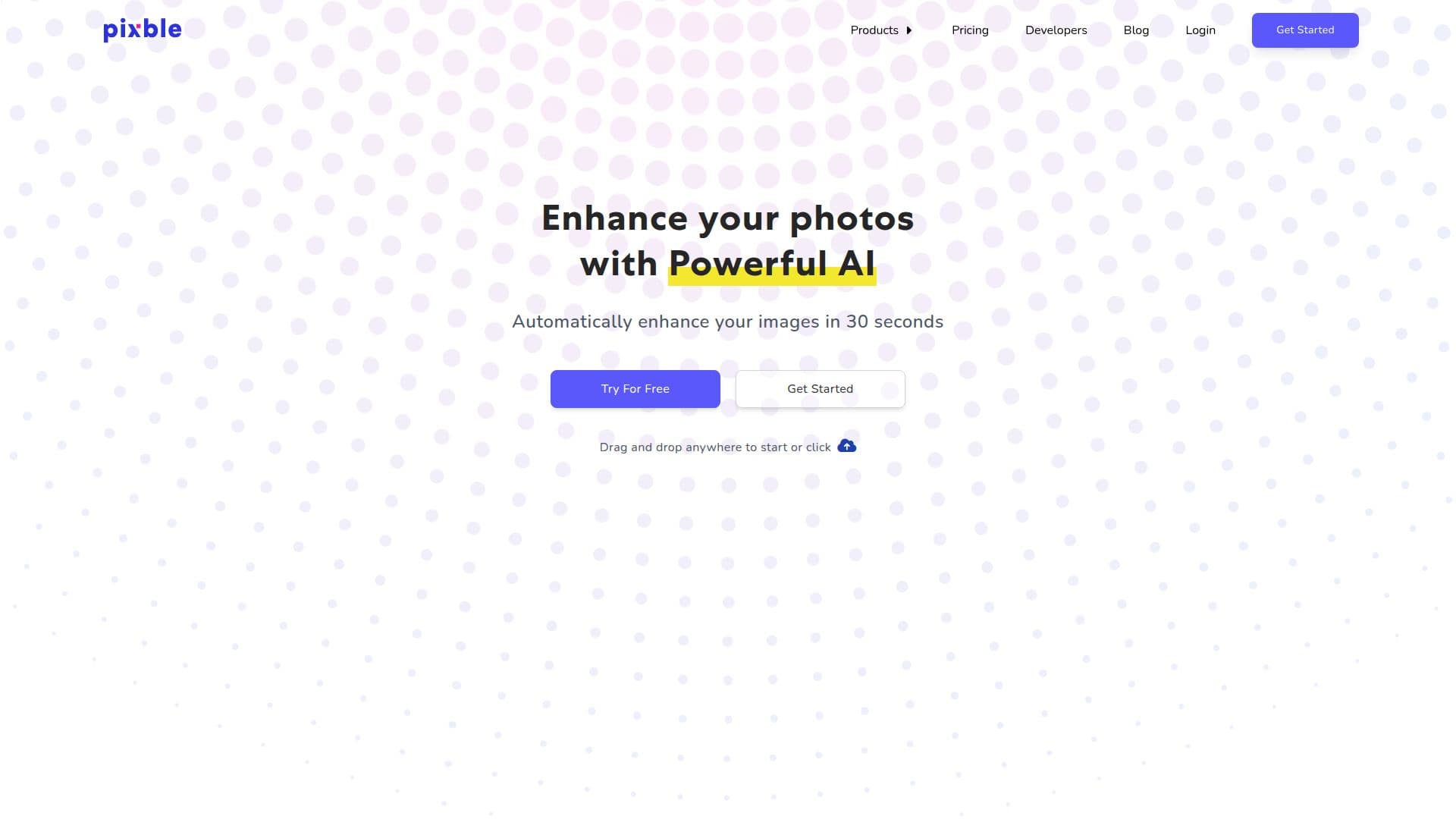
Pixble is an innovative photo editing tool that leverages artificial intelligence to enhance your photos online. It offers a range of features designed to improve image quality, including fixing lighting, color, and tone, as well as sharpening blurry photos. The tool is designed to be user-friendly, allowing users to drag and drop images for automatic enhancement in just 30 seconds.
One of Pixble's standout features is its ability to fix low-lit and overexposed photos, ensuring that your images are crisp and clear. It also reflects true colors, making sure that the colors in your photos match what you saw in real life. Additionally, Pixble reduces noise in photos taken in low-light environments without losing details, resulting in natural-looking images.
Pixble is ideal for various users, including marketing teams, e-commerce businesses, real estate professionals, and creative professionals like photographers and graphic designers. It helps enhance images for lifestyle and corporate needs, ensuring high-quality visuals that drive engagement and conversions.
The pricing for Pixble is flexible and transparent, with plans starting at $4.99 per month for 11 images, $8.99 for 22 images, and $15.99 for 42 images. Each plan includes unlimited storage for six months, priority enhancement, and support, with no watermark on enhanced images.
Pixble also offers an API for developers, allowing easy integration into applications with fully automatic processing capabilities. The API is designed for scalability and stability, ensuring high performance and secure communication.
Overall, Pixble provides a cost-effective solution for enhancing photos, offering professional-quality results at a fraction of the cost of traditional editing agencies.
Pixble AI Photo Enhancer's Core Features
AI-powered photo enhancement
Fix lighting, color, and tone
Sharpen blurry photos
Noise reduction without detail loss
Reflect true colors
Fast processing in 30 seconds
Flexible pricing plans
API integration available
How to use Pixble AI Photo Enhancer?
Upload: Drag and drop your photo
Enhance: Automatic AI processing
Review: Check enhanced results
Download: Save the enhanced image
Pixble AI Photo Enhancer's Use Cases
- Marketing
- E-commerce
- Real Estate
- Creative Professionals
- Social Media