Description
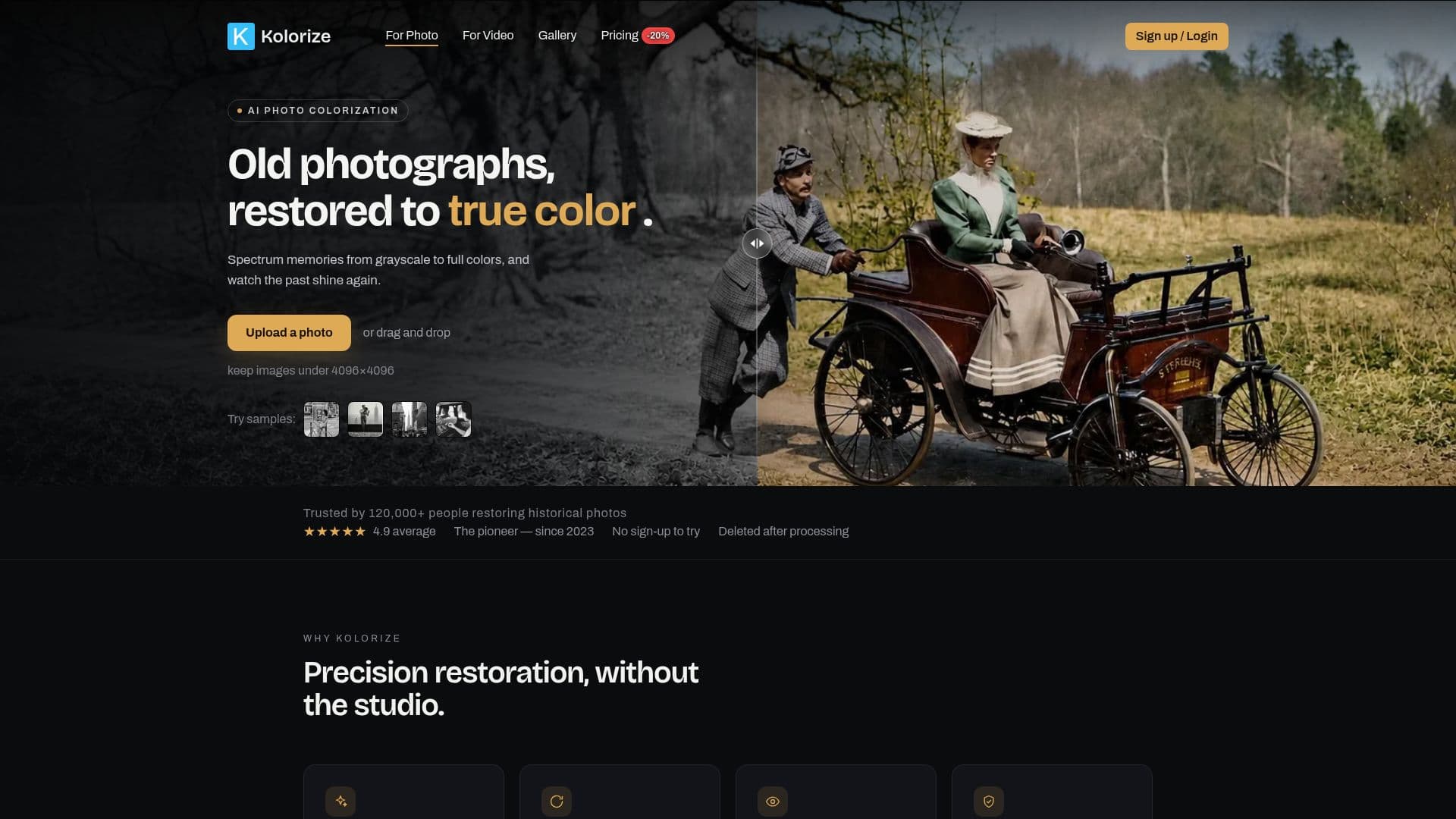
Kolorize is an innovative AI application designed to bring color to black-and-white photos. Utilizing proprietary AI models, Kolorize reconstructs realistic, era-accurate colors rather than applying a simple tint. This results in colorized images that appear as true color photographs. Users can upload images in various formats, including JPEG, PNG, WebP, GIF, and AVIF, with a maximum resolution of 4096×4096. Larger images are automatically downscaled. The colorization process is fully automated, ensuring privacy and consistency, as no human ever views or retouches the images.
Kolorize stands out from other photo colorizers by offering free unlimited previews and requiring no sign-up. Users only pay when they decide to download a finished image, with one credit per download. Credits are valid for two years, providing flexibility in usage. The tool also supports commercial use, allowing users to utilize colorized photos in personal projects, publications, documentaries, or commercial work without additional licensing fees.
The AI model used by Kolorize is trained on millions of photographs, enabling it to predict the most likely colors for objects based on statistical patterns. While no colorizer can guarantee a perfect match with the original scene, Kolorize aims to produce natural and historically plausible results. The tool is also capable of restoring vintage photos with sepia or yellowed tones by determining the original color state and adding or restoring colors accordingly.
Kolorize is designed for ease of use, with a straightforward three-step process: upload the photo, let the AI model work, and preview and download the result. Most photos are colorized in 3 to 8 seconds, depending on the resolution and detail level. The tool ensures that original details such as grain, focus, and resolution are retained, with color added beneath the photograph rather than over it.
Kolorize AI Photo Colorizer's Core Features
Proprietary AI models for colorization
Supports JPEG, PNG, WebP, GIF, AVIF formats
Free unlimited previews
No sign-up required
Downloads up to 4096×4096 resolution
Commercial use allowed
Credits valid for two years
Automated, private processing
How to use Kolorize AI Photo Colorizer?
Upload: Drag and drop your photo
Process: Let the AI model colorize
Preview: Compare colorized results
Download: Save your preferred version
Kolorize AI Photo Colorizer's Use Cases
- Family photo restoration
- Historical documentation
- Commercial projects
- Documentary production
- Artistic projects