


Description
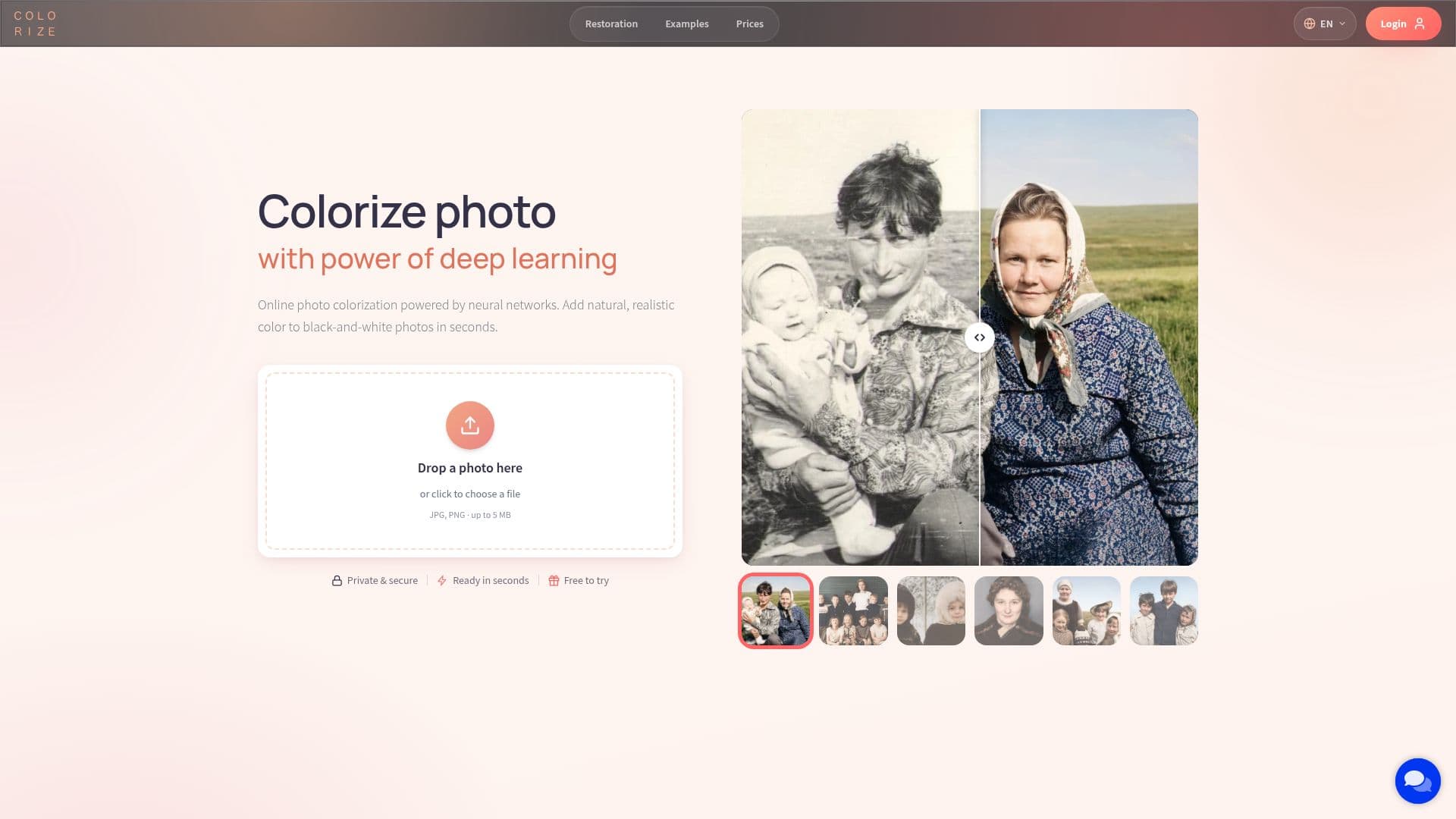
Colorize.cc is an online platform that leverages AI to transform black-and-white photos into vibrant, colorized images. Utilizing advanced neural networks trained on millions of color photos, Colorize.cc predicts natural colors for various elements such as skin, clothing, and nature. This process is entirely automatic, requiring no manual painting.
The platform offers a range of models to suit different needs. The free version provides a quick preview with simplified quality, while premium models like V8 High deliver superior results by preserving facial features and likeness, restoring more detail, and following user instructions. Users can choose from multiple models to balance speed and quality.
Colorize.cc supports popular photo formats including JPG, JPEG, and PNG, with a maximum file size of 5 MB for uploads. In addition to colorization, the platform offers restoration capabilities, allowing users to reduce scratches, noise, and blur, and improve details in old photos. Photos are stored securely in the cloud, accessible only to the user.
Pricing is based on a credit system, with no subscription required. Users can purchase credits for one-time use, valid for up to a year. This flexibility allows users to process photos at their own pace without recurring fees. The platform is ideal for individuals looking to revive family archives, as well as professionals handling large collections.
Colorize.cc also features V8 Studio, an interactive editor that provides full creative control over the colorized photo. Users can adjust specific areas, add or remove details, and re-run the process until the desired result is achieved. With its comprehensive suite of tools, Colorize.cc is a valuable resource for anyone looking to bring old photos back to life.
Colorize.cc Photo Colorization's Core Features
AI-powered photo colorization
Multiple colorization models
Photo restoration capabilities
Secure cloud storage
Interactive editing with V8 Studio
4K resolution support
Credit-based pricing model
No subscription required
Supports JPG, JPEG, PNG formats
Batch processing available
How to use Colorize.cc Photo Colorization?
Upload: Choose a photo to colorize
Select Model: Pick a colorization model
Process: Let AI colorize the photo
Edit: Use V8 Studio for adjustments
Download: Save the colorized photo
Colorize.cc Photo Colorization's Use Cases
- Family Archives
- Genealogy Research
- Memorial Photos
- Professional Studios
- Personal Use