


Description
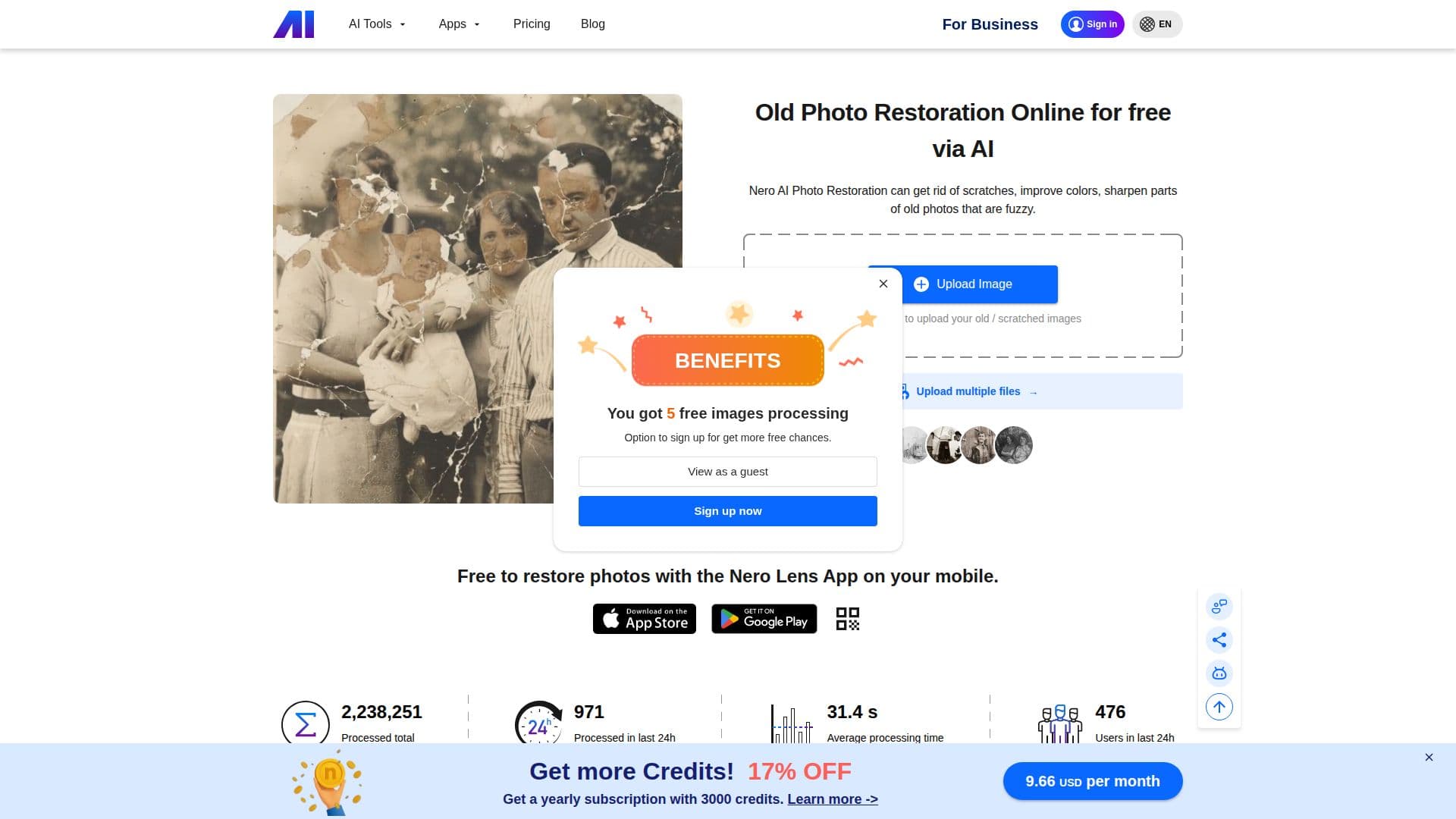
Nero AI Photo Restoration is an innovative online service designed to breathe new life into old and damaged photographs. Utilizing advanced AI models, it offers users the ability to restore, enhance, and colorize black-and-white and broken photos. The service provides multiple restoration models, including Natural+, Restore+, and Classic, each tailored to different restoration needs. Natural+ focuses on softer colors and preserved facial details, while Restore+ offers advanced scratch removal and color restoration for more detailed results. The Classic model supports basic scratch and damage repair, photo colorization, and facial enhancement.
Users can easily upload their photos in various formats such as jpg, jpeg, png, bmp, and more. Once uploaded, they can select the desired restoration model, preview the results, and download the restored images instantly. The service is particularly effective for older photos with blurred faces, minor scratches, and age-related damages, although it may struggle with severely damaged images where significant details are lost.
Nero AI Photo Restoration also offers an API for developers, allowing integration into other applications. New users can try the service for free with 10 trial credits, which can be used across different models. The Classic model consumes 1-3 credits per image, while Natural+ and Restore+ models require 4 credits each. After exhausting the free credits, users have the option to purchase additional credits.
The service is accessible via web and mobile platforms, with the Nero Lens app available for iPhone and Android users. This makes it convenient for users to restore photos on the go. Overall, Nero AI Photo Restoration provides a valuable tool for individuals looking to preserve and enhance their precious memories with the help of cutting-edge AI technology.
Nero AI Photo Restoration's Core Features
AI-powered photo restoration
Scratch removal
Color enhancement
Facial detail preservation
Multiple restoration models
Instant preview and download
API integration
Mobile app availability
How to use Nero AI Photo Restoration?
Upload: Drag and drop your photos
Select Model: Choose from Restore+, Natural+, or Classic
Preview: View the restored image
Download: Save the enhanced photo
Nero AI Photo Restoration's Use Cases
- Old Photo Restoration
- Colorization
- Scratch Removal
- Facial Enhancement
- API Integration