
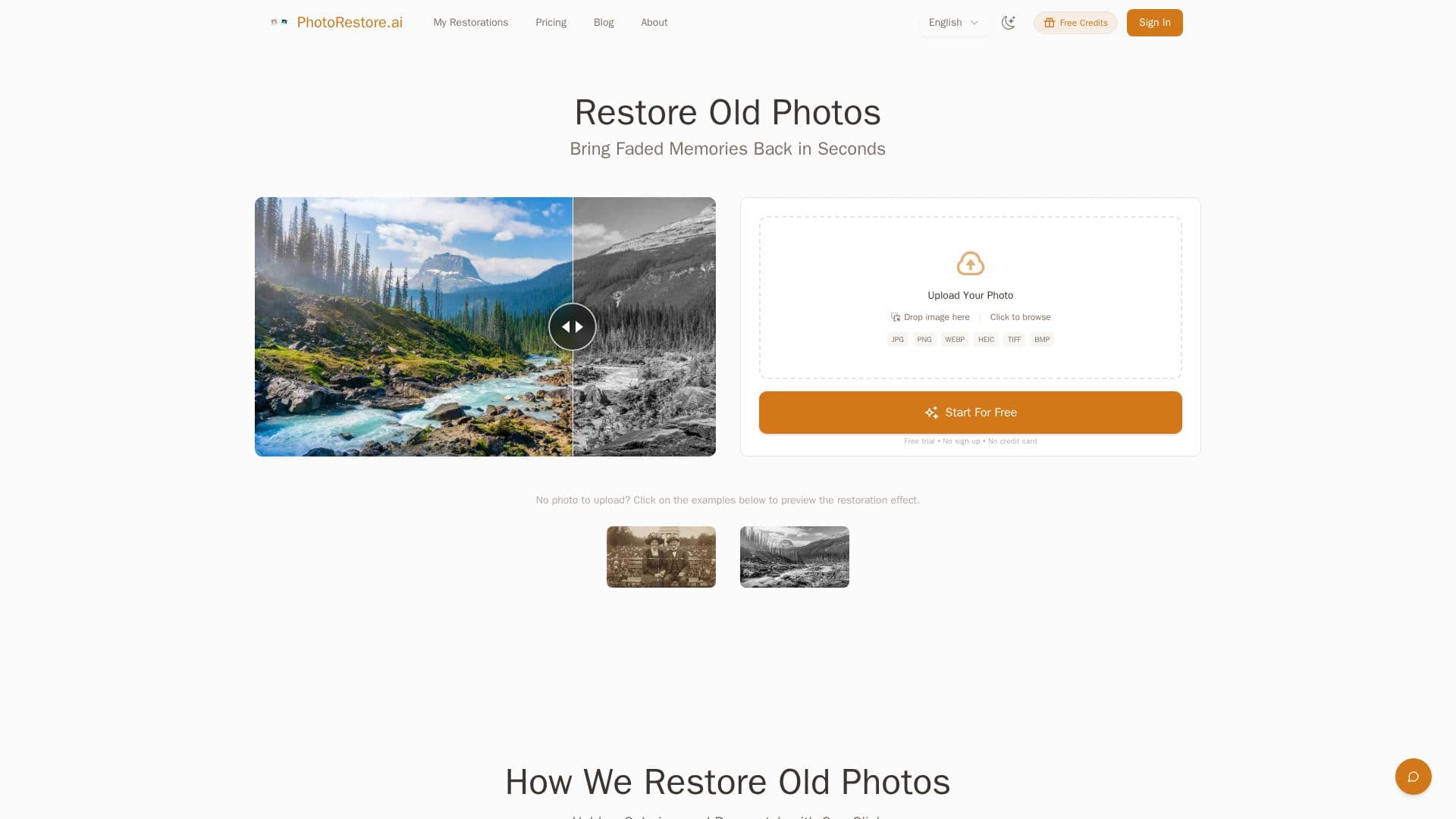
Description
PhotoRestore.ai is a web-based AI tool for restoring old, damaged, and faded photographs. Its engine automatically diagnoses issues in an uploaded photo and runs scratch repair, color reconstruction, and face enhancement at the same time, so a single upload produces a fully restored result without choosing between separate tools. The service works in the browser on phones, tablets, and computers with no app download and no sign-up.
Read More
The restoration is tuned to look natural rather than over-processed, retaining film grain and period texture, sharpening faces without a plastic look, and reconstructing historically accurate color instead of cartoon-like tints. It includes context-aware filling to rebuild missing patterns from tears, creases, mold, or stains. Specialized tools target specific problems, including fading, scratches, stains and spots, and torn or ripped photos. Supported formats include JPG, PNG, WEBP, HEIC, BMP, and TIFF up to 20 MB, and 600 DPI scans are recommended for best results.
The tool is aimed at families preserving memories, anniversary and memorial gifts, family archive projects, photographers handling client prints, designers working on heritage imagery, and historians or archivists digitizing collections at scale. Founded in 2025 as an independent service, its goal is to make professional-grade restoration accessible to everyone.
The first photo is completely free with no credit card required, running on the full professional engine. After that, a credit system applies where each restoration uses 1 credit. One-time packs range from a Starter Pack to an Archive Pack, and monthly subscriptions are available for frequent or bulk use. Uploads are encrypted in transit and at rest, processed only by AI, and permanently deleted within 24 hours, with no use for AI training.
- CategoryAI Photo Editors
- Pricing ModelFreemium
- DeploymentCloud
- PlatformsWeb
PhotoRestore.ai's Core Features
One-pass restoration of scratches, color, and faces from a single upload
Scratch, crack, and crease removal with context-aware filling
Historically accurate black-and-white colorization
Face enhancement that sharpens features and expressions
Specialized tools for stains, spots, and torn photos
Natural results that preserve film grain and period texture
Supports JPG, PNG, WEBP, HEIC, BMP, and TIFF up to 20 MB
No sign-up or watermarks, with a free first restoration
How to use PhotoRestore.ai?
Upload your photo: Drag and drop or select a scanned photo, ideally at 600 DPI.
Restore: The AI automatically fixes scratches, sharpens details, enhances faces, and colorizes.
Preview: Compare the restored result with the original.
Download and share: Save the restored photo in high definition.
PhotoRestore.ai's Use Cases
- Family memories
- Anniversary and memorial gifts
- Photographer client work
- Archives and heritage design