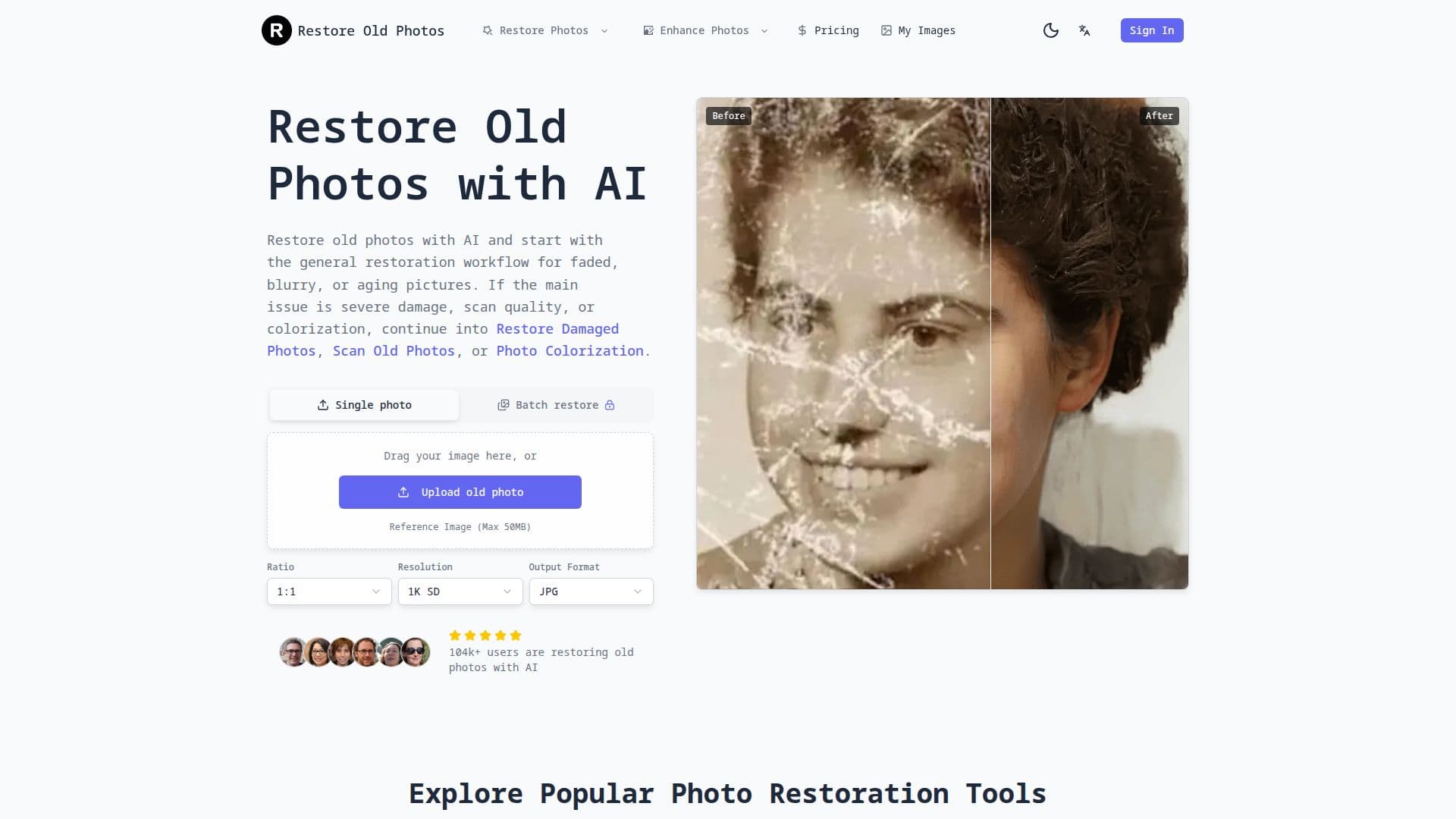
Description
Restore Old Photos is an AI-driven application that specializes in enhancing and restoring old photographs. It is designed to improve faded, blurry, and aging pictures, making them clearer and more vibrant. The tool offers a main restoration workflow that addresses common issues such as fading and blur, and provides specialized pages for more severe damage, scan quality improvements, or colorization needs.
Users can upload their old photos, including portraits, family group photos, and black-and-white pictures, to see immediate improvements. The AI analyzes the images and enhances them by removing scratches, fixing damage, and colorizing black-and-white photos. The tool supports JPG, JPEG, PNG, and WebP formats, and works on mobile, tablet, and desktop browsers without the need for an app download.
Restore Old Photos offers a free trial where users can upload and preview the restored result. If satisfied, they can download the high-resolution version for printing or sharing. The tool is designed for private photo restoration, ensuring that images are not shared publicly.
Pricing plans include Starter, Standard, and Premium options, each offering different levels of credits and image resolution capabilities. The Starter plan includes 1000 credits and supports up to 2K images, while the Standard and Premium plans offer higher resolutions and additional features such as batch generation and priority processing.
Restore Old Photos is ideal for family archivists, history enthusiasts, and anyone looking to preserve their photographic memories. It provides a straightforward, effective solution for restoring old photos, making them suitable for printing, framing, or archiving.
Restore Old Photos's Core Features
AI-powered photo restoration
Supports JPG, JPEG, PNG, WebP formats
Free trial with preview
High-resolution downloads
Mobile, tablet, and desktop compatibility
Specialized workflows for damage, scan, colorization
Privacy-first processing
Batch generation in Premium plan
How to use Restore Old Photos?
Upload: Drag and drop your photo
Restore: AI processes the image
Review: Check the restored result
Download: Save the high-resolution photo
Restore Old Photos's Use Cases
- Family Archives
- Historical Projects
- Gift Creation
- Genealogy Research
- Photo Colorization