
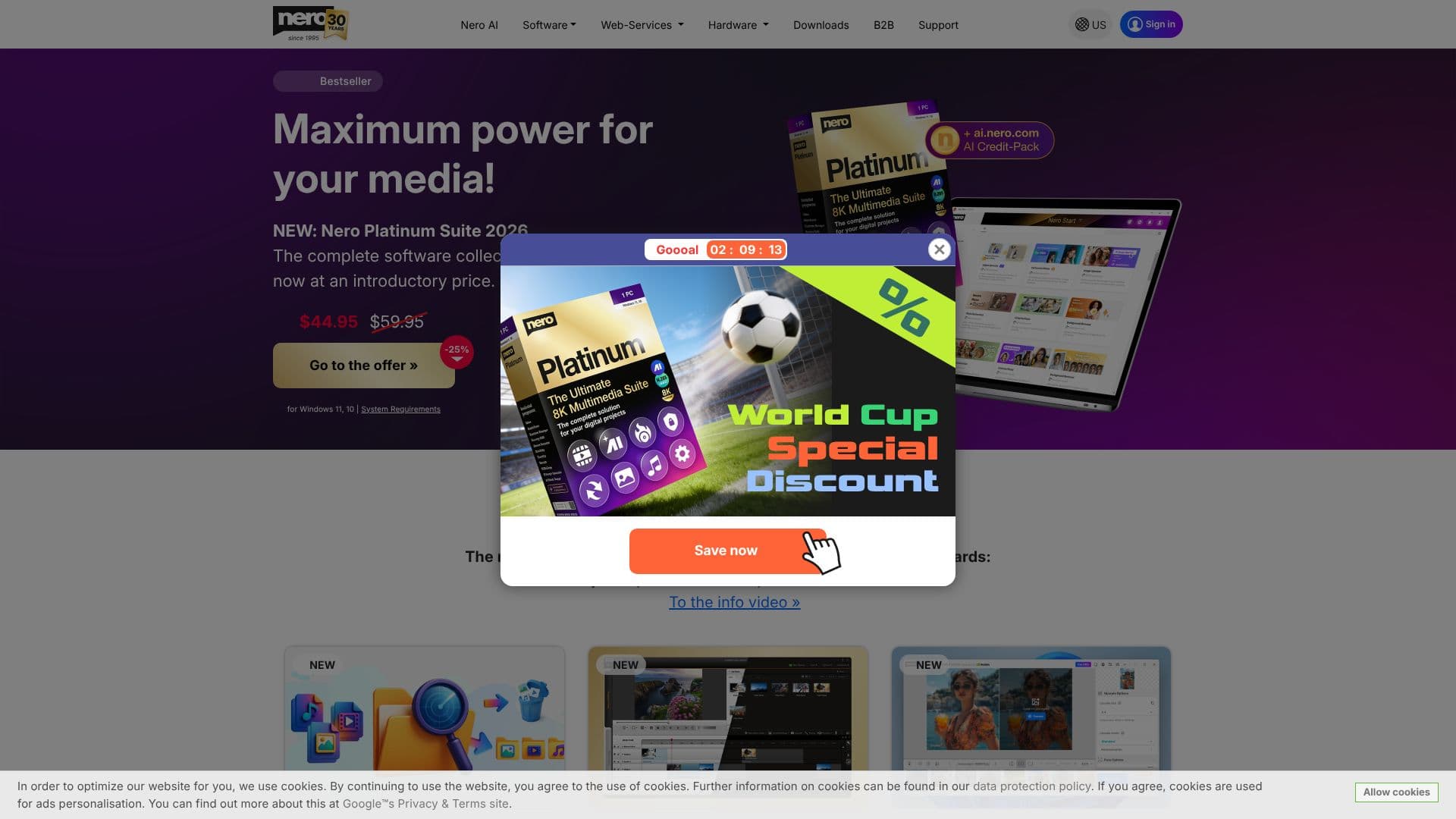
Description
Nero Platinum Suite is an all-in-one multimedia software collection designed to transform your PC into a powerful digital hub. With over 20 included programs, it caters to a wide range of digital projects, from video editing and photo management to data security and PC performance enhancement. The latest version, Nero Platinum Suite 2026, introduces new AI-powered features and an improved user interface for a more streamlined experience.
Read More
Key capabilities include advanced video editing with hundreds of theme templates, effects, and 8K playback support. For photos, Nero AI Image Upscaler and Nero AI Photo Tagger utilize artificial intelligence for local image enhancement, organization, and duplicate detection, ensuring your memories are preserved and easily accessible without cloud uploads. Music enthusiasts can enjoy saving songs from streaming services, editing audio files, and managing CD collections with metadata editing.
Data security is a core focus, with robust backup solutions that support external drives, optical media, and cloud storage (Google Drive, OneDrive, MagentaCLOUD, HiDrive, pCloud, QLOUD). Features like automated backups, incremental snapshots, and 256-bit encryption provide peace of mind. The suite also includes a suite of useful tools for PC tuning, data recovery, file encryption, and media formatting.
Nero Platinum Suite is ideal for users who want a complete, integrated solution for their multimedia needs. Whether you are a hobbyist creating video masterpieces, a photographer organizing large archives, or an individual concerned about data protection, Nero Platinum offers the tools to manage, create, and secure your digital life. The software is available through subscription or a one-time purchase model, offering flexibility to suit different user preferences.
- CategoryOther AI Tools
- Pricing ModelSubscription / One-time purchase
- DeploymentDesktop app
- PlatformsWindows
Nero Platinum Suite's Core Features
Comprehensive multimedia suite with over 20 programs
AI-powered photo organization, tagging, and upscaling
Advanced video editing with templates, effects, and 8K playback
Music saving from streaming services and CD metadata management
Secure data backup to local storage and cloud services
PC optimization and tuning tools for improved performance
Data recovery and file encryption capabilities
Disc burning, ripping, and copying functionalities
Screen recording and motion tracking features
Local AI processing for image enhancement and tagging
How to use Nero Platinum Suite?
Install: Download and install the Nero Platinum Suite on your Windows PC.
Explore: Launch Nero Start to access all included applications.
Create: Utilize Nero Video for editing videos or Nero AI Image Upscaler for photos.
Organize: Use Nero AI Photo Tagger to manage your photo library.
Secure: Set up automated backups with Nero BackItUp.
Optimize: Run Nero TuneItUp PRO to improve PC performance.
Burn: Use Nero Burning ROM for disc creation and data protection.
Nero Platinum Suite's Use Cases
- Video Editing
- Photo Management
- Data Backup
- PC Performance
- Disc Burning
- Music Management
- AI Image Enhancement
- Data Recovery