
Description
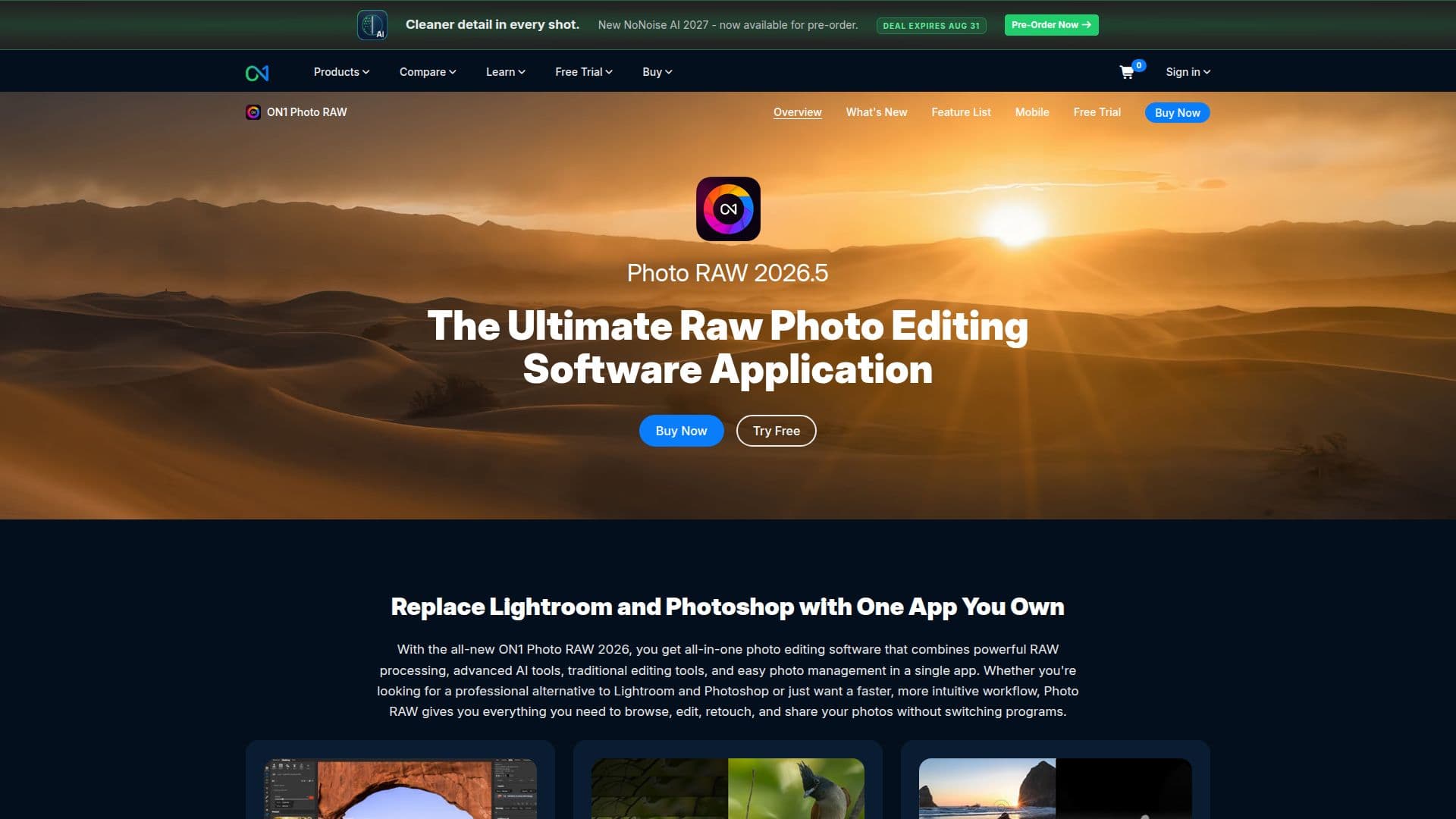
ON1 Photo RAW is designed for photographers who want a powerful, all-in-one solution for editing, organizing, and processing their photos. This AI-powered software simplifies the raw photo editing process, allowing users to maintain the highest image quality while unlocking their creativity. With ON1 Photo RAW, photographers can edit their images effortlessly, utilizing advanced features that enhance their workflow.
Read More
The software includes a variety of tools such as raw processing, photo effects, and AI-powered masking, which help users achieve professional results. New features introduced in version 2026 include Cinematic Depth Lighting, 1-Click Subject and Background Masking, and improved workspace customization. These enhancements make the editing process faster and more intuitive, catering to both novice and experienced photographers.
ON1 Photo RAW is available as a one-time purchase, eliminating the need for ongoing subscriptions. Users can install the software on multiple computers, with the MAX Edition allowing up to three installations. For those who prefer a subscription model, ON1 offers the Photo Studio membership, which includes access to all current and future ON1 apps, cloud storage, and training resources.
The software is compatible with both Mac and Windows operating systems, ensuring a wide range of users can benefit from its capabilities. ON1 Photo RAW also supports various camera models and includes features like HDR, sky swap AI, and advanced masking tools, making it a versatile choice for photographers looking to streamline their editing process. With a commitment to user feedback, ON1 continuously updates its software, ensuring it meets the evolving needs of the photography community.
- CategoryAI Photo Editors
- Pricing ModelOne-time purchase
- DeploymentDesktop app
- PlatformsMac, Windows
ON1 Photo RAW's Core Features
AI Powered Masking
Portrait AI
NoNoise AI
Resize AI
Photo Keyword AI
HDR
Sky Swap AI
Cinematic Depth Lighting
1-Click Subject and Background Masking
Workspace Customization
Double Exposure Filter
Film Negative Inversion
Motion Filter
Super Resolution Models
Grayscale Support
How to use ON1 Photo RAW?
Edit: Use AI tools to enhance your photos quickly.
Organize: Manage your photo library with built-in organization features.
Process: Utilize raw processing capabilities for high-quality outputs.
Mask: Apply AI-powered masking for precise edits.
ON1 Photo RAW's Use Cases
- Professional Photo Editing
- Photo Restoration
- Creative Compositing
- Batch Processing
- Photo Organization