Description
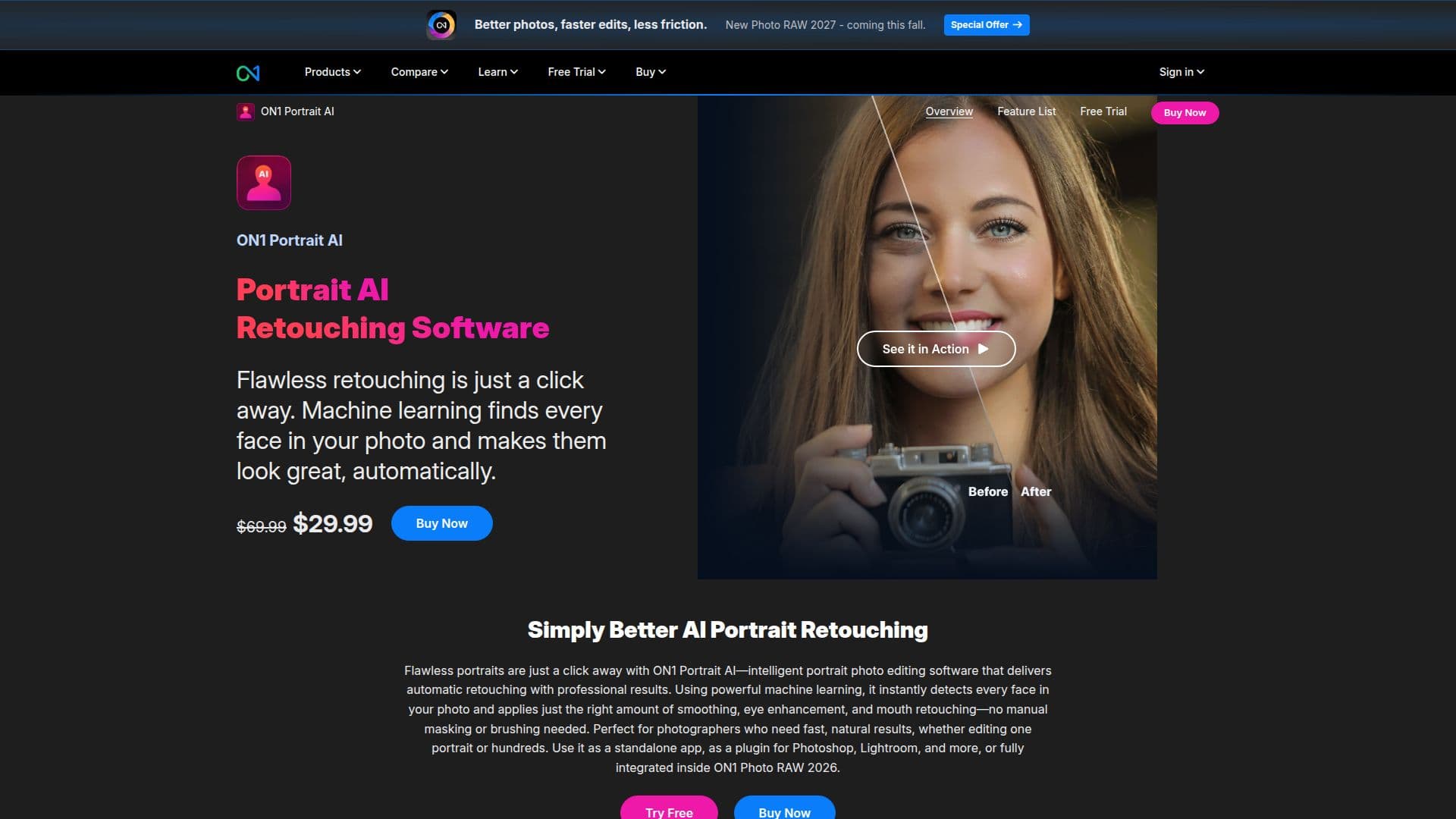
ON1 Portrait AI is a powerful photo retouching software designed to simplify the process of enhancing portraits. Utilizing advanced AI technology, it automatically detects faces in photos and applies natural-looking enhancements such as skin smoothing, eye brightening, and teeth whitening. This tool is ideal for photographers who require fast and professional results without the need for manual masking or brushing.
Read More
The software can be used as a standalone application or as a plugin for popular photo editing programs like Adobe Photoshop, Lightroom Classic, and more. It offers non-destructive editing, allowing users to re-edit their work without altering the original photo. ON1 Portrait AI also supports batch processing, enabling users to retouch multiple photos simultaneously, which is perfect for high-volume workflows.
Key features include automatic face detection, one-click retouching, and customizable presets that allow photographers to define their retouching style. The software also includes manual retouching tools such as a retouch brush, perfect eraser, and healing brush for more precise adjustments.
ON1 Portrait AI is priced at USD 39.99, with a free trial available for users to experience its full set of features for 30 days. It is compatible with both macOS and Windows operating systems, requiring a minimum of 8 GB RAM and a 2 GHz processor. The software supports various languages, including English, German, Spanish, and more.
Overall, ON1 Portrait AI is a versatile tool that fits seamlessly into any photographer's workflow, offering both automatic and manual controls for achieving flawless portrait retouching.
- CategoryAI Photo Editors
- Pricing ModelOne-time purchase
- DeploymentCloud, Desktop app
- PlatformsmacOS, Windows
ON1 Portrait AI's Core Features
Automatic face detection
One-click retouching
Standalone or plugin use
Non-destructive editing
Batch processing
Skin retouching
Eye enhancement
Teeth whitening
Face sculpting
Manual retouching tools
Local adjustments and masking
Content-aware crop
Customizable presets
Supports multiple languages
Free trial available
How to use ON1 Portrait AI?
Install: Download and install ON1 Portrait AI
Import: Open your photo in the software
Retouch: Use automatic or manual tools to enhance the portrait
Export: Save or export the retouched photo
ON1 Portrait AI's Use Cases
- Wedding Photography
- Professional Headshots
- Family Portraits
- Fashion Photography
- High-Volume Editing