
Description
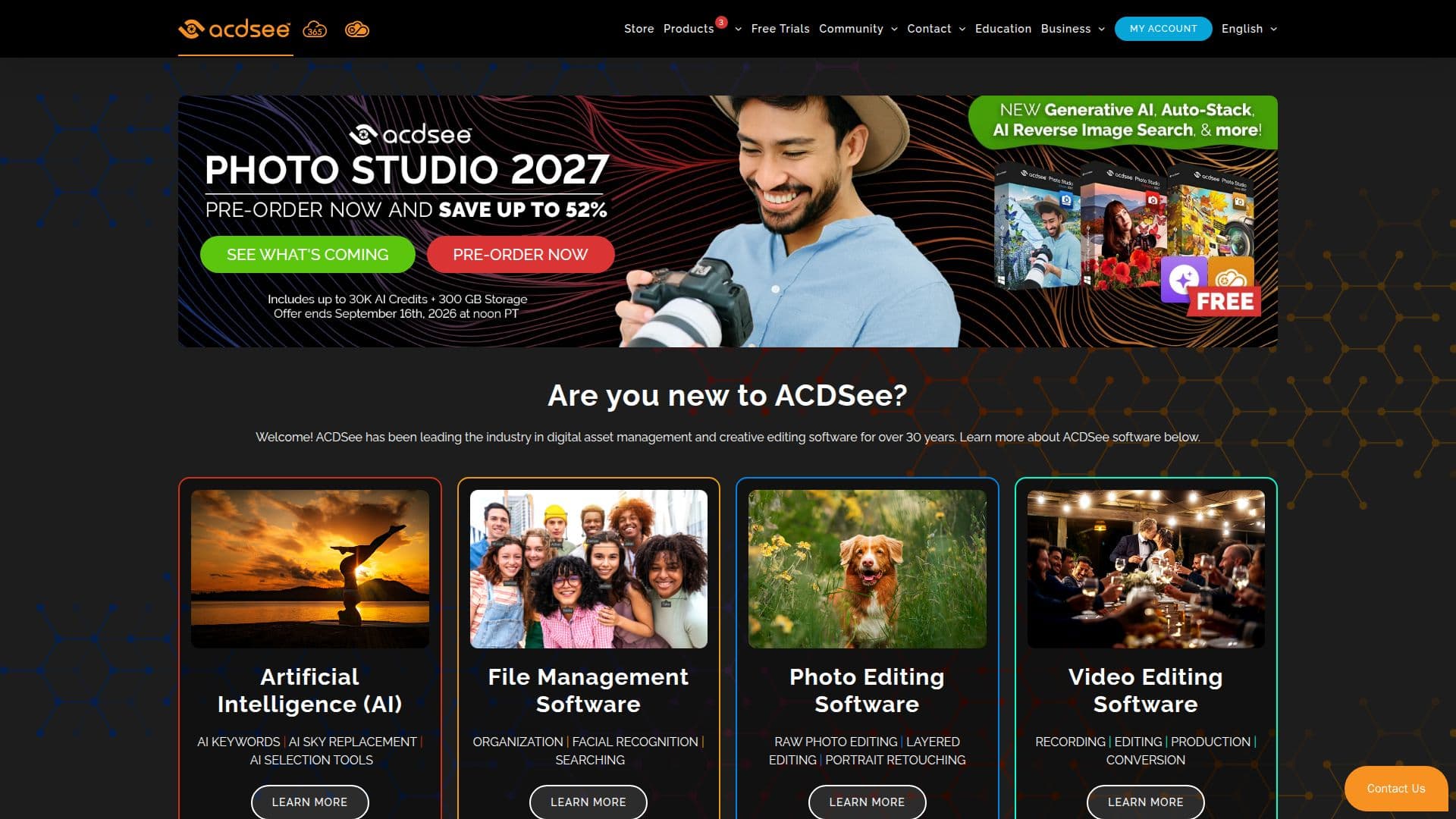
ACDSee Photo Studio is a leading software solution in the realm of photo editing and digital asset management. It provides photographers with a suite of tools designed to enhance and organize their digital photography workflow. The software is renowned for its advanced capabilities in RAW photo editing, allowing users to manipulate and perfect their images with precision. Additionally, ACDSee Photo Studio offers layered editing, enabling complex image compositions and adjustments.
Read More
The software is available in multiple versions, each catering to different levels of user expertise and needs. ACDSee Photo Studio Ultimate is the all-in-one solution for those who require extensive editing and organizational features. It is equipped with industry-leading AI-powered tools that significantly enhance the photography workflow, making it a preferred choice for professionals.
ACDSee Photo Studio Professional offers robust digital asset management and editing features, fortified with AI capabilities to streamline the editing process. For users seeking a versatile and easy-to-use system, ACDSee Photo Studio Home provides unrivaled digital asset management, ensuring photos are organized and accessible.
The software is designed for photographers who take and edit a large volume of photos and need to keep them organized efficiently. Its flexible technology supports users worldwide in making the most of their original assets. While pricing details are not specified, ACDSee Photo Studio is available for trial, allowing users to experience its features before committing to a purchase.
- CategoryAI Photo Editors
- Pricing ModelFreemium
- DeploymentDesktop app
- PlatformsWindows, macOS
ACDSee Photo Studio's Core Features
RAW photo editing
Layered editing
Digital asset management
AI-powered features
Photo organization
Versatile editing tools
Custom development options
Technology licensing
How to use ACDSee Photo Studio?
Install: Download and install the software
Configure: Set up preferences and import photos
Edit: Use editing tools to enhance images
Organize: Manage and categorize your photo library
ACDSee Photo Studio's Use Cases
- Professional Photography
- Photo Organization
- RAW Image Editing
- Creative Compositions
- AI-Enhanced Workflow