


Description
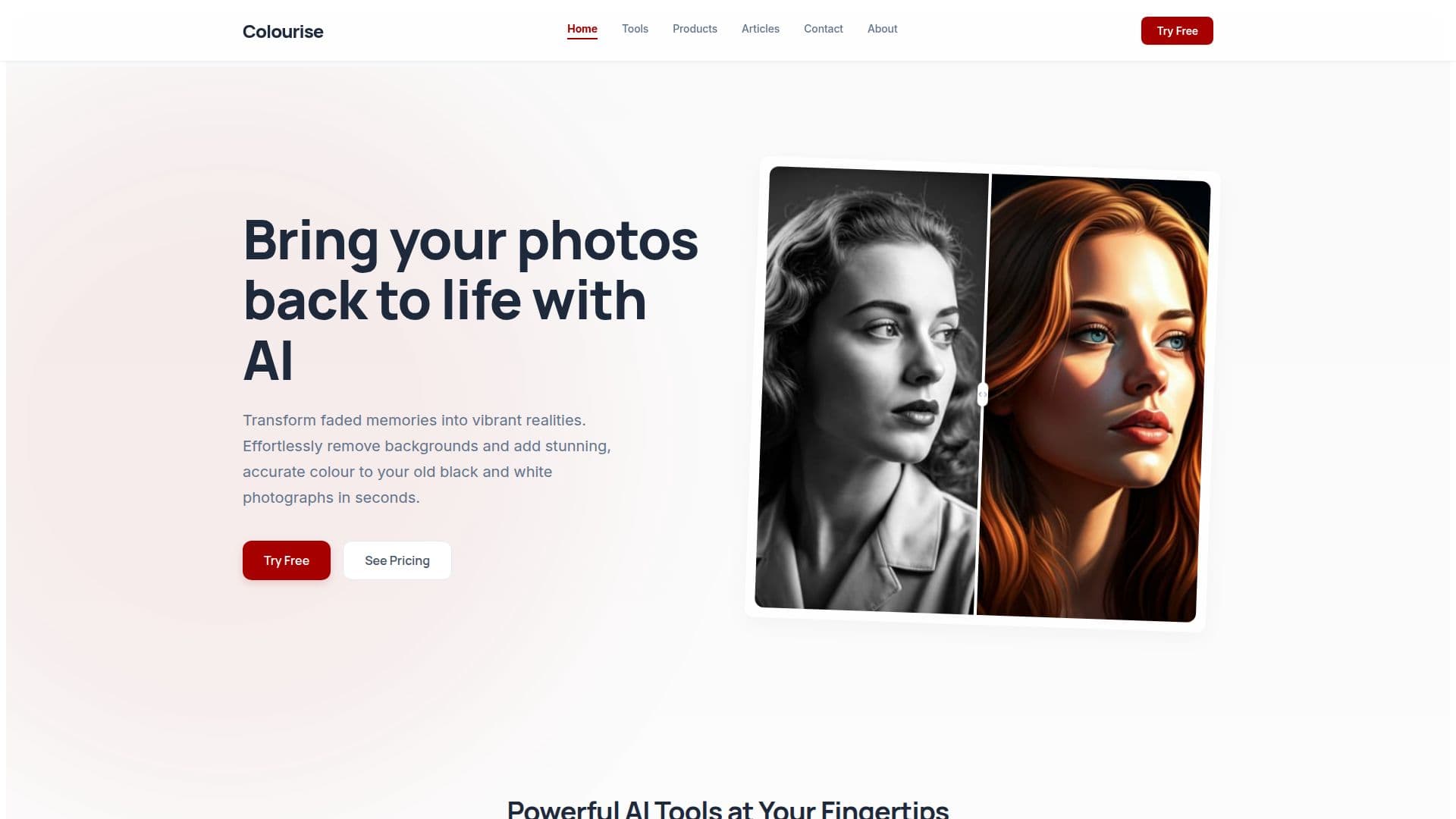
Colourise is an AI photo studio designed to bring old memories back to life. It specializes in transforming black and white photos into vibrant color images using advanced neural networks. The tool predicts and applies historically accurate colors with a single click, making it easy to revive faded memories.
In addition to colorization, Colourise offers a powerful background removal feature. This tool isolates subjects with pixel-perfect precision, ideal for creating product shots, profile pictures, or complex compositions. The neural matting engine ensures that delicate details like hair strands and translucent fabrics are preserved, allowing for seamless integration into new backgrounds.
Colourise also supports batch processing, enabling users to apply enhancements to entire folders of images simultaneously. This feature is particularly useful for large archives, saving time and effort in photo editing tasks.
The service is built around a single lifetime purchase model, providing access to all AI tools without recurring fees. Users benefit from lifetime free updates, ensuring they receive improvements in colorization accuracy and new features at no extra cost.
Colourise is trusted by over 50,000 photographers and designers who appreciate its ease of use and the quality of results. The tool is suitable for both personal and commercial use, with a commercial-use license included in the lifetime plan. Privacy is a priority, with photos processed over encrypted connections and deleted from servers within 24 hours.
Colourise AI Photo Studio's Core Features
AI-powered photo colorization
Background removal with neural matting
Batch processing for large archives
Lifetime purchase model
High-resolution output
Commercial-use license
Encrypted photo processing
Lifetime free updates
How to use Colourise AI Photo Studio?
Configure: Set up your preferences
Use: Upload and process photos
Optimise: Adjust settings for best results
Colourise AI Photo Studio's Use Cases
- Photo restoration
- Product photography
- Historical archives
- Graphic design
- Family albums