
Description
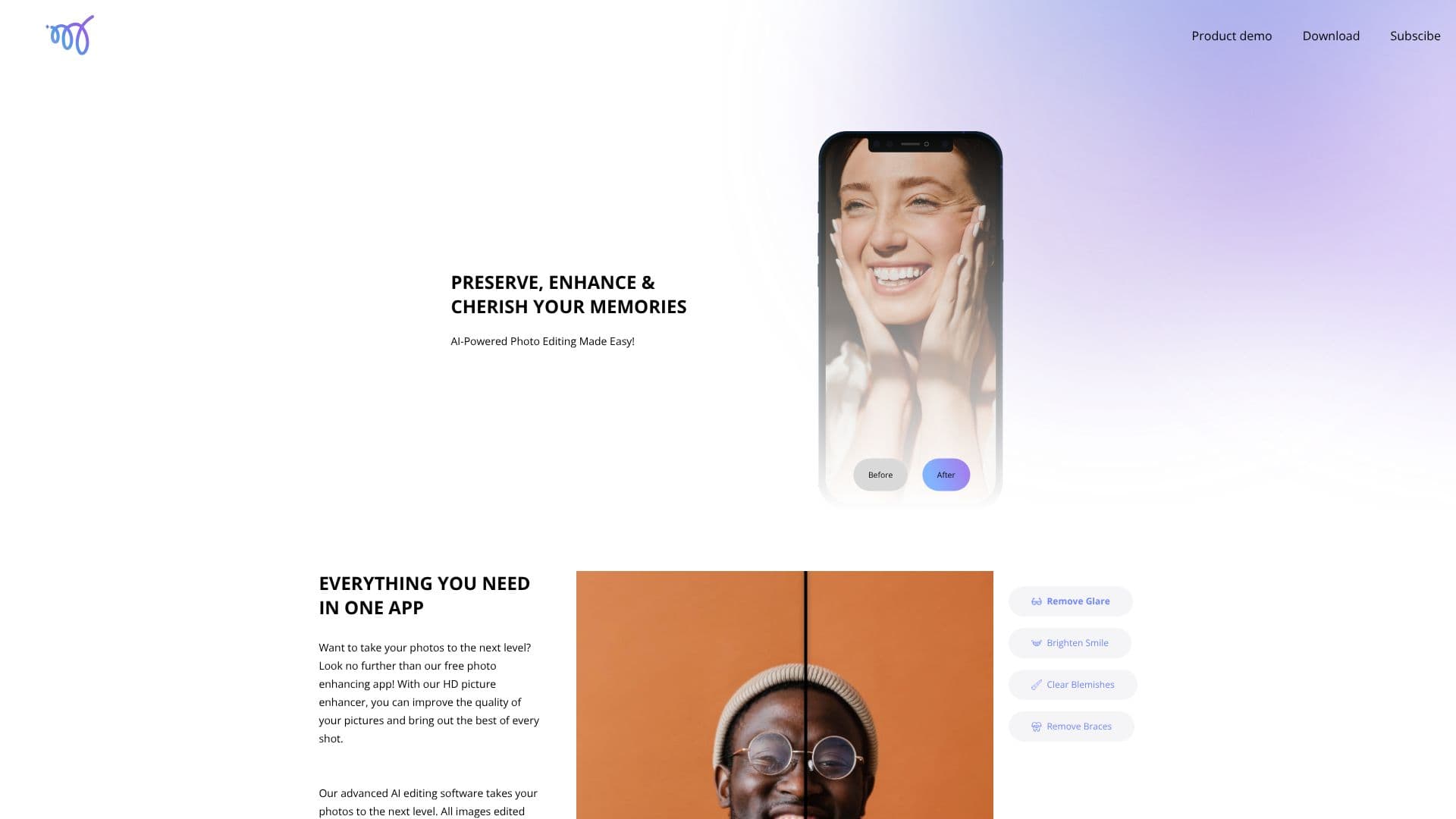
Mems offers an AI-powered solution for enhancing photos, making professional-level retouching accessible to everyone. The app focuses on preserving natural appearance while significantly improving image quality. Users can transform their pictures into high-definition masterpieces, bringing clarity and detail to every shot.
Read More
The core functionality of Mems revolves around its advanced AI editing software. This technology allows for a range of enhancements, including removing glare, brightening smiles, and clearing blemishes. The app is designed to be intuitive, enabling both professional photographers and casual users to elevate their personal photos. A key benefit highlighted is the natural retouching, which maintains skin texture while addressing imperfections, ensuring users look like themselves, not overly filtered.
Beyond its enhancement capabilities, Mems provides a user-friendly experience. All images edited within the app are free of watermarks, providing users with the freedom to create and share their favorite moments without any restrictions. The app is positioned as a perfect tool for improving selfies and portraits, boosting user confidence by delivering authentic-looking results.
Getting started with Mems is straightforward. Users can download the app by scanning a QR code with their phone's camera app and following the provided link. The platform also encourages users to subscribe for exclusive updates, fostering a community around its photo enhancement technology. Mems aims to help users preserve, enhance, and cherish their memories through accessible and effective AI photo editing.
- CategoryAI Photo Editors
- Pricing ModelFree
- DeploymentMobile app
- PlatformsMobile App
Mems's Core Features
AI-powered photo enhancement
Natural retouching
HD picture quality improvement
Glare removal
Smile brightening
Blemish clearing
Watermark-free images
Preserves natural appearance
Maintains skin texture
Enhances selfies and portraits
Transforms old photos into HD masterpieces
How to use Mems?
Download: Scan QR code with your camera app and follow the link.
Open: Launch the Mems app on your device.
Select Photo: Choose the photo you wish to enhance.
Apply Enhancements: Utilize AI tools for retouching, glare removal, and quality improvement.
Save & Share: Save your watermark-free, enhanced photos for sharing.
Mems's Use Cases
- Photo Quality Enhancement
- Natural Portrait Retouching
- Blemish Removal
- Glare Reduction
- Smile Brightening
- Old Photo Restoration
- Watermark-Free Sharing