
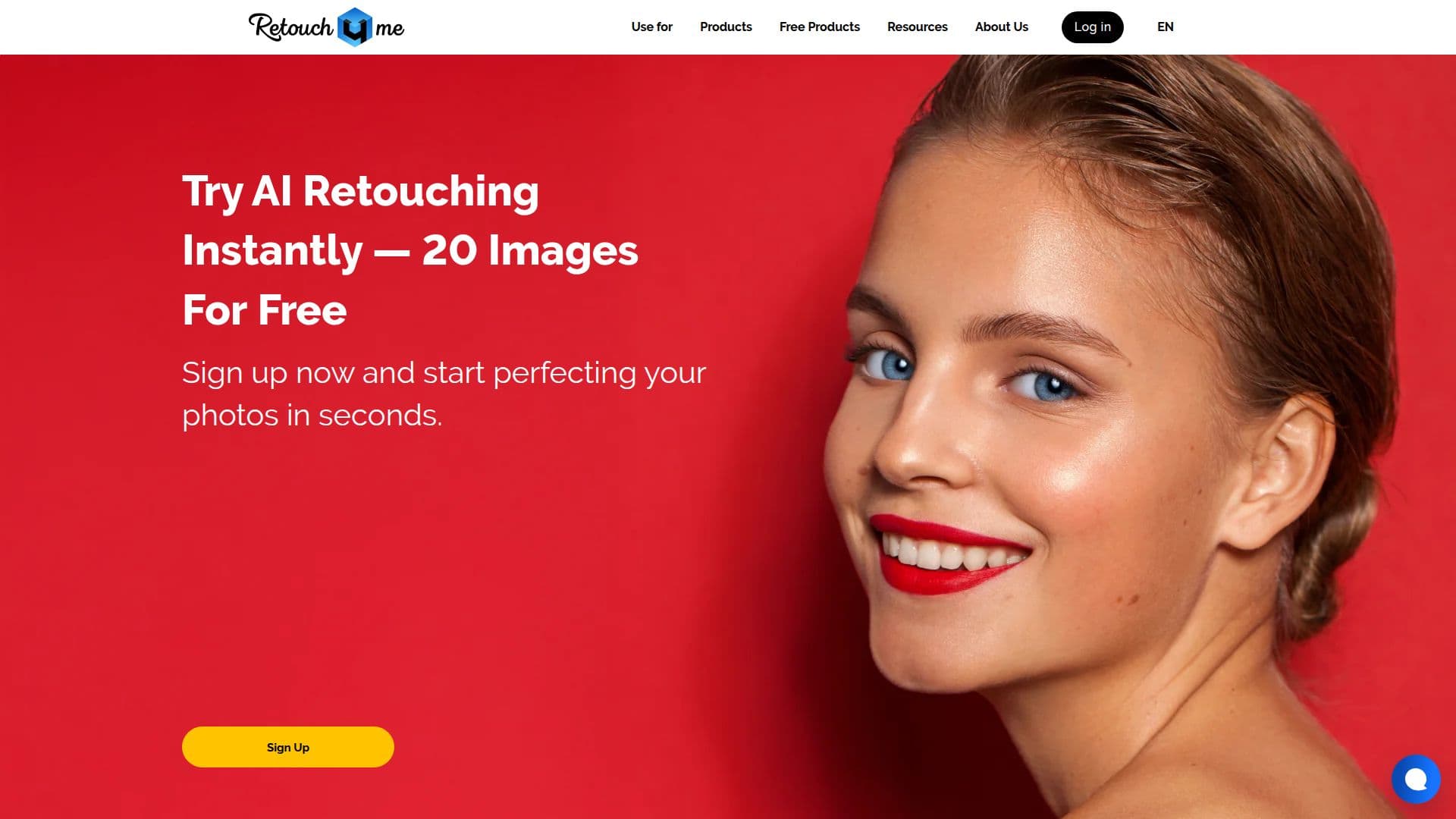
Description
Retouch4me provides advanced AI-powered plugins that streamline the photo and video retouching process for photographers. The platform is designed to work similarly to a professional retoucher, ensuring that original skin textures are preserved and photos maintain a natural appearance. Users can easily upload their images to the plugin, click a button, and wait for the AI to perform the necessary enhancements.
Read More
The tools offered by Retouch4me are tailored for various photography needs, including portraits, weddings, events, and e-commerce. The plugins automate routine tasks such as skin, lighting, and detail adjustments, allowing photographers to deliver projects faster without compromising on quality. With features like batch processing and smart culling, Retouch4me helps users manage large volumes of images efficiently.
For those looking to enhance their video content, Retouch4me also offers plugins that simplify the video retouching process, saving hours of manual work. The platform integrates seamlessly into existing workflows, making it convenient for photographers to use the tools they are already familiar with. Retouch4me is committed to providing high-quality results, ensuring that images retain their natural look while benefiting from the efficiency of AI technology.
With over 300,000 users worldwide and millions of photos processed, Retouch4me has established itself as a trusted solution for professional photographers. The company values natural-looking imagery and respects the original shot, aiming to save professionals time and effort by eliminating monotonous manual labor. Retouch4me offers a free trial, allowing users to test the capabilities of the tools before committing to a purchase.
- CategoryAI Photo Editors
- Pricing ModelFreemium
- DeploymentCloud and Local
- PlatformsPhotoshop
Retouch4me's Core Features
AI-powered retouching
Batch processing
Smart culling
Natural skin texture preservation
Seamless integration with Photoshop
Video retouching capabilities
Free trial available
Cloud and local retouching options
Comprehensive photo analysis
Customizable presets
How to use Retouch4me?
Upload your photos to the Retouch4me plugin.
Select the desired retouching options.
Click the button to initiate the AI retouching process.
Review the retouched images and make any necessary adjustments.
Export the final images in your preferred format.
Retouch4me's Use Cases
- Portrait Retouching
- Wedding Photography
- Event Photography
- E-commerce Product Photos
- Video Retouching