Description
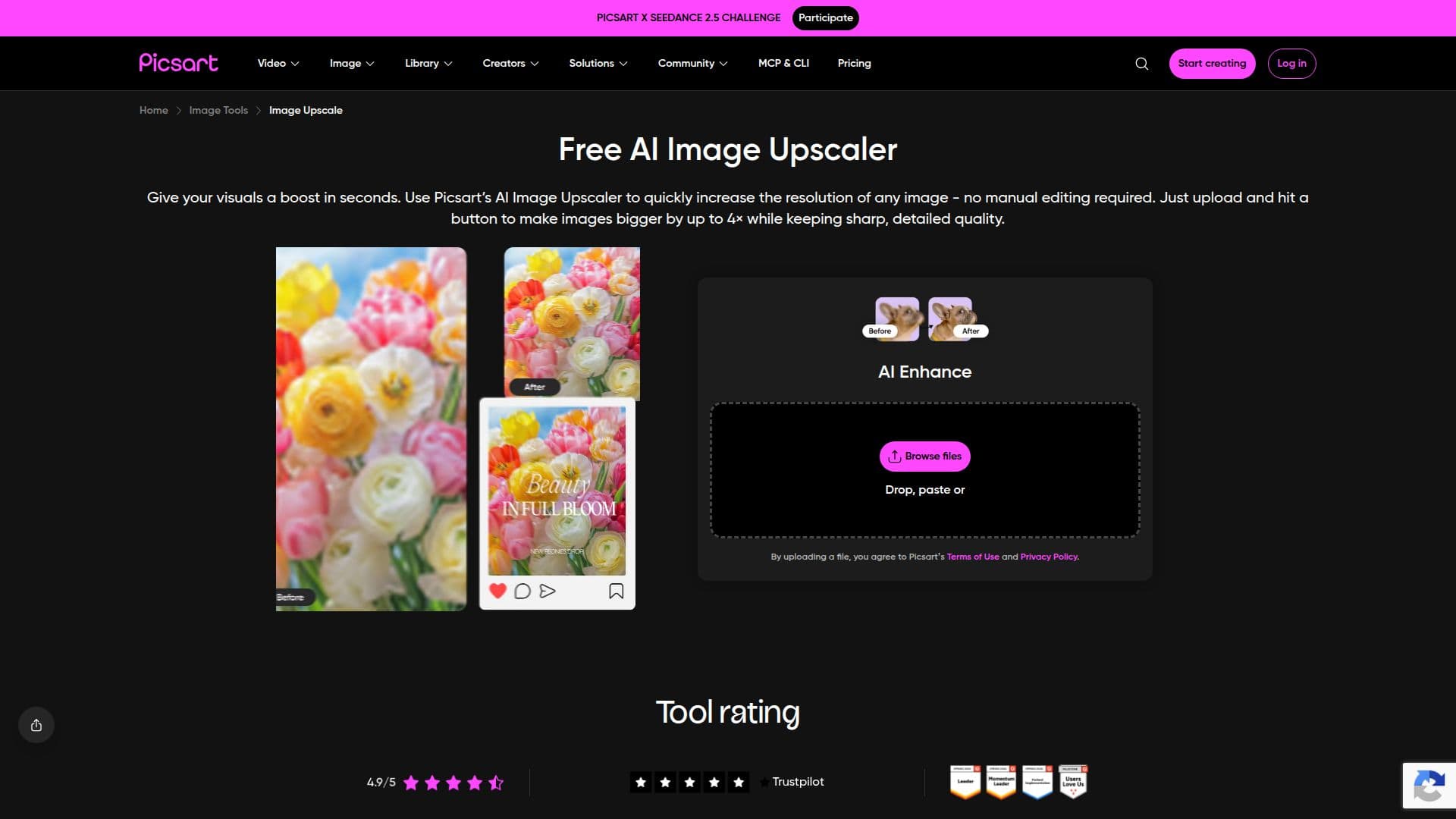
Picsart's Free Image Upscaler is an AI-powered tool designed to enhance your images effortlessly. Users can upscale their photos by 2x or 4x, ensuring that textures and details are preserved during the process. This tool is particularly useful for those who need to print small images on larger formats, such as posters or banners, without losing quality.
Read More
To use the upscaler, simply upload your image using the 'Browse files' button. The AI technology automatically restores and sharpens details, requiring no manual effort from the user. After processing, you can download a low-resolution version for free. For those who require higher resolution files, a Picsart Plus subscription is available for an upgrade.
The maximum upscale factor supported by the Picsart upscaler is 4096px, allowing for significant enlargement of images. It supports both JPEG and PNG formats, making it versatile for various types of images. Users are encouraged to be mindful of the original resolution; for very low-resolution images, it is recommended to opt for a 2x upscale instead of 4x to achieve the best results.
The AI upscaler is designed not only to improve image quality but also to maintain the integrity of the original image. The original file remains untouched during the upscaling process, ensuring that users can always revert to their initial image if needed. This feature is particularly beneficial for those who want to experiment with different resolutions without the risk of damaging their original files.
In addition to upscaling, Picsart offers a suite of creative tools that allow users to further edit their images after upscaling. This includes options for batch processing, enabling users to upscale multiple images at once, which saves time and maintains consistency across projects. Overall, Picsart's Free Image Upscaler is a powerful tool for anyone looking to enhance their images quickly and effectively.
- CategoryAI Image Upscalers
- Pricing ModelFreemium
- DeploymentCloud
- PlatformsWeb
Picsart Image Upscaler's Core Features
AI-powered upscale
Supports JPEG and PNG formats
Free low-resolution downloads
High-resolution upgrade available with subscription
Maximum upscale factor of 4096px
Batch processing for multiple images
Automatic detail restoration
Preserves original image quality
How to use Picsart Image Upscaler?
Upload a photo: Use the 'Browse files' button to get started.
Let AI enhance: The AI will automatically restore and sharpen details.
Download your image: Get a free low-resolution version or upgrade for high-resolution.
Continue editing: Use Picsart's creative tools for further enhancements.
Picsart Image Upscaler's Use Cases
- Poster Printing
- Social Media Content
- Marketing Materials
- Personal Projects
- Professional Presentations