Description
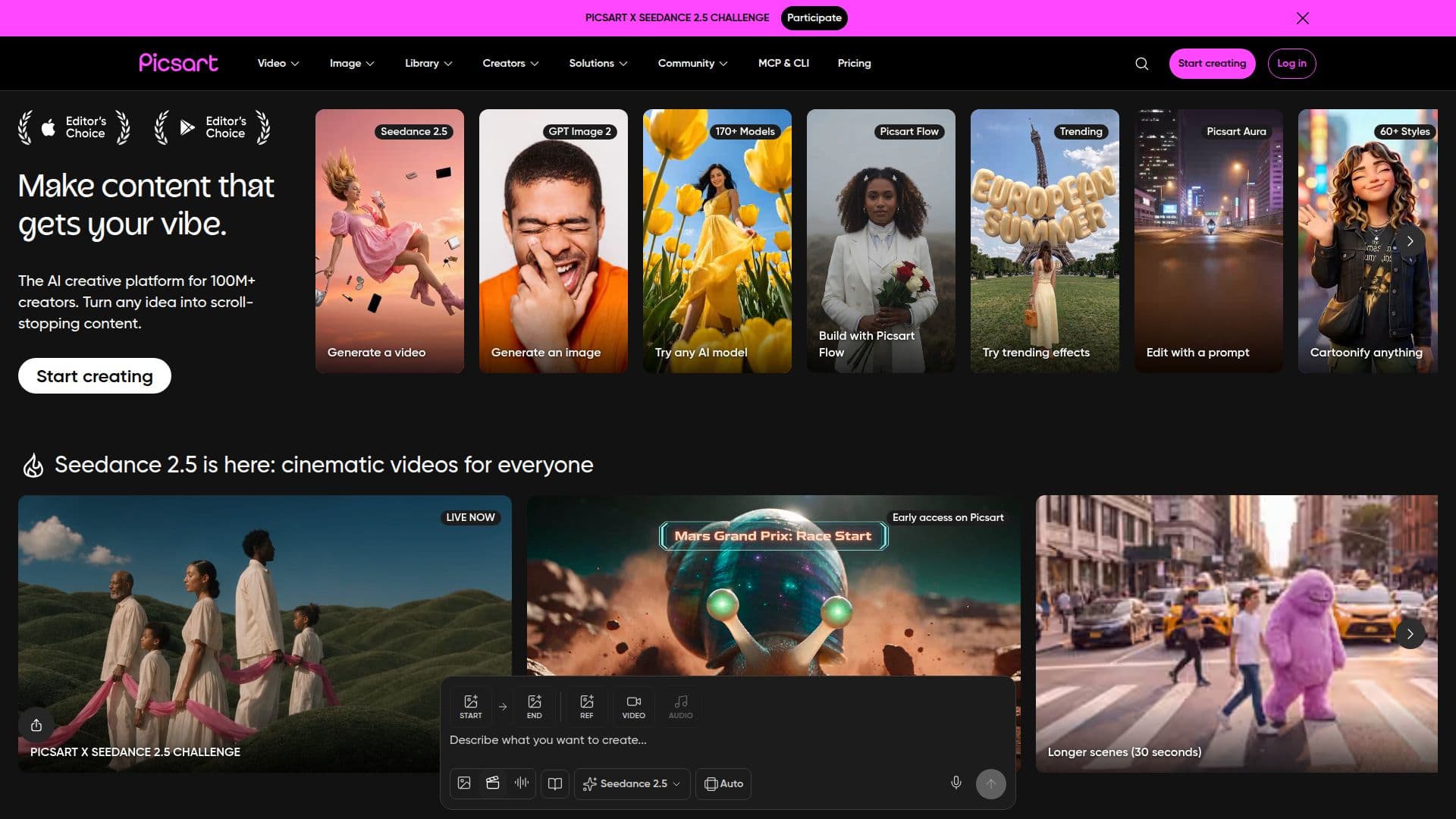
Picsart is an all-in-one creative platform used by more than 130 million creators and businesses to turn ideas into content. It combines photo and video editing, image and video generation, and design tools with expert-crafted templates, built-in asset libraries, and generative AI, available on both mobile and web with work that syncs everywhere.
Read More
On the AI side, Picsart offers image generation across 50+ AI models and an AI Playground with 140+ leading image, video, and audio models such as Kling, Nano Banana, Veo, Seedance, Flux, Recraft, Sora, Runway, and ElevenLabs. A feature called Flow connects AI models, effects, and assets into automated workflows that take one input and produce multiple outputs, and Aura is described as a creative super-agent. Editing tools include background and object removal, a one-tap image enhancer, and professional editing for both images and video.
The platform is built for a range of users, from people creating for fun to side hustles and professional creative studios. It includes 80,000+ templates sized for every platform, batch export, real-time collaboration, brand kits, millions of stock photos and Getty video clips, and cloud storage. A Picsart CLI brings image, video, and audio generation to the terminal, CI pipelines, and Dockerfiles, and Picsart can be used inside tools like Claude Code, Cursor, and ChatGPT via MCP.
Picsart is free to start, with Pro and Ultra subscription plans. Pro adds all editing features, advanced removal, unlimited image generations, premium templates, brand kits, bulk editing, and creative AI agents, while Ultra adds 140+ models, early access to advanced features, non-expiring add-on credits, more Getty stock, team seats, and ad variation and localization tools.
- CategoryAI Photo Editors
- Pricing ModelFreemium
- DeploymentCloud, Mobile app
- PlatformsWeb, iOS, Android
Picsart's Core Features
Photo and video editing for images and video
AI image generation across 50+ models
AI Playground with 140+ image, video, and audio models
Flow for building automated multi-output AI workflows
Background and object removal and one-tap image enhancer
80,000+ templates, stock photos, and Getty video clips
Picsart CLI plus MCP use in Claude Code, Cursor, and ChatGPT
Brand kits, batch editing, and real-time collaboration
How to use Picsart?
Start free: Sign up on mobile or web to begin creating.
Pick a tool or template: Choose editing, generation, or a ready-made template sized for your platform.
Create with AI: Generate images, videos, or audio, or edit photos with AI-powered tools.
Build workflows: Use Flow to connect models and assets into automated multi-output workflows.
Export and share: Batch export, download, and sync your work across devices.
Picsart's Use Cases
- Social content creation
- AI image and video generation
- Photo editing
- Small business marketing
- Automated creative workflows