Description
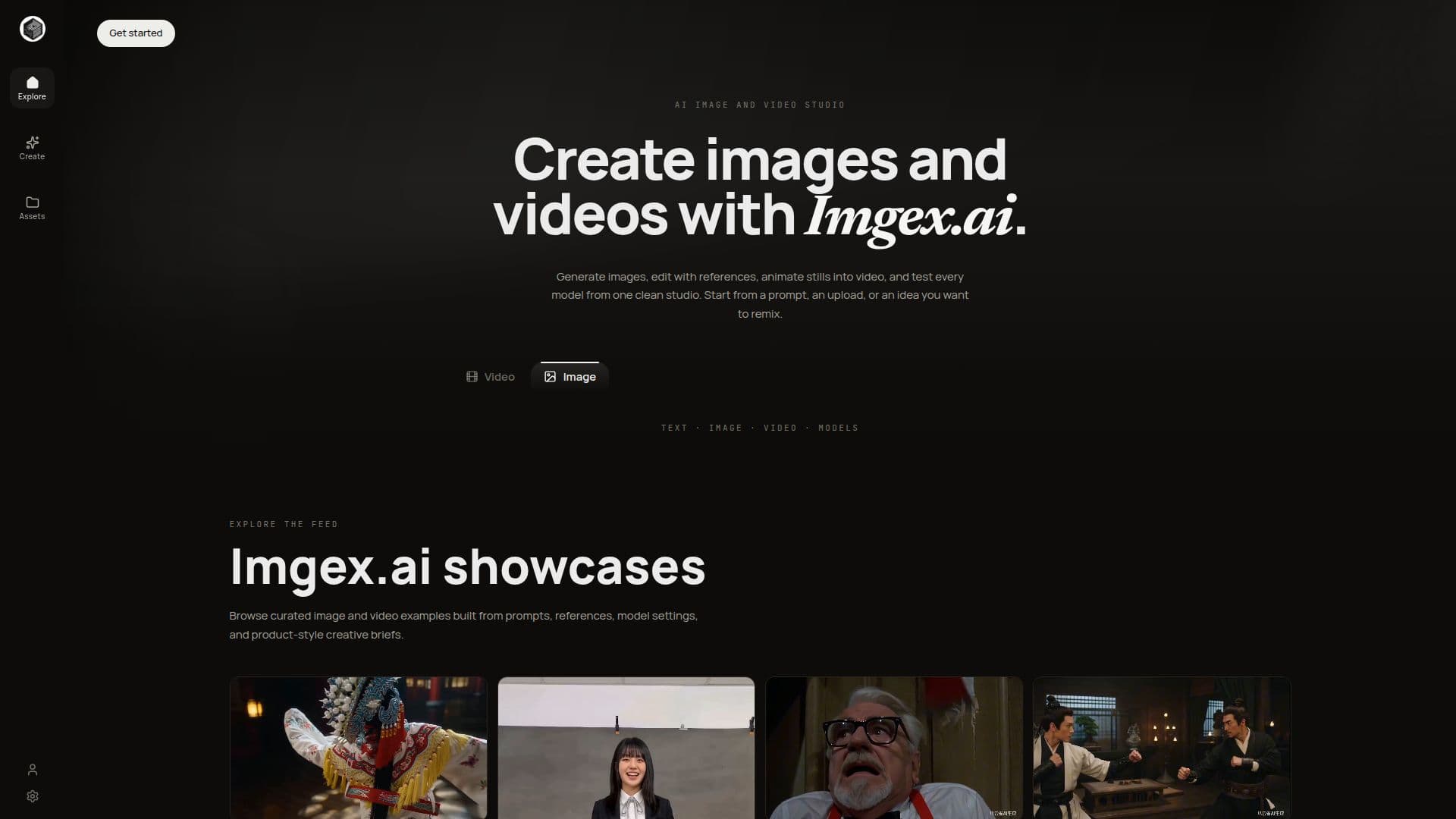
Imgex.ai is an AI image and video studio that brings prompts, uploads, model selection, output formats, generation history and credits into a single workflow. Creators can generate images from text, edit with reference images, animate stills into video, and run text-to-video generation without switching between separate tools.
Read More
The studio exposes a full model picker so users can switch between many image and video models — including Seedream, Seedance, Kling, Veo, WAN, Grok, Nano Banana, Flux, PixVerse, GPT Image and Qwen — as the registry grows. It supports native creative formats for portraits, product pages, ads, square posts, vertical shorts and widescreen campaigns, first-to-last-frame arcs where models support them, and clear style naming instead of long prompt strings. Saved generation history lets users favorite strong outputs, revisit prompts and continue from assets that worked.
Imgex.ai offers credit-based annual plans — Basic, Pro and Studio — with increasing monthly credits, faster generation queues and additional model controls and support. Existing Imgex subscriptions can be imported and renewed through a compatibility path. For commercial creative work, users are advised to review the active model and provider terms.
- CategoryAI Image Generators
- Pricing ModelPaid
- DeploymentCloud
- PlatformsWeb
Imgex.ai's Core Features
Text-to-image, reference image editing, image-to-video and text-to-video in one studio
Full model picker spanning Seedream, Kling, Veo, Flux, Nano Banana, GPT Image and more
Native output formats for portraits, ads, square posts, vertical shorts and widescreen
First-to-last-frame control on supporting models
Clear style presets instead of long prompt strings
Reference-guided variants and edits from an uploaded image
Saved generation history with favorites
Credit-based annual plans with priority queues and advanced controls
How to use Imgex.ai?
Start with a prompt or upload: Describe the image or clip you want, or attach a reference image.
Choose media and model: Pick image or video, then select the model, aspect ratio, duration and resolution.
Generate: Run the generation and let the studio produce your image or clip.
Compare and continue: Favorite the strongest output, adjust the prompt or model, and generate the next version.
Imgex.ai's Use Cases
- Multi-model image generation
- Reference-based product visuals
- Image-to-video motion
- Social and ad campaigns