Description
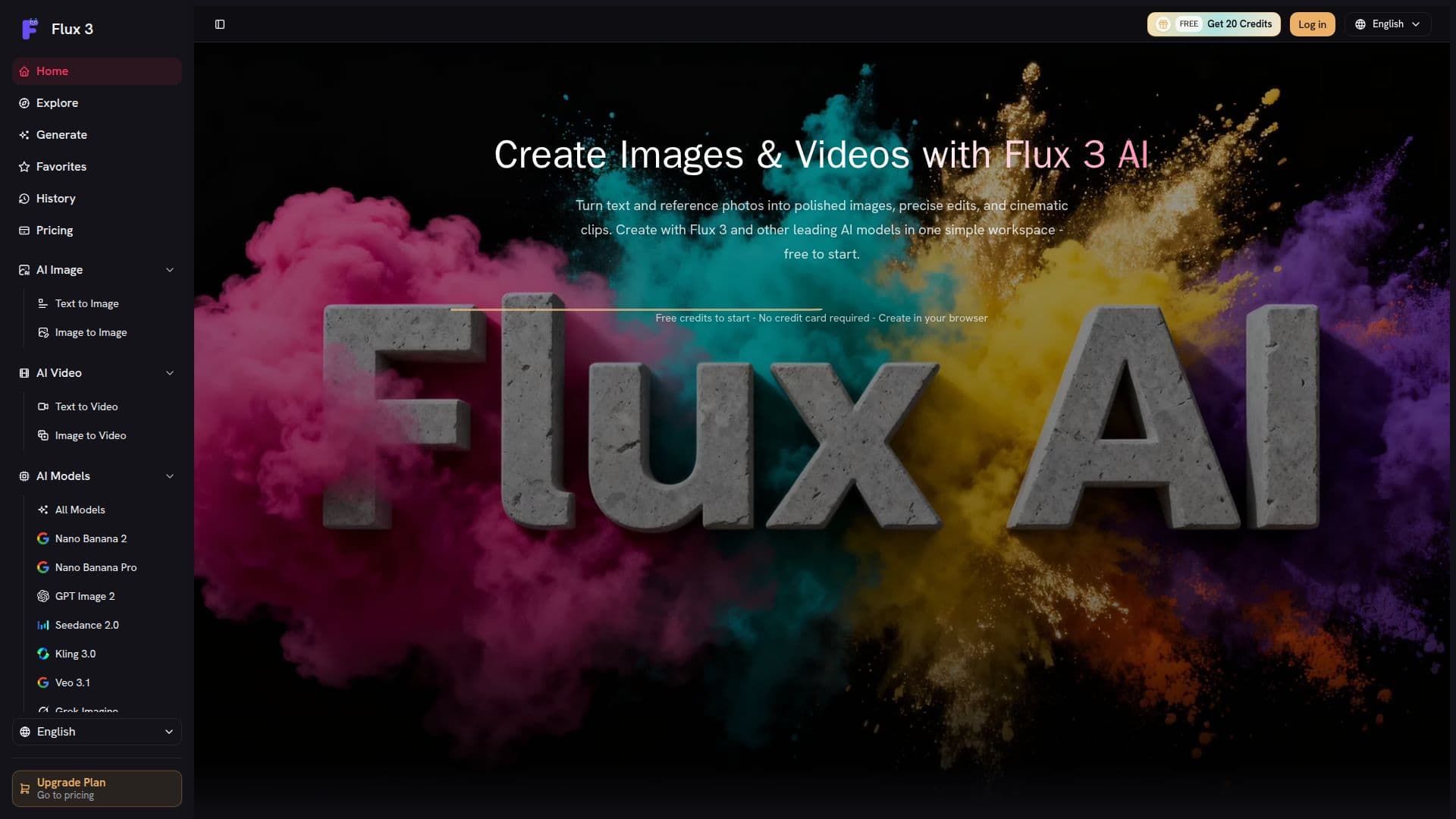
Flux 3 AI is a browser-based creative workspace designed for generating images, editing with references, and producing short AI videos. It allows users to start with a text prompt or a reference photo, choose from various AI models, and create images, edits, or short videos without the need for installing any creative software.
Read More
The platform supports multiple AI models, including Flux 2 Pro, Flex, GPT Image 2, Nano Banana 2 and Pro for image generation and editing, as well as Veo, Kling, and Seedance for AI video creation. Users can create both images and videos in one streamlined workspace, making it easy to transition from still images to cinematic clips.
Flux 3 operates on a credit system, where new accounts receive free credits to try AI image generation before committing to a subscription. Subscription plans provide credits every billing cycle, while one-time credit packs can be purchased as needed. Subscription credits are valid for the current billing cycle and refresh upon renewal, while pay-as-you-go credits never expire.
The platform is designed for a variety of users, including marketers testing campaign concepts, designers exploring art direction, and creators who need to move quickly between images and short-form video. Flux 3 differentiates itself by keeping image generation, editing, and AI video in one workspace, allowing users to compare leading models and reuse prompts and settings efficiently.
With a focus on privacy, Flux 3 ensures that users' prompts, uploads, and generation history remain organized and under their control. The platform also offers commercial usage rights for eligible outputs, depending on the terms of the model and plan used for generation. Overall, Flux 3 provides a comprehensive solution for anyone looking to create and edit AI-generated content seamlessly.
- CategoryAI Image Generators
- Pricing ModelFreemium
- DeploymentCloud
- PlatformsWeb
Flux 3 AI's Core Features
Browser-based platform
Free credits available
Multiple AI models supported
Image and video creation in one workspace
One shared credit balance
Commercial usage rights
Fast generation
Privacy-focused
How to use Flux 3 AI?
Choose a model: Select from available AI models for image or video generation.
Input prompt: Enter a text prompt or upload a reference photo.
Generate content: Create images or videos based on your input.
Edit as needed: Use the editing tools to refine your creations.
Review credits: Check your credit balance and usage before generating more content.
Flux 3 AI's Use Cases
- Marketing Campaigns
- Content Creation
- Product Visualization
- Art Direction
- Team Collaboration