Description
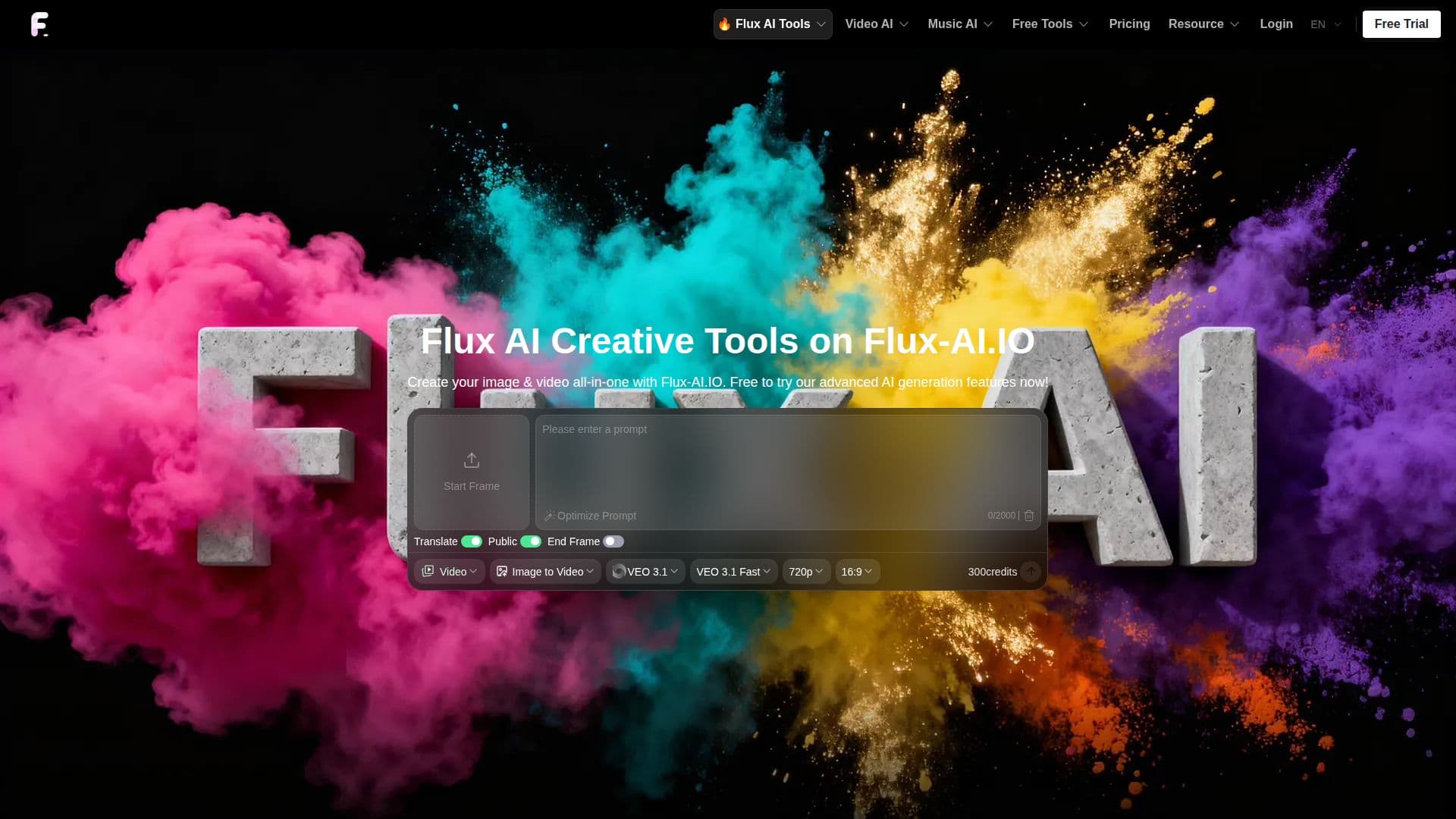
Flux AI, at flux-ai.io, is an online creative platform for generating images and videos with a wide range of AI models. It provides text-to-image and image-to-image generation, animation videos from text or images, and image editing through Flux.1 Kontext apps, all in one place, with free AI tools to start.
Read More
The platform centers on Black Forest Labs' Flux models, spanning open-source to production-grade tiers, including Flux.2 Pro, Flux.2 Dev, Flux.2 Flex, Flux.1 Krea, Flux.1 Kontext Pro and Max, Flux 1.1 Pro and Pro Ultra, Flux.1 Dev, Pro, and Schnell, plus Kontext Dev and LoRA. It also offers other models such as Seedream 4.0, 4.5, and 5.0, Nano Banana and Nano Banana Pro, and GLM Image. The Flux image generator adds advanced style and lighting adjustment, high-fidelity material and detail rendering, and intelligent scene and composition optimization, while a hybrid transformer-diffusion architecture scaled to 12 billion parameters and a fast Schnell version support quick, high-resolution generation. Production-ready Flux 3 video APIs cover text-to-video, image-to-video, start-end-to-video, and video extension.
Using the image generator takes a few steps: enter a text prompt, choose an aspect ratio, and select a Flux AI model to generate the image. It suits art creation, brand and product design, education and presentations, and social and media content.
Flux AI runs on a credit system. New users get 40 credits and can earn 20 more with a daily check-in, with free tiers offering Flux.1 Schnell and Dev generations, five free AI tool uses daily, a shared queue, and 15-day history. Paid credit packages unlock premium features, AI video generation, private generations, commercial rights, faster queues, and longer history, and Android and iOS apps are available.
- CategoryAI Image Generators
- Pricing ModelFreemium
- DeploymentCloud
- PlatformsWeb, Android, iOS
Flux AI's Core Features
Text-to-image and image-to-image generation
Text-to-video and image-to-video animation
Flux.1 Kontext apps for AI image editing
Wide model selection including Flux 2/3, Seedream, and Nano Banana
Advanced style, lighting, and detail controls
Production-ready Flux 3 video APIs
Free daily tools with a credit-based system
Android and iOS mobile apps
How to use Flux AI?
Enter your prompt: Type a text description of the image you want, refining it for better results.
Choose an aspect ratio: Select the dimensions for your output.
Select a model: Pick the Flux AI model that fits your needs.
Generate and download: Create the image or video and save the result.
Flux AI's Use Cases
- Art creation
- Brand and product design
- Video generation
- Image editing
- Social media content