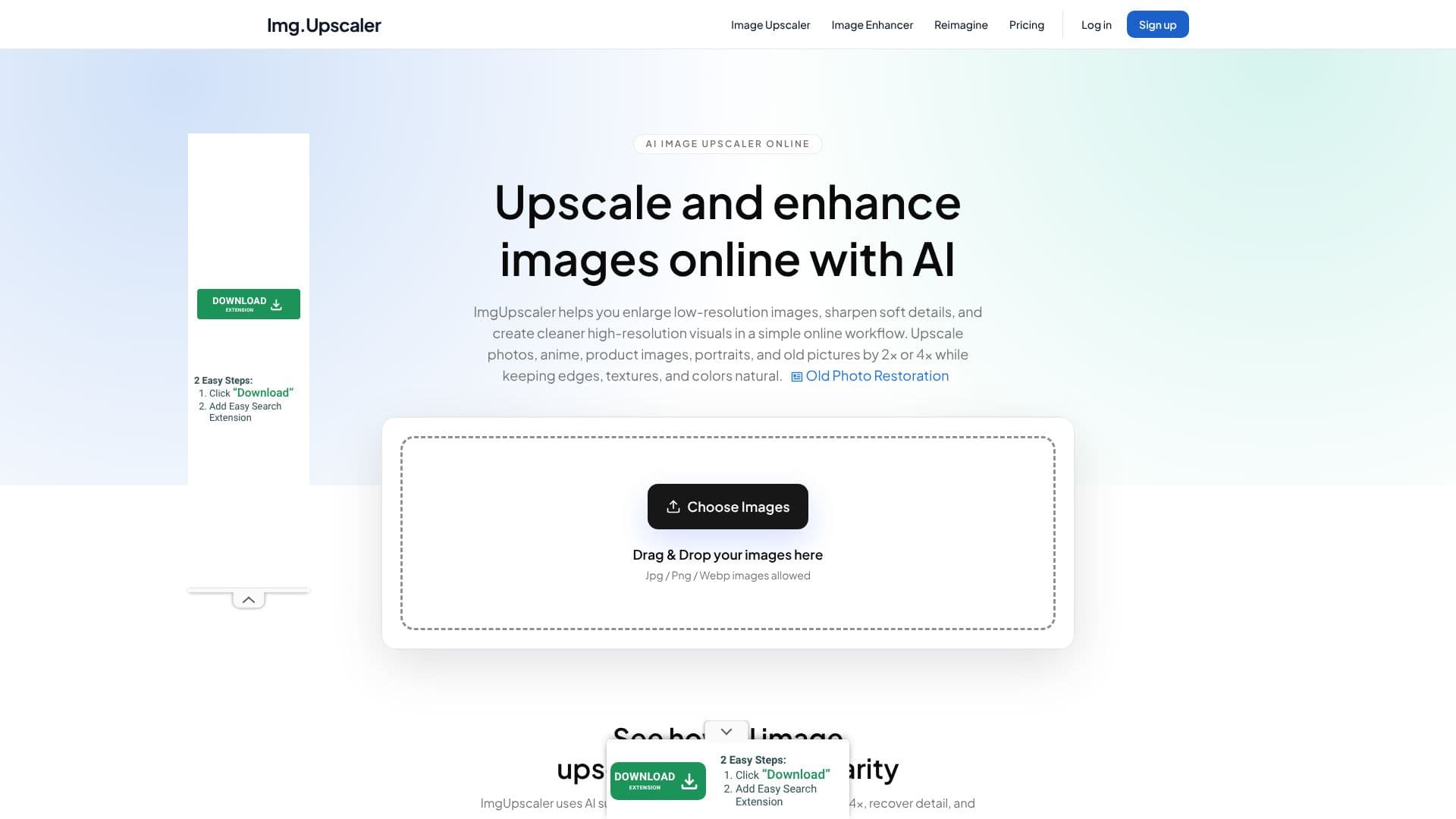
Description
ImgUpscaler offers an intuitive online platform for enhancing image quality using advanced AI super-resolution technology. It empowers users to enlarge low-resolution images by 2x or 4x, effectively recovering lost details, sharpening edges, and improving overall clarity without compromising natural textures and colors. This makes it an invaluable tool for creators, teams, and businesses seeking to elevate their visual assets for diverse applications.
Read More
The AI models are trained to rebuild sharper edges and cleaner textures, ensuring that upscaled images appear more natural and professional. Users can choose the appropriate upscale ratio for various needs, including web assets, product listings, social media posts, presentations, and print-ready exports. The platform is designed for everyday image enhancement, providing a practical workflow for improving visuals.
One of ImgUpscaler's key capabilities is batch image upscaling, which significantly boosts efficiency by allowing users to enhance multiple images simultaneously. This feature is particularly beneficial for professionals who need to process large volumes of photos, such as product images for e-commerce, campaign assets, or client files. By automating repetitive tasks, batch upscaling helps users prepare polished exports faster.
ImgUpscaler is versatile, serving as an effective online image enhancer for a wide range of image types. This includes photos, anime artwork, product images, portraits, and even old pictures that require a resolution boost. The process is straightforward: upload your image, select the desired enlargement ratio (2x or 4x), preview the enhanced result, and download the high-resolution file. The tool supports common formats like JPG, PNG, and WebP.
Privacy is a core consideration, with uploaded images being handled securely and automatically deleted on a schedule, ensuring that creative assets do not remain online indefinitely. This privacy-first approach allows users to work with their images confidently. The upscaled images are suitable for commercial use, including marketing, client work, e-commerce listings, and creative production, making ImgUpscaler a practical solution for real creative work.
- CategoryAI Image Upscalers
- Pricing ModelFreemium
- DeploymentCloud
- PlatformsWeb
ImgUpscaler AI Image Upscaler's Core Features
AI-powered image upscaling by 2x or 4x
Enhances photo details and sharpness
Recovers clarity in low-resolution images
Supports upscaling for photos, anime, portraits, and old pictures
Batch image upscaling for efficient processing
Privacy-first processing with automatic deletion of uploaded images
Commercial-ready results for marketing and production
Supports JPG, PNG, and WebP image formats
Simple online workflow with preview and download options
Improves image quality for web, print, and social media
How to use ImgUpscaler AI Image Upscaler?
Upload Image: Drag & drop JPG, PNG, or WebP images into the designated area.
Choose Upscale Ratio: Select either 2x or 4x enlargement for your image.
Preview and Enhance: Review the AI-enhanced result and make further adjustments if needed.
Download Result: Save the sharper, high-resolution image ready for use.
ImgUpscaler AI Image Upscaler's Use Cases
- Enhance Product Photos
- Improve Web Graphics
- Restore Old Photos
- Sharpen Portraits
- Upscale Anime Art
- Prepare Print Materials
- Batch Image Processing