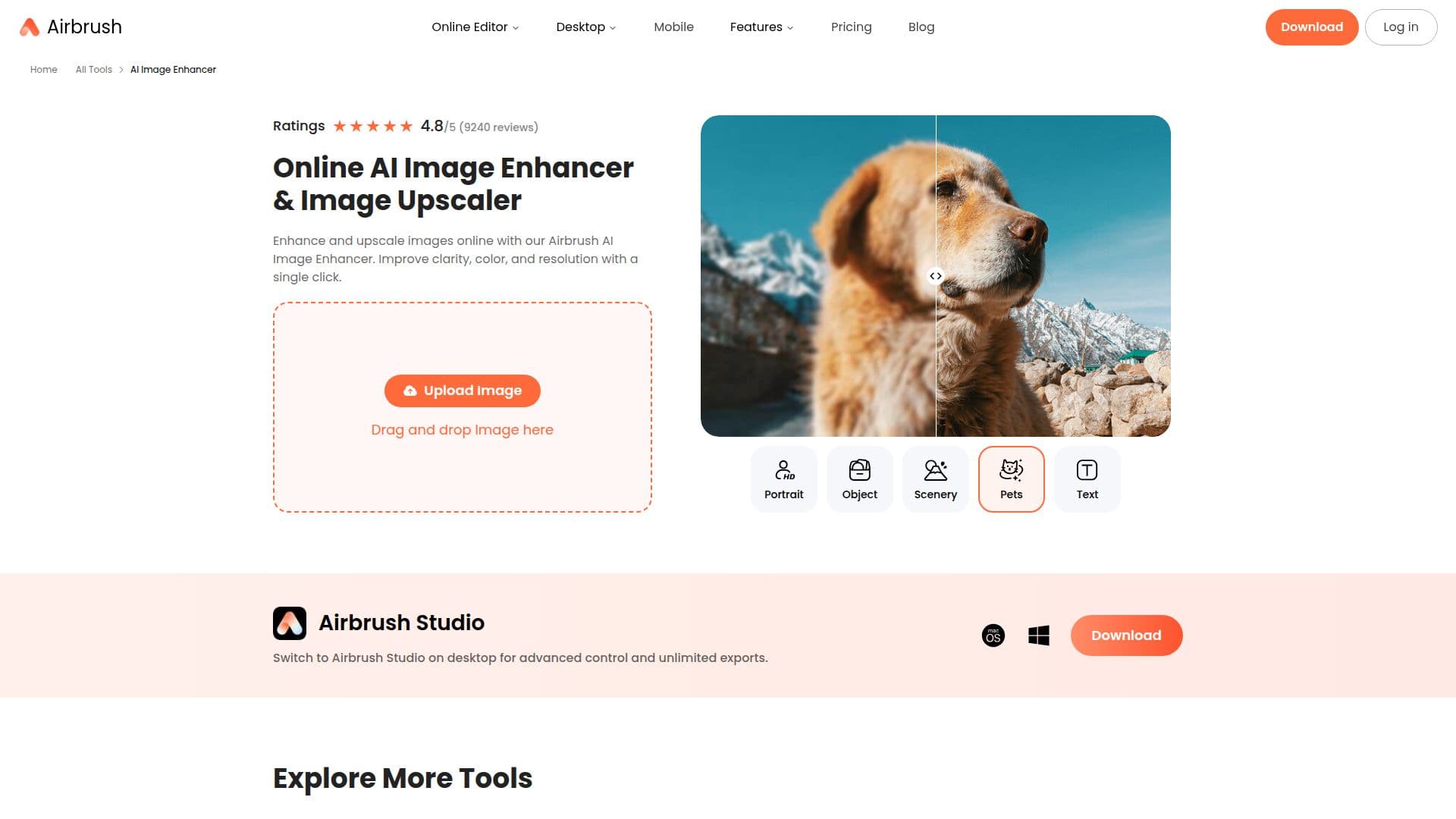
Description
Airbrush Image Enhancer is an online AI tool that automatically improves image quality and upscales resolution. Using AI algorithms, it enhances colors, sharpens details, reduces noise and artifacts, and enlarges images while keeping them clear, so users can improve photos with a single click.
Read More
The enhancer improves color and contrast for more vibrant, realistic results, refines clarity and sharpness for crisper details, smooths out noise for cleaner images, and upscales resolution for large-format printing or zooming in on detail. After enhancing, users can continue editing with tools to adjust colors, apply filters, and crop. A desktop Airbrush Studio option adds advanced control and unlimited exports.
The tool is aimed at both personal and business needs, including e-commerce product photos, family photos, social media posts, and real estate listings. It processes images in seconds, works on mobile, and is part of Airbrush's wider suite of AI photo and video editing tools.
- CategoryAI Image Upscalers
- Pricing ModelFreemium
- DeploymentCloud, Desktop app
- PlatformsWeb, Windows, macOS
Airbrush Image Enhancer's Core Features
One-click AI image enhancement
Color and contrast improvement
Clarity and sharpness refinement
Noise and artifact reduction
Image resolution upscaling
Post-enhancement editing tools (color, filters, crop)
Airbrush Studio desktop mode with unlimited exports
Mobile support
How to use Airbrush Image Enhancer?
Upload your photo: Choose an image from your library to enhance.
Click AI Enhance: Apply the enhancement and watch the AI improve the image.
Review and edit: Preview the result and make any further edits like color or crop.
Download: Export and save the enhanced version.
Airbrush Image Enhancer's Use Cases
- E-commerce product photos
- Restore family photos
- Social media posts
- Real estate listings