Description
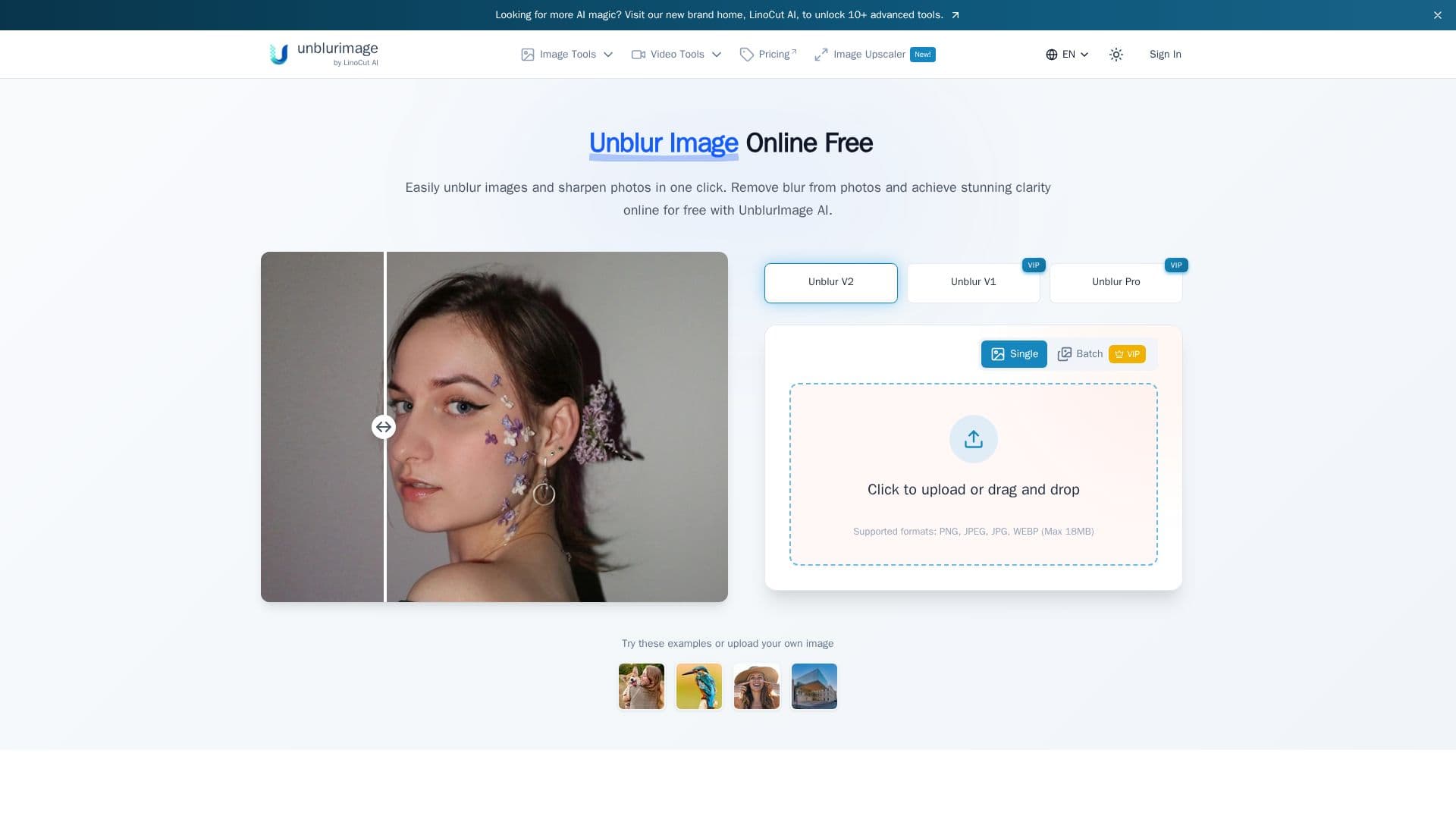
UnblurImage AI is an online tool that removes blur from photos and sharpens them in a single click. Its core feature is AI-driven image sharpening that recovers detail lost to motion blur or poor focus, refining each pixel for renewed clarity. No sign-up is required to try it.
Read More
Beyond deblurring, the tool upscales images up to 4x and 4K resolution, enhances overall image quality by making lines sharper and colors more vibrant, and reduces noise such as high-ISO, scan, and compression noise while preserving detail. It supports formats including PNG, JPG, and HEIC, handles processed images up to 4000x4000 pixels, and offers batch processing where non-logged-in users can upload a few images at once and logged-in users can upload more.
UnblurImage AI is aimed at use cases like e-commerce product and marketing photos, image printing and enlargements, design and visual projects, and social media content. It offers a free trial with the option to unlock additional capabilities through paid plans and credit packages.
- CategoryAI Image Upscalers
- Pricing ModelFreemium
- DeploymentCloud
- PlatformsWeb
UnblurImage AI's Core Features
One-click AI deblurring and sharpening
Recovery of detail from motion blur and poor focus
Image upscaling up to 4x and 4K resolution
Noise reduction for high-ISO, scan, and compression noise
Overall image quality and detail enhancement
Batch processing of multiple images
Support for PNG, JPG, and HEIC formats
Free trial with no sign-up required
How to use UnblurImage AI?
Upload your image: Select a blurry photo in PNG, JPG, or HEIC format.
Choose enhancement options: Pick the level of unblurring and sharpening you want.
Process: Let the AI remove blur and refine the image.
Download: Save the unblurred image in high quality.
UnblurImage AI's Use Cases
- E-commerce photos
- Printing and enlargements
- Design projects
- Social media
- Fixing blurry shots