


Description
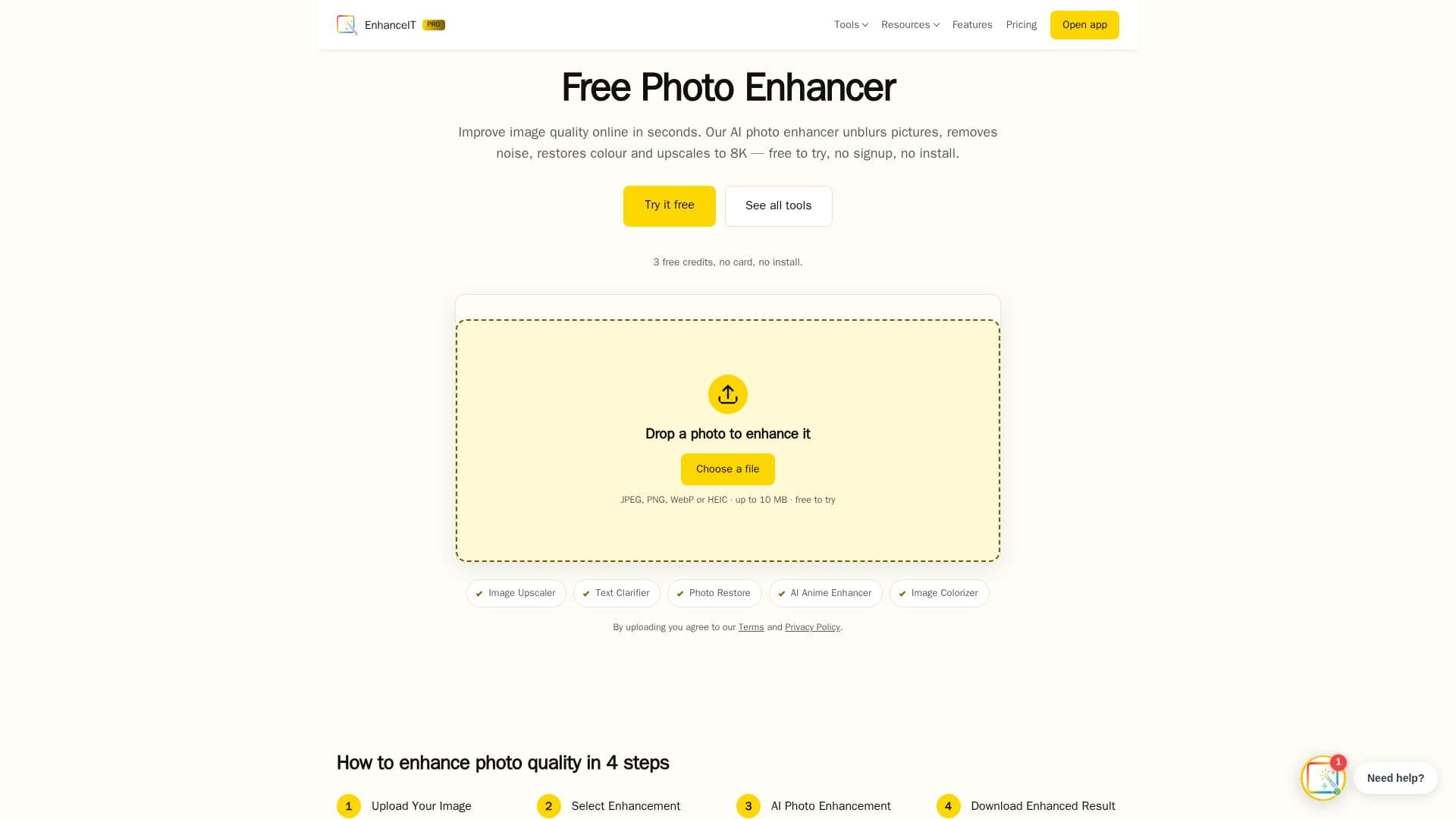
EnhanceIT PRO is a comprehensive suite of AI-powered image enhancement tools designed to improve photo quality effortlessly. This browser-based platform offers a range of features including image enhancement, upscaling, restoration, background and object removal, stylisation, and generation. Users can enhance image quality online by unblurring photos, removing noise, restoring color, and upscaling images to 8K resolution. The platform is free to try, with no signup required, and works on any device.
EnhanceIT PRO provides a user-friendly experience with its one-click AI functionality, eliminating the need for manual tweaks. The AI automatically detects and corrects various types of blur, such as motion blur, out-of-focus blur, and compression blur, significantly improving image clarity in under 30 seconds. For more aggressive sharpening, users can opt for the Image Sharpener model.
The platform supports multiple image formats including JPEG, JPG, PNG, and WEBP, with a maximum file size of 5MB. While RAW files are not supported, iPhone HEIC photos are automatically converted to JPEG before processing. EnhanceIT PRO ensures privacy by securely uploading photos over HTTPS, processing them immediately, and permanently deleting them from the server after download.
EnhanceIT PRO offers a freemium pricing model, with basic enhancement tools available for free. Free users receive two enhancements per day, while creating a free account provides additional daily enhancements. Paid plans unlock features such as batch processing, higher daily limits, and priority processing, with no watermarks on any plan. The platform is ideal for photographers, designers, sellers, and anyone needing quick and professional image enhancement without the complexity of traditional editing software.
EnhanceIT PRO's Core Features
AI image enhancement
8K upscaling
Photo restoration
Background removal
Object removal
Stylisation tools
Image generation
Privacy-focused processing
Freemium pricing model
Supports JPEG, PNG, WEBP formats
No signup required
Works on any device
Fast processing time
No watermarks on paid plans
Batch processing available
How to use EnhanceIT PRO?
Upload: Drag and drop your image
Select: Choose enhancement options
Enhance: AI performs restoration
Download: Save the enhanced image
EnhanceIT PRO's Use Cases
- Photo Restoration
- Image Upscaling
- Background Removal
- Object Removal
- AI Image Generation