
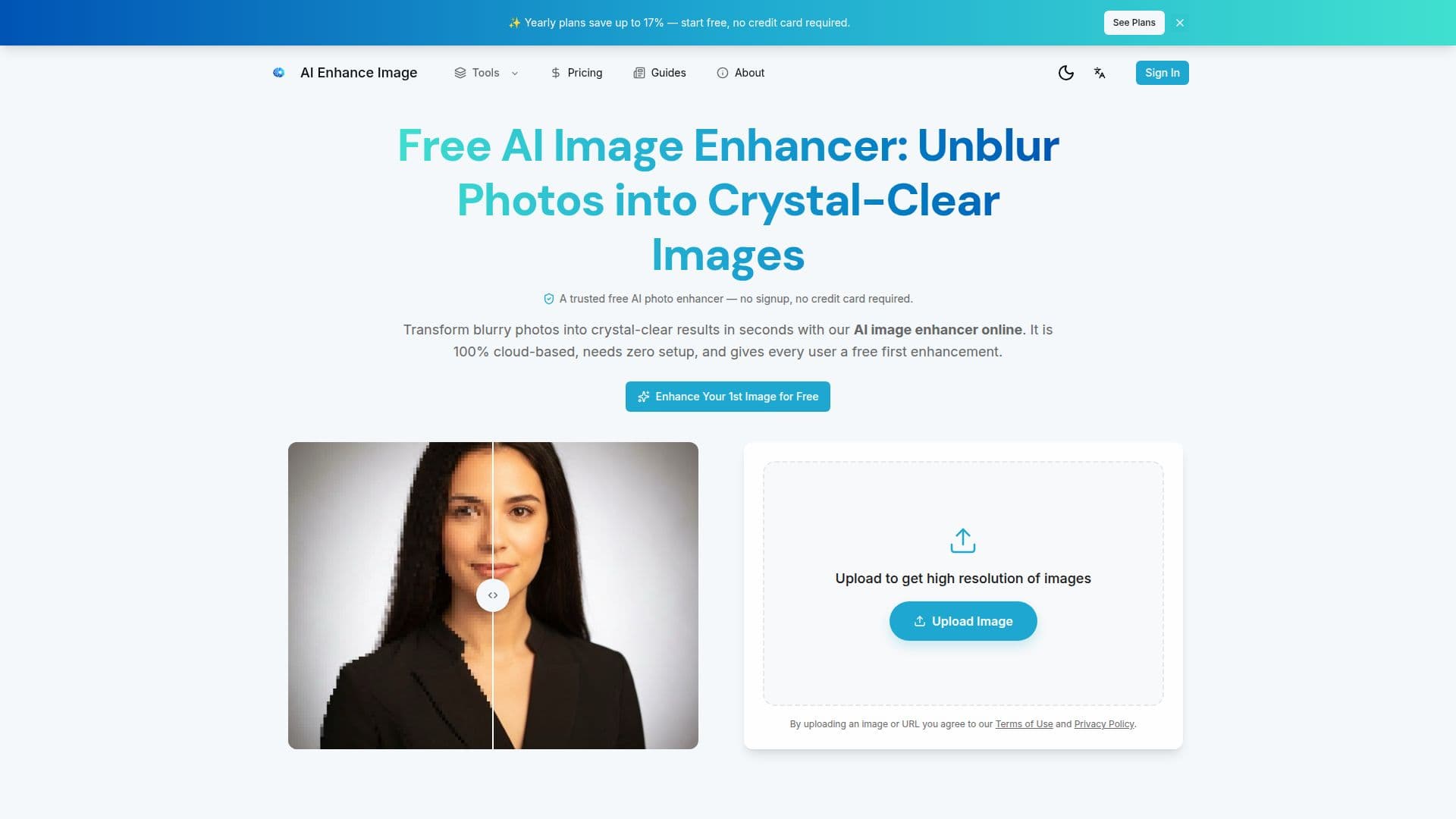
Description
AI Enhance Image is a cloud-based tool for improving photo quality directly in a web browser. It uses AI upscaling and restoration to unblur images, remove pixelation, reduce noise, and recover fine detail, producing results up to 4K resolution. The service is aimed at photographers, students, and business owners who want cleaner images without expensive software or technical skills.
Read More
The tool covers several enhancement tasks: overall quality improvement of color, contrast, and sharpness; upscaling to 4K Ultra HD; unblurring text and images; denoising low-light or high-ISO photos; restoring old, faded, or damaged photos; and improving images embedded in PDF documents. It supports JPG, PNG, WebP, BMP, TIFF, and HEIC uploads up to 10MB and works on desktop, tablet, and mobile.
Every user can enhance their first image free with no account needed. Free downloads include a subtle watermark, which paid plans remove. Pricing is credit-based, with monthly and yearly subscriptions (Starter, Creator, Pro) and one-time credit packs; each Crisp Upscale uses 3 credits, and payments are handled through Stripe.
Uploads travel over encrypted connections and original photos are deleted from the servers within 24 hours. Enhanced results stay in the user's history until removed, and the service states it never trains on or shares user images.
- CategoryAI Image Upscalers
- Pricing ModelFreemium
- DeploymentCloud
- PlatformsWeb
AI Enhance Image's Core Features
AI upscaling to 4K Ultra HD, with up to 8x enlargement
Unblur text and images in screenshots, scans, and photos
Denoise photos taken in low light or at high ISO
Restore old, faded, and damaged photos
One-click overall quality, color, and sharpness enhancement
Enhance images embedded in PDF documents
Supports JPG, PNG, WebP, BMP, TIFF, and HEIC up to 10MB
No signup required, with a free first enhancement
How to use AI Enhance Image?
Upload your image: Drag and drop or click to upload a supported file up to 10MB.
Let the AI analyze and enhance: The tool detects blur, noise, low resolution, and color issues and applies targeted corrections.
Adjust settings (optional): Choose enhancement level, output resolution, or a specific tool such as upscale, sharpen, or unblur.
Download your result: Preview the enhanced image against the original and download in full resolution.
AI Enhance Image's Use Cases
- Upscale to 4K
- Unblur photos and text
- Restore old photos
- Clean up product images