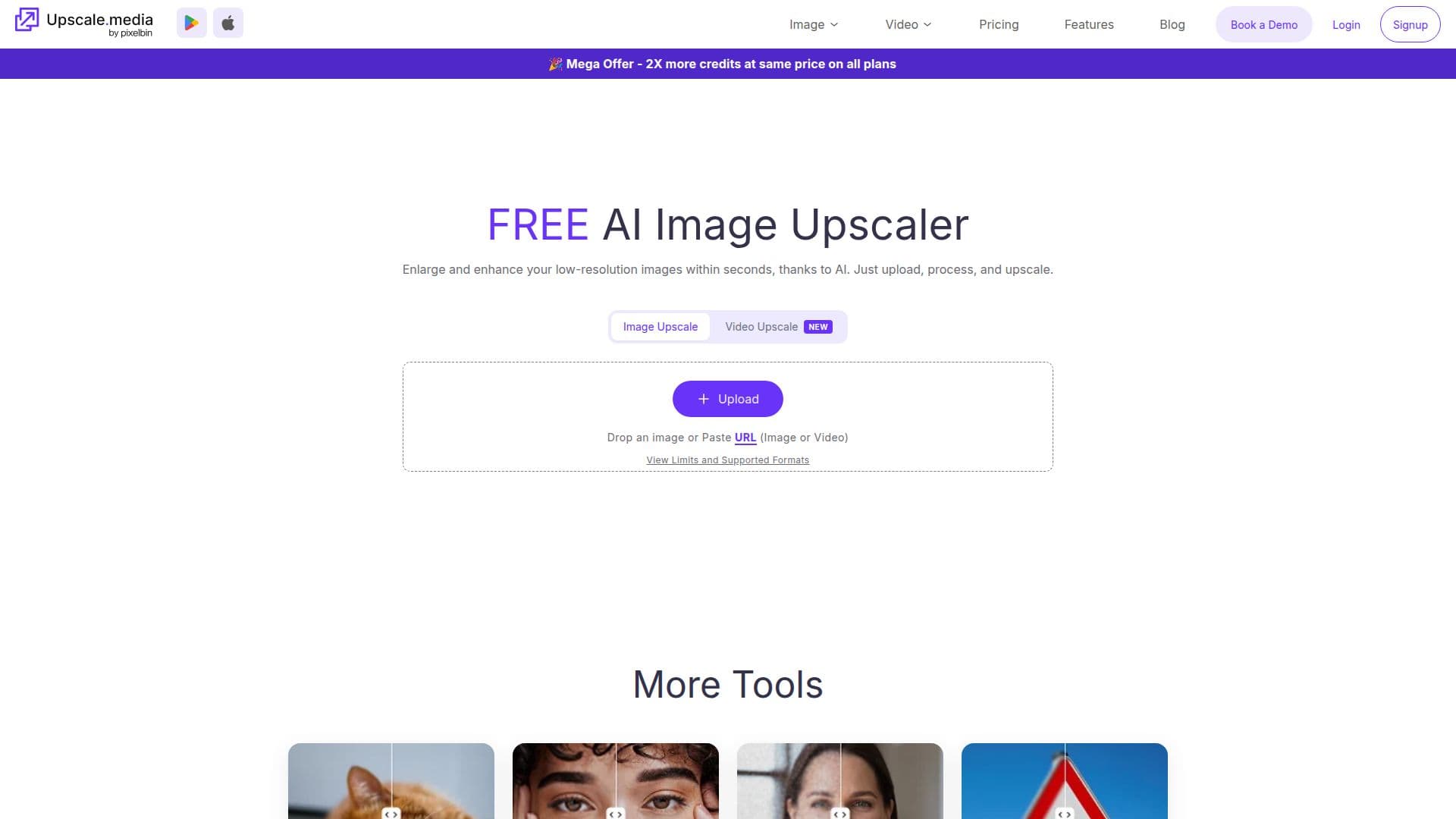
Description
Upscale.media is an online AI image upscaler and enhancer that enlarges and improves low-quality images while preserving textures and details. Its neural network, trained on high- and low-resolution image pairs, analyzes patterns, textures, and edges to reconstruct missing detail rather than simply stretching pixels, delivering results in a few seconds.
Read More
Users upload an image via the website or the iOS and Android apps, then upscale it by 2x, 4x, or 8x and download the result. Signed-up users can reach a higher maximum output resolution than non-logged-in users. Beyond upscaling, related tools include sharpen, deblur, dehaze, retouch, face enhancement and restoration, colorize, and motion-blur removal.
Upscale.media is free for personal use, with no watermarks, and supports PNG, JPG, JPEG, WEBP, and HEIC images up to 25 MB. Its free plan includes 3 credits and 3 downloads per month, with paid credit plans available. For bulk processing, commercial use, and API integration, it points users to its companion product PixelBin.io. It is part of a family of tools that also includes Erase.bg, WatermarkRemover.io, ConvertFiles.ai, and Shrink.media.
- CategoryAI Image Upscalers
- Pricing ModelFreemium
- DeploymentCloud
- PlatformsWeb, iOS, Android
Upscale.media's Core Features
AI image upscaling by 2x, 4x, or 8x
Detail reconstruction that preserves textures and edges
No watermarks and free for personal use
Sharpen, deblur, dehaze, and retouch tools
Face enhancement and photo restoration
Image colorization
iOS and Android apps
Bulk processing and API via PixelBin.io
How to use Upscale.media?
Upload your image: Use the website or app to add a PNG, JPG, JPEG, WEBP, or HEIC file.
Wait for enhancement: The AI enhances your image's resolution in a few seconds.
Choose an upscale level: Select 2x, 4x, or 8x upscaling.
Download: Save the enhanced high-resolution image.
Upscale.media's Use Cases
- Print preparation
- E-commerce product images
- Restore old photos
- AI art and digital images