Description
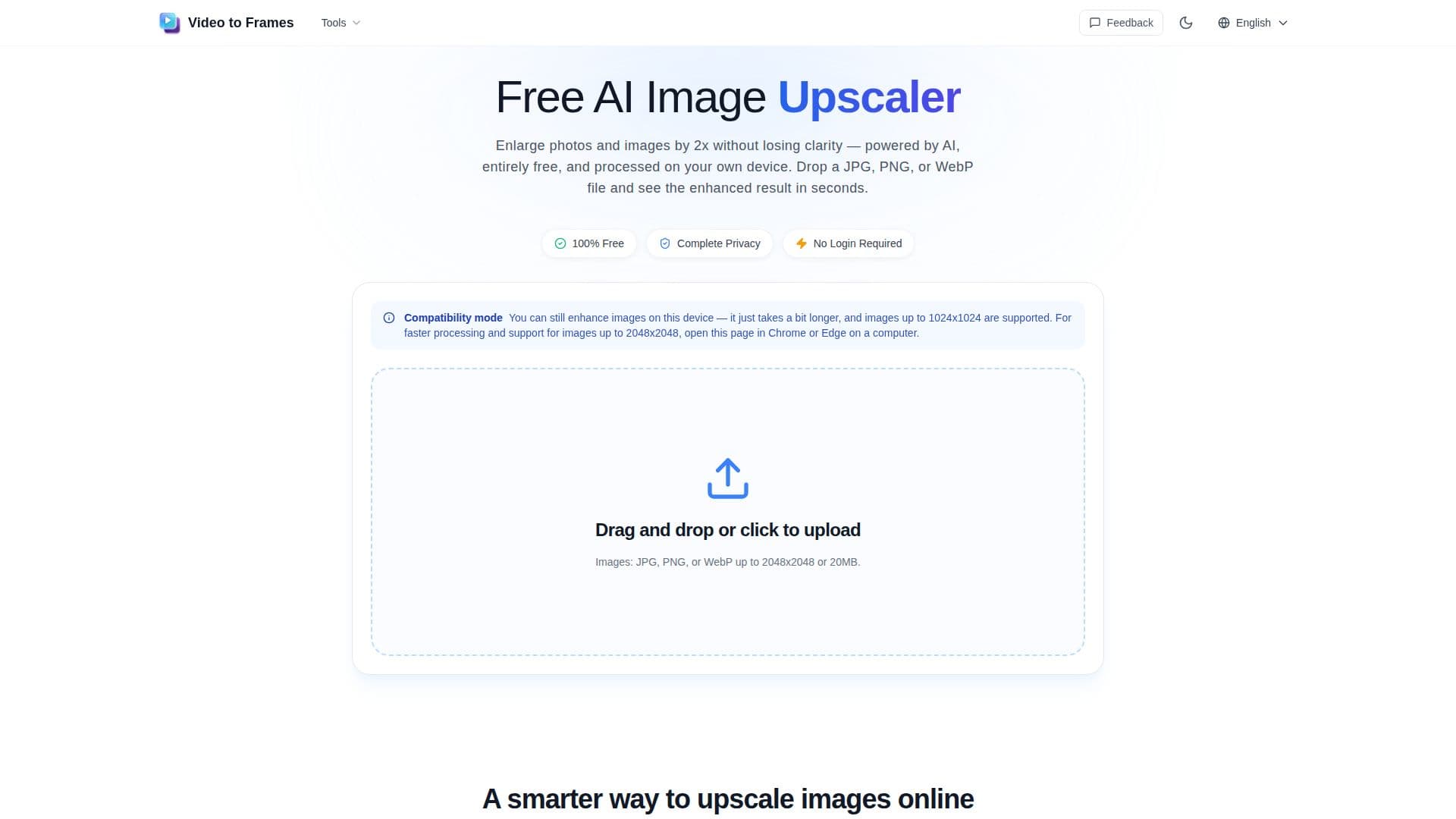
The Free AI Image Upscaler is a tool designed to enhance and enlarge images directly in your browser without the need for sign-up or uploading files to a server. This ensures complete privacy as your images never leave your device. The tool supports JPG, PNG, and WebP formats, allowing users to upscale images up to 2048x2048 pixels or 20 MB in size. The upscaling process is powered by AI, which reconstructs edges and textures to maintain clarity, avoiding the blurring effect typical of traditional resizing methods.
Read More
This tool is ideal for users who need quick image enhancements for social media graphics, digital art, product photos, and more. It processes images in seconds, providing almost instant results, especially for smaller files. The upscaled images are exported as high-quality PNG files, ready for use in various projects.
The Free AI Image Upscaler is particularly beneficial for those who require sharper, larger versions of photos or graphics without the hassle of installing heavy editing software. It works best on desktop Chrome and Edge browsers, which support the local processing features necessary for optimal performance.
Overall, this tool offers a convenient and efficient solution for everyday image enhancement needs, ensuring privacy and speed without any cost.
- CategoryAI Image Upscalers
- Pricing ModelFree
- DeploymentBrowser extension
- PlatformsBrowser
VideoToFrames AI Image Upscaler's Core Features
No sign-up required
Processes locally in browser
Supports JPG, PNG, WebP
Exports as high-quality PNG
AI-powered enhancement
Instant processing
No upload or storage
Free to use
How to use VideoToFrames AI Image Upscaler?
Choose your image: Pick a JPG, PNG, or WebP file from your device.
Process: The AI image upscaler checks the format and dimensions, then starts processing automatically.
Compare: See the original and upscaled image side by side.
Save: Download the upscaled result as a high-quality PNG.
VideoToFrames AI Image Upscaler's Use Cases
- Social media graphics
- Artwork enhancement
- Product photos
- Screenshots
- Presentation graphics