
Description
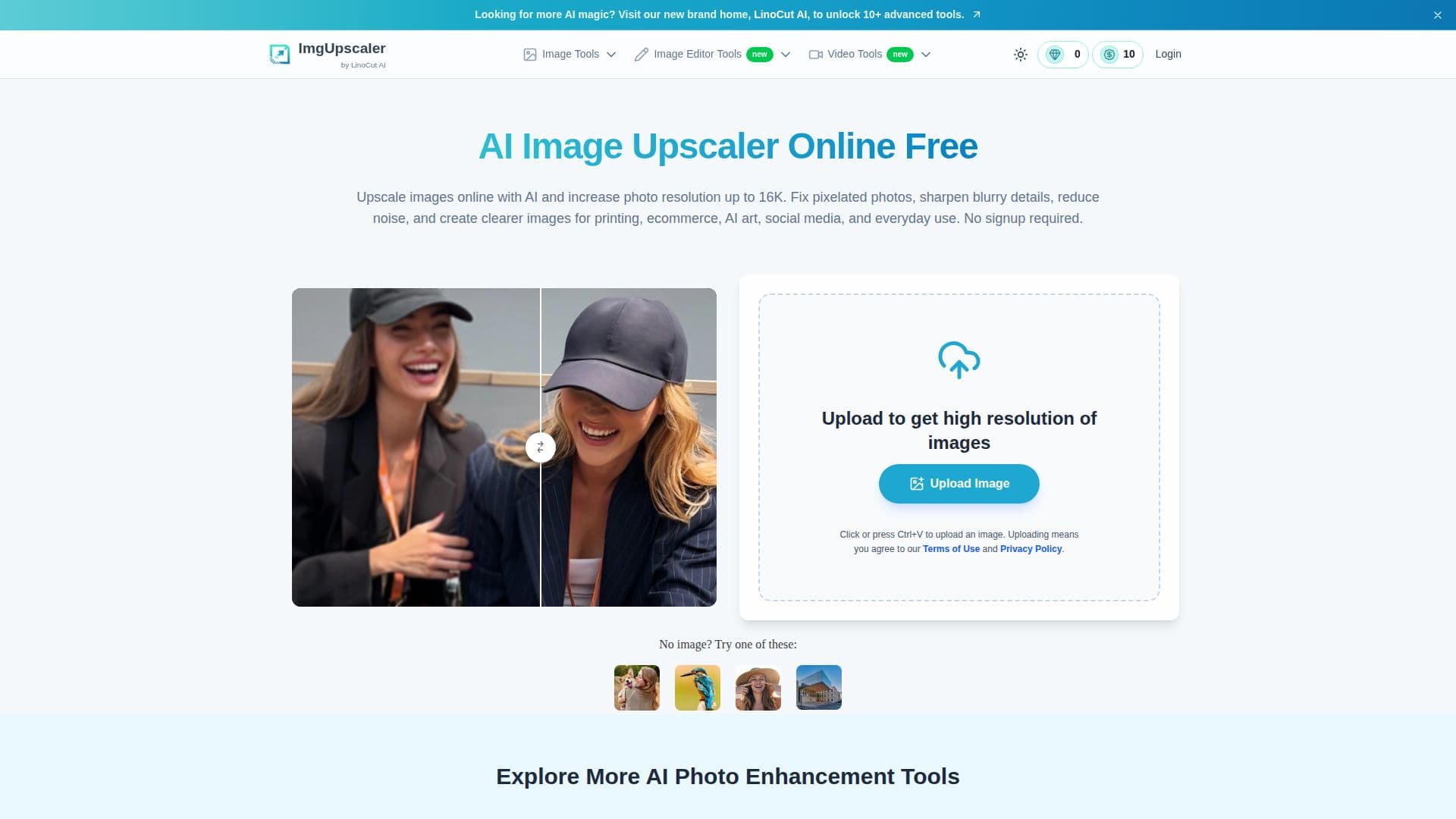
ImgUpscaler AI is a free online AI image upscaler that increases image resolution up to 16K while restoring detail rather than stretching pixels. It analyzes edges, colors, textures, and fine details to enlarge images naturally, helping fix pixelated, compressed, or low-resolution photos without obvious blur or blocky artifacts.
Read More
The tool works for photos, graphics, logos, product images, portraits, AI art, anime, and screenshots. It can sharpen faces and hair, upscale AI-generated and digital artwork, and prepare images for print, large screens, ecommerce, and social media. Related tools include an AI video enhancer, an image text enhancer for improving readability, and Nano Banana photo restoration for old or low-quality photos.
ImgUpscaler runs directly in the browser with no installation and no signup required, and it is optimized for mobile. It supports JPG, PNG, WEBP, and HEIC formats, allows batch upscaling of up to 3 images at once, and provides generous free credits. Uploaded images are not stored and are deleted automatically after processing.
- CategoryAI Image Upscalers
- Pricing ModelFree
- DeploymentCloud
- PlatformsWeb
ImgUpscaler AI's Core Features
AI image upscaling up to 16K resolution
Detail restoration that fixes pixelation and blur
Face and detail enhancement
Upscaling for AI art, anime, and digital images
Batch upscaling of up to 3 images at once
AI video enhancer and image text enhancer
Old photo restoration
Browser-based, no signup, mobile-optimized
How to use ImgUpscaler AI?
Upload your image: Choose a JPG, PNG, WebP, or HEIC file, ideally the clearest original.
Choose an upscale option: Select the output size such as HD, 4K, 8K, or 16K.
Let AI enhance details: The upscaler improves edges, textures, and clarity while reducing noise.
Preview and download: Check the before-and-after result and download the high-resolution image.
ImgUpscaler AI's Use Cases
- High-quality printing
- E-commerce product photos
- AI art and anime
- Restore old photos