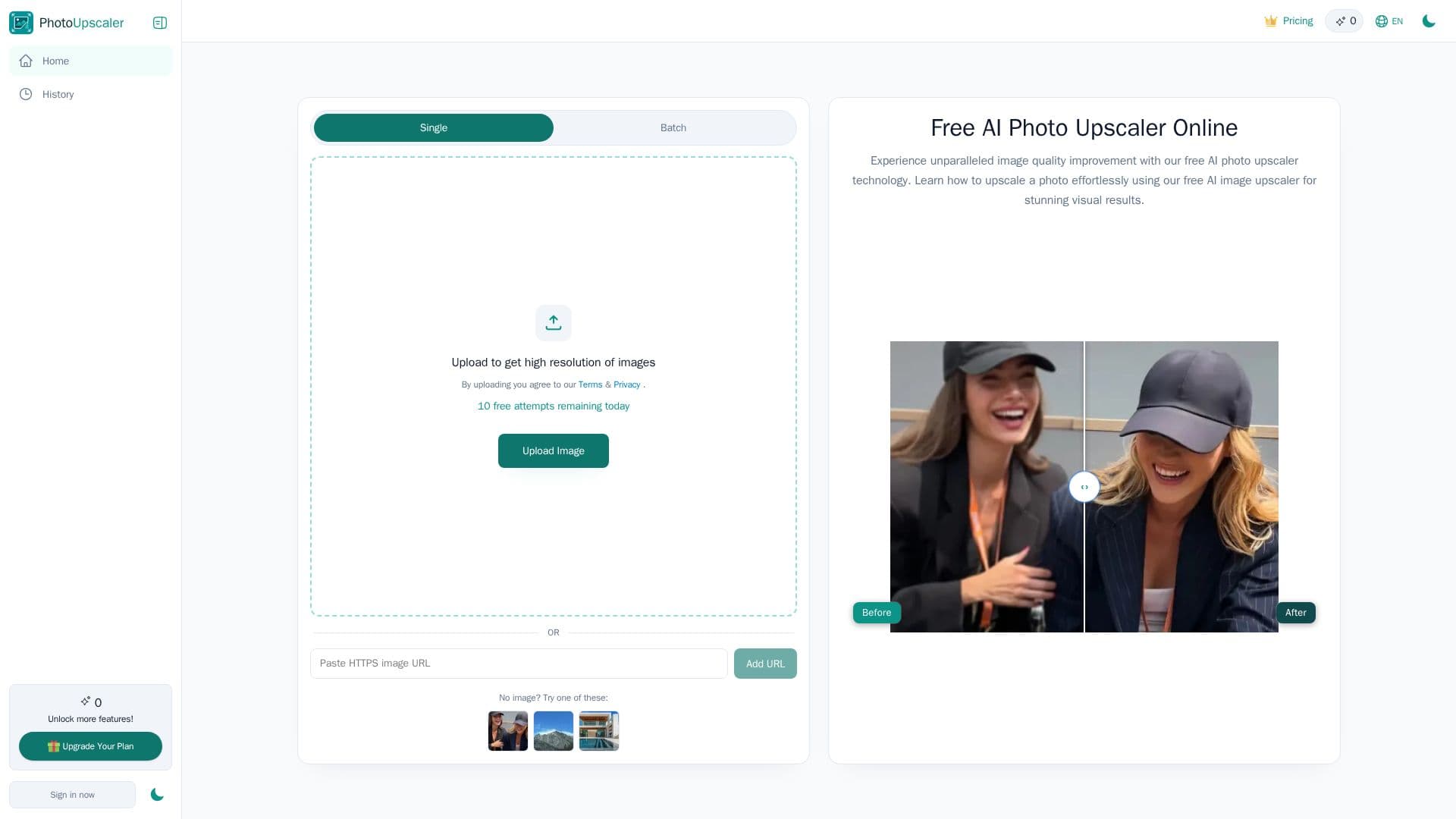
Description
Photo Upscaler AI is an online tool designed to help users enhance their images by upscaling them to high resolutions of up to 8K. This service is particularly beneficial for those looking to improve the quality of their photos, whether they are old, blurry, or low-resolution images. By utilizing advanced AI technology, Photo Upscaler AI automatically sharpens details, reduces blur, and enhances overall image quality without requiring any manual editing skills.
Read More
The process is straightforward: users can upload their images in formats such as JPG, PNG, WEBP, or HEIC, and the AI will process these images to deliver high-quality results in seconds. This tool is not only useful for personal projects but also caters to professionals in various fields, including e-commerce sellers, photographers, and digital artists. With the ability to restore faded memories and enhance product photos, Photo Upscaler AI is a versatile solution for anyone needing to improve their visual content.
One of the standout features of Photo Upscaler AI is its commitment to user privacy and data security. Uploaded images are processed securely, ensuring that users can enhance their photos with confidence. The platform offers a free tier that allows up to 10 image enhancements per day, along with 100 bonus credits for users who sign in daily. This makes it accessible for casual users and professionals alike, providing a cost-effective way to achieve stunning image quality.
In summary, Photo Upscaler AI is a powerful online tool that transforms low-resolution images into sharp, high-resolution visuals. With its user-friendly interface, fast processing times, and commitment to quality, it stands out as a reliable choice for anyone looking to enhance their images quickly and effectively.
- CategoryAI Image Upscalers
- Pricing ModelFreemium
- DeploymentCloud
- PlatformsWeb
Photo Upscaler AI's Core Features
Upscale images to 8K
Free tier available
AI-powered enhancement
Supports JPG, PNG, WEBP, HEIC formats
Instant processing
Privacy-focused
Daily free credits
User-friendly interface
No manual editing required
Restores old photos
How to use Photo Upscaler AI?
Upload Images: Click 'Upscale Image' and upload your photo.
Enhance Images: The AI automatically sharpens details and reduces blur.
Preview Results: View the enhanced image before downloading.
Download High-Resolution: Save your upscaled image for printing or sharing.
Photo Upscaler AI's Use Cases
- E-commerce Product Photos
- Restoring Old Photos
- Digital Art Enhancement
- Social Media Visuals
- Personal Projects