
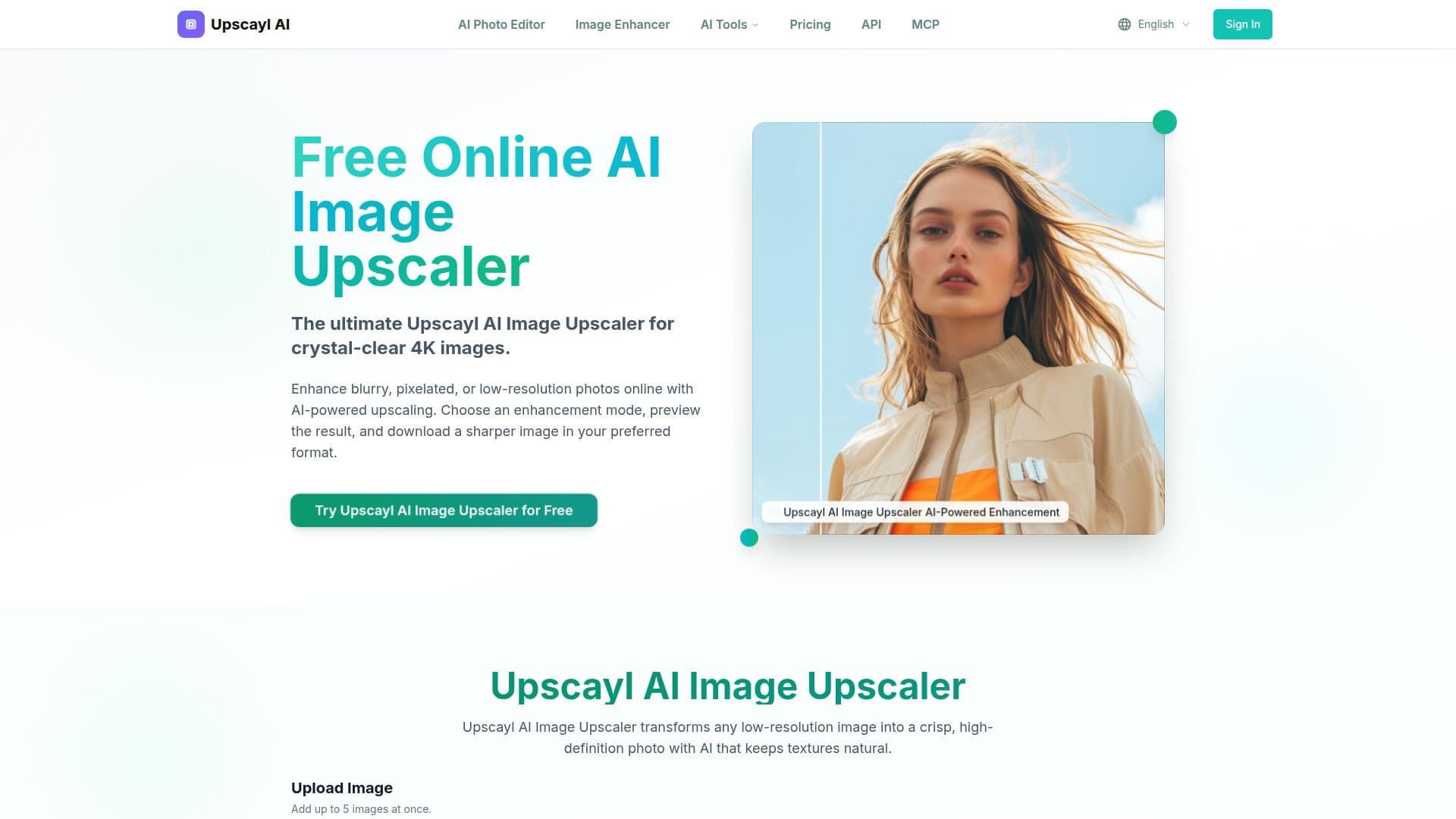
Description
Upscayl AI Image Upscaler is an online tool designed to transform low-resolution images into high-definition, 4K quality photos using advanced AI technology. The platform supports a variety of image formats, including JPG, JPEG, PNG, WEBP, and BMP, allowing users to upload images up to 10MB in size. The AI algorithms employed by Upscayl analyze the content of each image, reconstruct lost details, remove noise, and create new pixels to enhance resolution while maintaining natural-looking results.
Read More
The service is designed for both personal and professional use, making it ideal for photographers, designers, and e-commerce teams. Users can choose from different enhancement modes, preview the results, and download sharper images in their preferred format. The basic plan is free, requiring only a quick registration, while premium plans offer additional features such as batch processing and advanced enhancement modes.
Upscayl ensures user privacy by processing images securely and automatically deleting them from its servers after conversion. The platform's AI models, including Real-ESRGAN and CodeFormer, are independently operated by PixelForge LLC, a Wyoming-based company. These models are responsible for various tasks such as image upscaling, face restoration, and old-photo repair.
The Upscayl AI Image Upscaler is suitable for a wide range of applications, from restoring old photos to enhancing portraits for print-ready quality. It offers multiple upscaling options, allowing users to choose factors like 2x, 3x, or 4x to match their needs. With lightning-fast processing times, most images are converted to HD quality within 15-30 seconds, ensuring productivity without long waits.
- CategoryAI Image Upscalers
- Pricing ModelFreemium
- DeploymentCloud
- PlatformsWeb
Upscayl AI Image Upscaler's Core Features
AI-powered 4K image upscaling
Supports JPG, JPEG, PNG, WEBP, BMP formats
Instant HD conversion in 15-30 seconds
Free basic plan with registration
Premium plans with batch processing
Privacy-focused image processing
Multiple upscaling options (2x, 3x, 4x)
Advanced AI models for detail enhancement
How to use Upscayl AI Image Upscaler?
Upload Your Image: Drag and drop or click to upload any JPG, PNG, or WEBP image.
AI Processing: The AI analyzes and enhances resolution, sharpens details, and removes noise.
Download HD Result: Get your crystal-clear 4K image instantly.
Explore Premium Features: Access batch processing and advanced modes with paid plans.
Upscayl AI Image Upscaler's Use Cases
- Photo Restoration
- E-commerce Images
- Portrait Enhancement
- Social Media Content
- Professional Photography