
Description
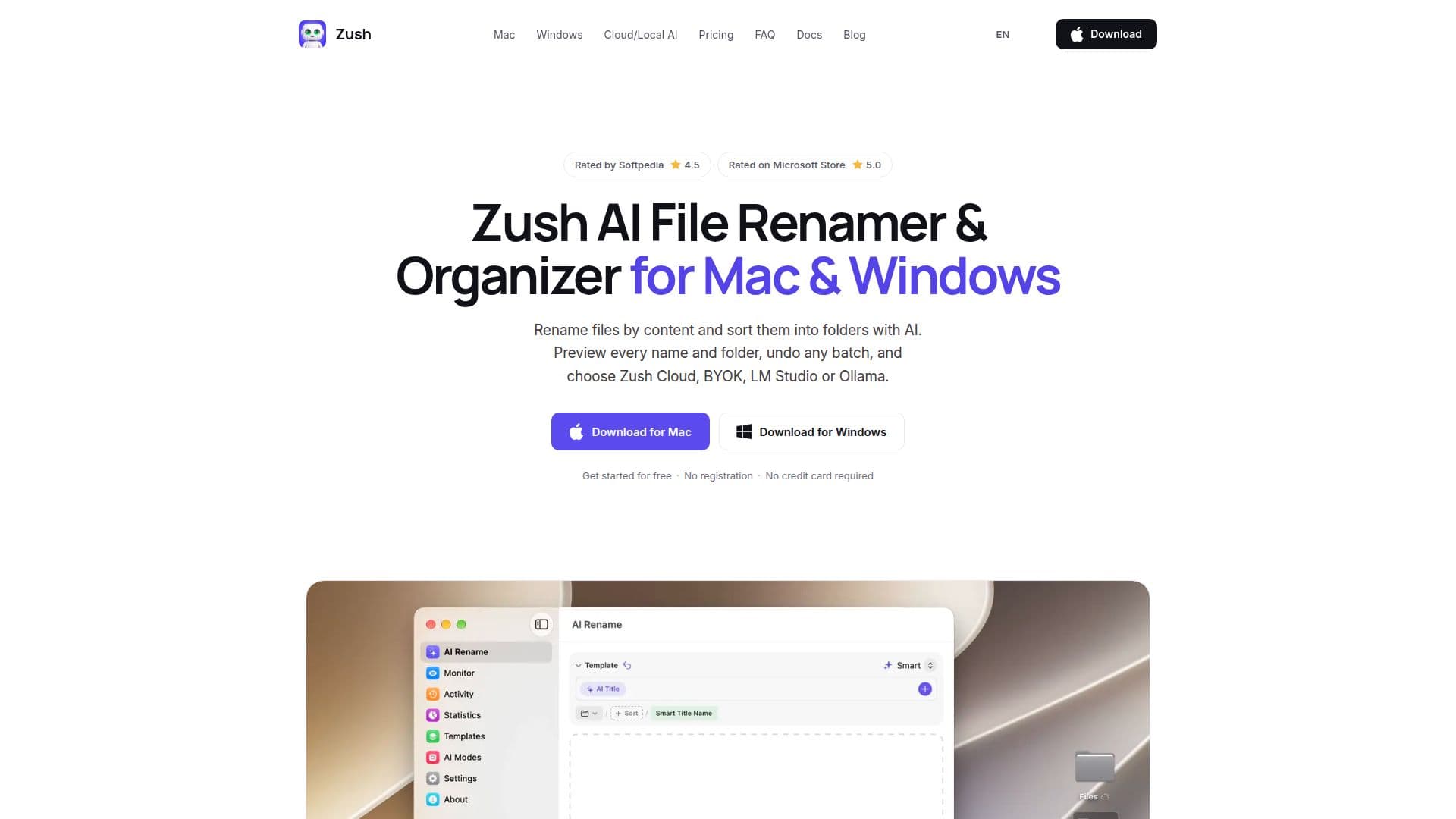
Zush is a comprehensive AI file renamer and organizer designed for both macOS and Windows platforms. It revolutionizes file management by enabling users to rename files based on their actual content, metadata, dates, and custom prompts, utilizing over 145 reusable naming blocks. Beyond renaming, Zush offers advanced AI folder sorting capabilities, allowing for automatic grouping or custom plain-language instructions to organize files efficiently.
Read More
The software supports an extensive range of 107 file formats, encompassing images, design files (Sketch, Figma, Illustrator, PSD), documents (PDF, DOCX, XLSX, Pages, Numbers, Keynote), EPUB/FB2 ebooks, video, and audio. This broad compatibility ensures that a wide variety of digital assets can be processed. Key features include batch renaming with a preview function and an undo history, ensuring changes can be reviewed and reverted if necessary. Folder monitoring allows Zush to automatically process new files as they arrive in designated folders.
Users can customize their renaming and sorting workflows using templates and naming blocks. For more specific needs, Custom AI Blocks enable users to define their own AI extraction fields, which can then be reused in any template. Zush also provides video analysis, extracting information from sampled frames and subtitles, and supports RAW photo, PDF, and document analysis. With support for over 60 languages, it caters to a global user base.
Zush offers flexible AI deployment options: users can leverage Zush Cloud AI for convenience, or opt for more control with Bring Your Own Key (BYOK) for providers like Gemini, OpenRouter, OpenAI, or Anthropic. For enhanced privacy and offline capabilities, LM Studio and Ollama modes allow for on-device analysis, keeping sensitive data local. This makes Zush particularly suitable for handling sensitive HR or legal documents without cloud uploads.
The tool is available with a free tier that includes 50 AI renames, shared across all AI modes, allowing users to test its full functionality. For unlimited renames, Zush PRO is available as a monthly subscription or a one-time purchase. Zush integrates seamlessly with cloud storage services like iCloud Drive, Google Drive, Dropbox, OneDrive, and Box by renaming files directly in their local synced folders, eliminating the need for separate cloud account authorizations. It also includes a duplicate file detection feature, allowing users to manage copies by marking them, moving them to trash, or keeping them as is.
- CategoryProductivity
- Pricing ModelFreemium
- DeploymentCloud, Runs locally
- PlatformsmacOS, Windows
Zush's Core Features
AI File Renaming by Content
AI Folder Sorting with Auto Grouping or Custom Prompts
Support for 107 File Formats (Images, Design, Documents, Video, Audio)
Batch Rename with Preview and Undo History
Folder Monitoring for New Files
Templates and 145+ Naming Blocks
Custom AI Blocks for User-Defined Extraction Fields
Video Analysis with Sampled Frames and Subtitles
Design File Support (Sketch, Figma, Illustrator, PSD)
iWork Support (Pages, Numbers, Keynote)
RAW Photo, PDF, and Document Analysis
60+ Language Support
Multiple AI Modes: Zush Cloud AI, BYOK (Gemini, OpenRouter, OpenAI, Anthropic), LM Studio, Ollama
Offline Renaming with Local AI (LM Studio, Ollama)
Duplicate File Detection and Management
How to use Zush?
Add Files: Import files or select a folder to monitor for new files.
Select Template: Choose a renaming template or create a custom one using naming blocks and AI prompts.
Review Suggestions: Preview the content-aware filename suggestions and proposed folder structures.
Apply Batch: Confirm and apply the renaming and sorting changes to your files.
Manage History: Use Activity history to undo any batch renaming operations if needed.
Zush's Use Cases
- Organizing HR Documents
- Managing Invoices and Receipts
- Sorting Medical Records
- Processing Legal Documents
- Organizing Media Collections
- Batch Renaming Mixed Files
- Automating Folder Organization
- Standardizing Document Naming