
Description
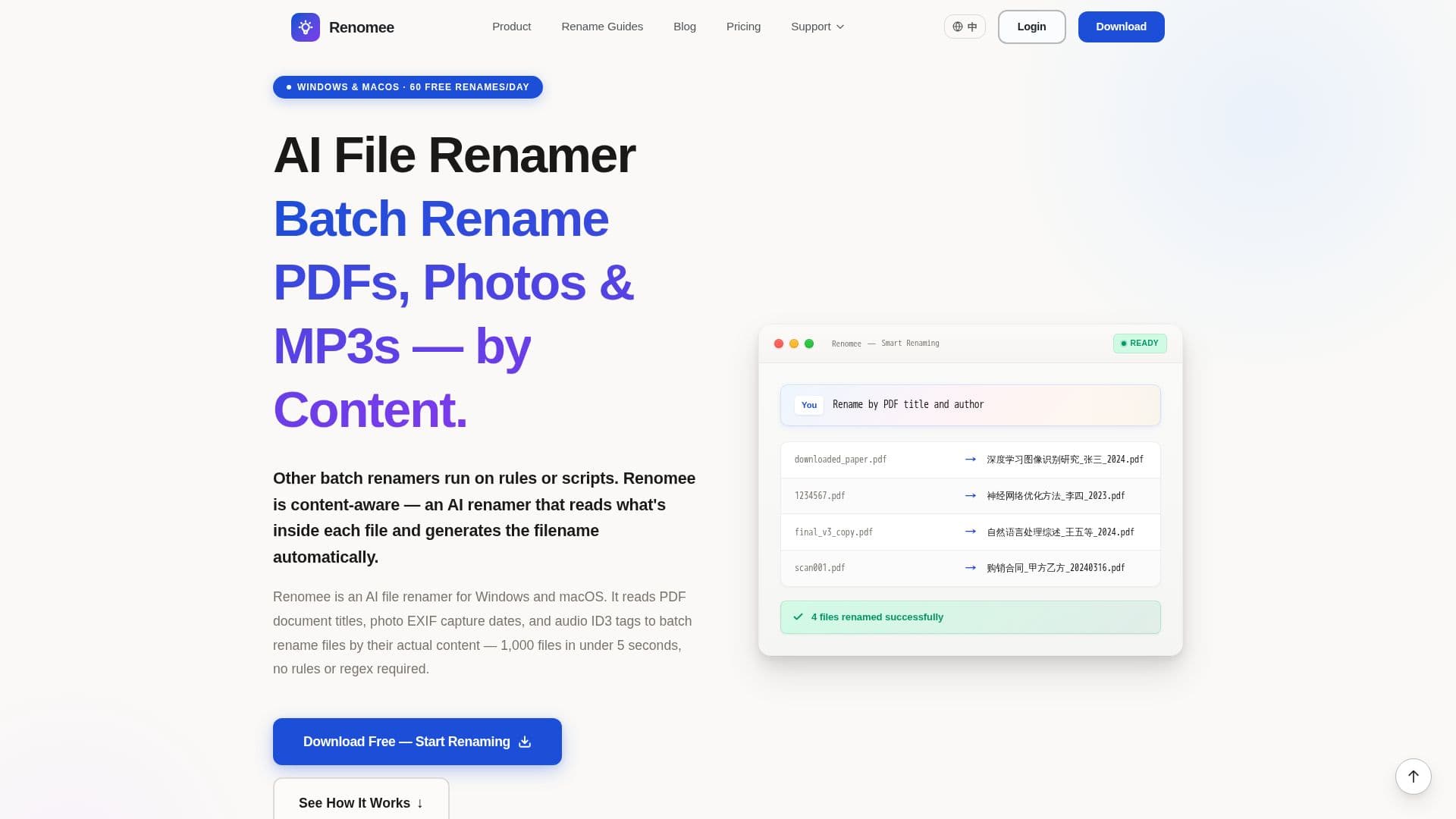
Renomee is a powerful batch file renaming tool designed for Windows and macOS users who need to organize large volumes of files efficiently. By leveraging AI, Renomee reads the content of files, such as PDF titles, photo EXIF data, and audio ID3 tags, to generate meaningful filenames automatically. This eliminates the need for complex regex or coding, making it accessible to users without technical expertise.
Read More
The tool supports over 30 file formats, including PDFs, Word documents, Excel spreadsheets, images, audio files, and videos. Renomee processes up to 1,000 files in under 5 seconds, thanks to its queued architecture that handles files in parallel. Most operations are performed locally on the user's device, ensuring that files remain private and secure. The only exception is OCR for scanned PDFs or images, which requires a server call, but users are prompted for permission before any data is uploaded.
Renomee offers a free tier with 60 batch renames per day, which increases to 80 during a 3-day trial. Users can upgrade to paid plans for more extensive needs, such as the Short Pass for 5,000 renames over 7 days, Monthly Pro for 30,000 renames per month, or a Lifetime plan for unlimited use. These options cater to various user needs, from occasional large batches to ongoing workflows.
The tool is particularly beneficial for photographers, researchers, and designers who deal with large collections of files that require organization by content. Renomee's AI capabilities allow users to describe their renaming rules in plain English, simplifying the process and reducing the time spent on manual file management.
- CategoryProductivity
- Pricing ModelFreemium
- DeploymentDesktop app
- PlatformsWindows, macOS
Renomee's Core Features
AI-based content reading for file renaming
Supports over 30 file formats
Processes 1,000 files in under 5 seconds
Local processing for privacy
Free tier with 60 renames per day
Paid plans for larger batch needs
Natural language input for renaming rules
OCR support for scanned documents
How to use Renomee?
Download and install Renomee
Drag and drop files into the application
Describe the renaming rule in plain English
Preview the changes and confirm execution
Renomee's Use Cases
- Photo Organization
- Document Management
- Music Library Cleanup
- Research Paper Sorting
- Video Metadata Management